Reach Out with Genuine Care on LINE the Moment an Earthquake Hits
Last weekend, Taiwan was hit by a magnitude 6.8 earthquake, and LINE activated its “LINE Safety Check” feature for the first time. No typing needed: one tap lets friends and family know you're safe. Did you know a LINE Official Account can also use one-tap interactions so brands can show customers they care right after a disaster strikes?
 Iris LiuMarketing Intern
Last weekend, Taiwan was hit by a magnitude 6.8 earthquake. Experts compared the energy released to eight atomic bombs, and several places in Hualien and Taitung reported casualties. In the wake of the quake, LINE activated its “LINE Safety Check” feature for the first time: with a single tap, users can let the friends around them know how they're doing. Did you know a LINE Official Account can also use one-tap interactions so brands can show customers they care right after a disaster strikes?
LINE's Quiet Commitment in Times of Disaster
Since day one, helping friends report their safety after a major disaster has been a core part of LINE's feature design. LINE understands that when people lose contact with loved ones after a disaster, even the smallest signal can ease anxiety and fear.
LINE's “Read” Receipt Was Born from the 2011 Tōhoku Earthquake
In 2011, Japan was struck by a magnitude 9.0 earthquake, and the tsunami it triggered caused massive casualties. Messaging apps weren't widespread at the time, so many people were deeply anxious because they couldn't confirm whether their loved ones were safe. That's why Naver Japan decided to add a “Read” indicator: even if someone couldn't reply right away, the “Read” status let worried family and friends breathe a sigh of relief.
LINE Interactions Evolve: One-Tap Safety Updates to Friends
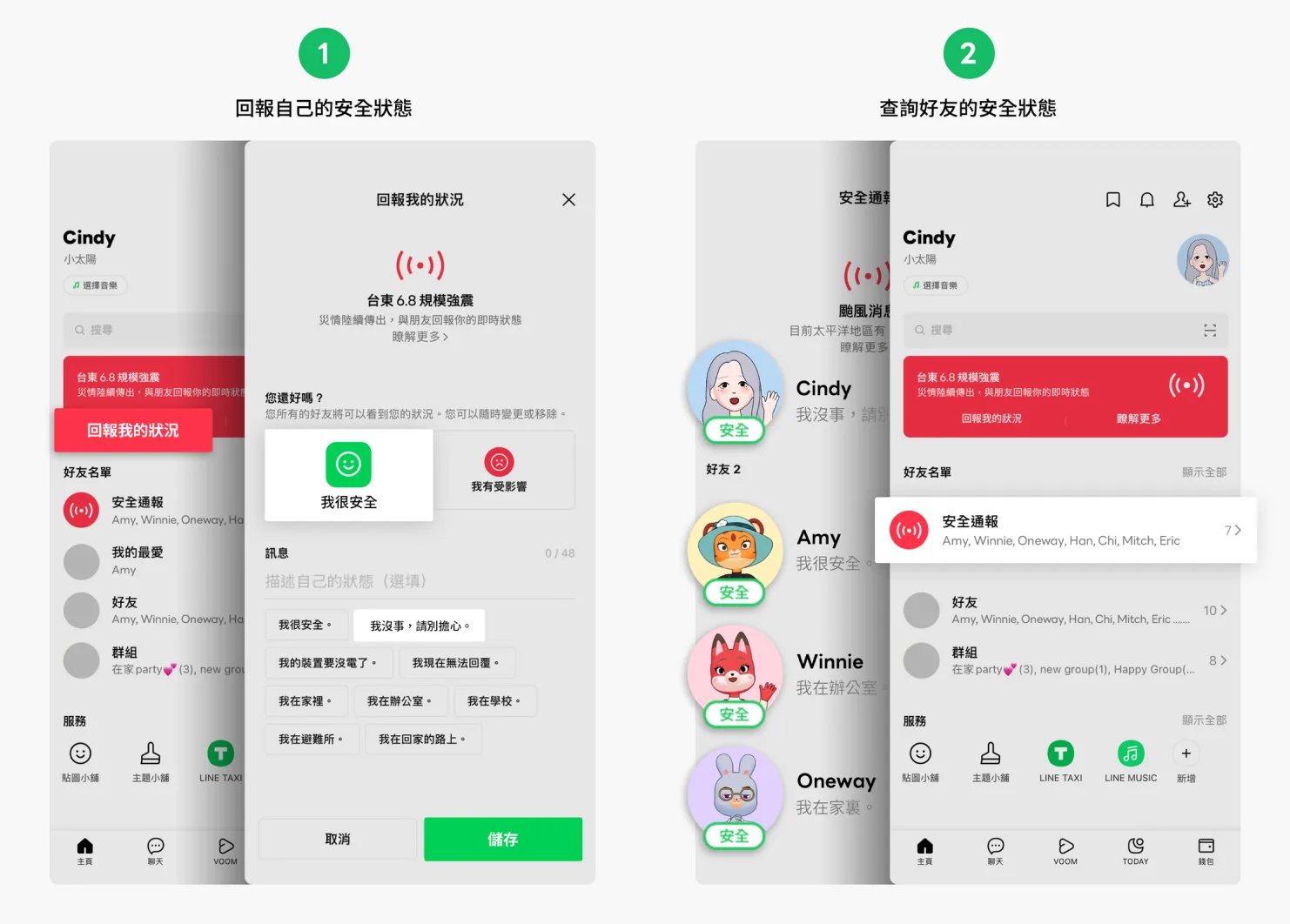 Image source: LINE official blog
This time, LINE activated its nationwide “LINE Safety Check” feature, which is used in three types of emergencies:
- Earthquakes of magnitude 6 or above that cause serious damage
- Strong typhoons that cause serious damage
- Other major incidents of a serious nature
The LINE team turns the feature on and off centrally. Users can mark their safety status in one tap and check their friends' status on the home tab at any time, putting loved ones at ease right away without typing a reply.
Brands Can Be on the Front Line of Care with a LINE Official Account
A LINE Official Account isn't just for one-way broadcasts. Two-way interaction delivers a significant boost to customer loyalty. But to get there, brands need timely topics that feel close to everyday life, so the relationship feels warmer on both sides.
With the Instant Poll Module, Friends Can Check In with Your LINE Official Account in One Tap
In response to the earthquake and LINE's new feature, OakMega Social CRM offers an Instant Poll module. Users can freely design the background image and poll buttons, then use one-tap polls after a disaster to show genuine care. The data collected also lets brands offer timely help, so the brand–customer relationship no longer feels cold while creating more opportunities to engage with the public.
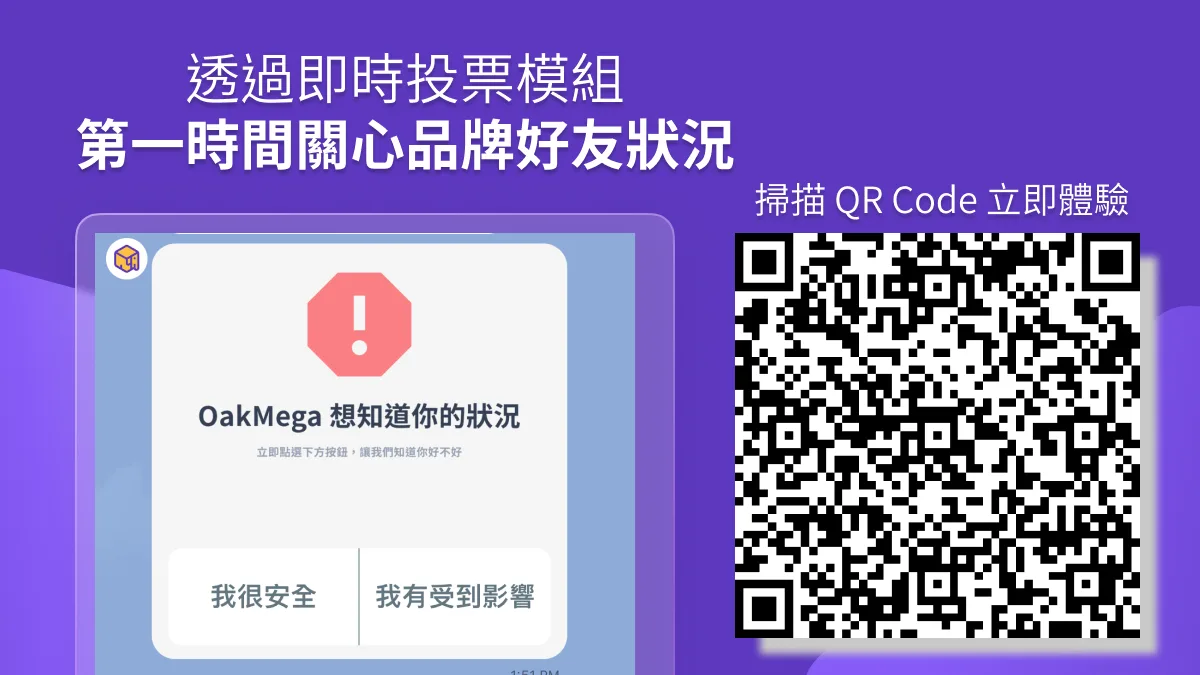 Try the disaster-scenario Instant Poll module now
Freebie 👉 OakMega has created an AI-file image template for instant polls in major disaster scenarios. It includes the full three-piece set (poll question, plus left and right result options) so you can quickly build one and interact with friends in real time. Click the link to download it for free (editable in AI and Figma): https://drive.google.com/drive/folders/1h7jTilKIbfhHn5KIe41TuujSi56Y6X7q
Get Creative with LINE Interactions Using the Instant Poll Module
The Instant Poll module is incredibly versatile, so let your creativity run wild. Set up a simple question for any scenario and tag friends based on their answers; you can then push follow-up content or drive traffic to two distinct customer profiles. Take a KOL: after posting new content on social media, they can create an instant poll, reward friends who've already watched it, and resend the link to friends who voted “Haven't watched.”
Poll results are valuable too. They serve as first-party data and as material for future broadcasts, extending every interaction with friends and making them feel more involved.
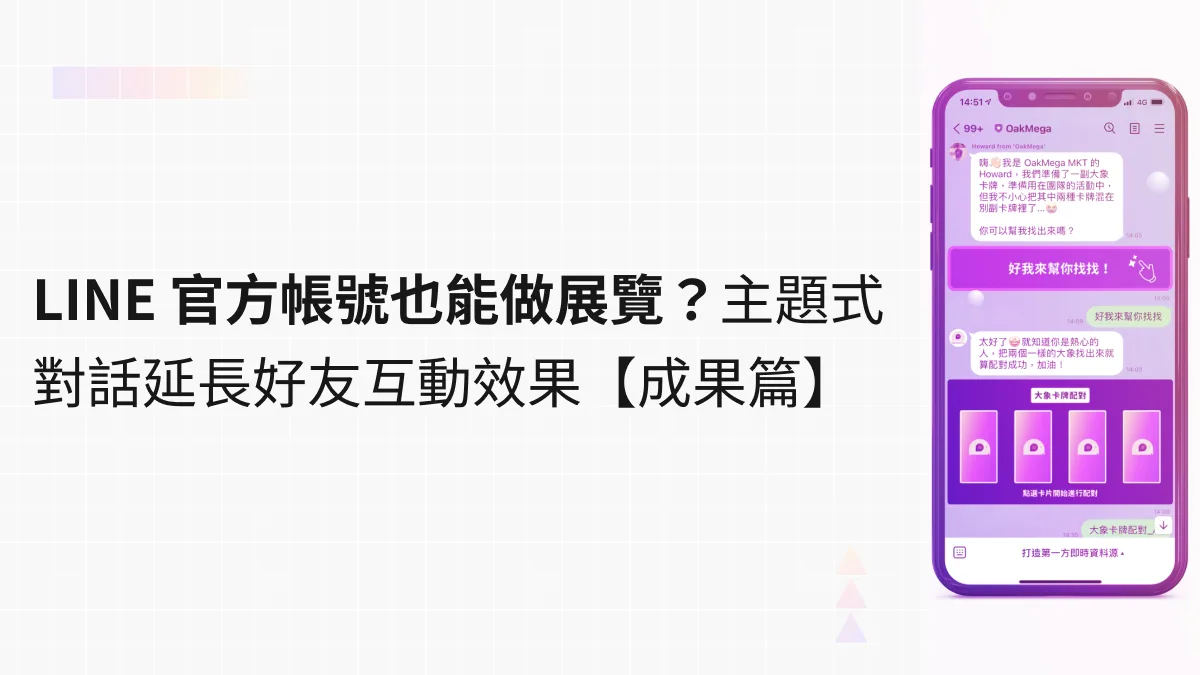
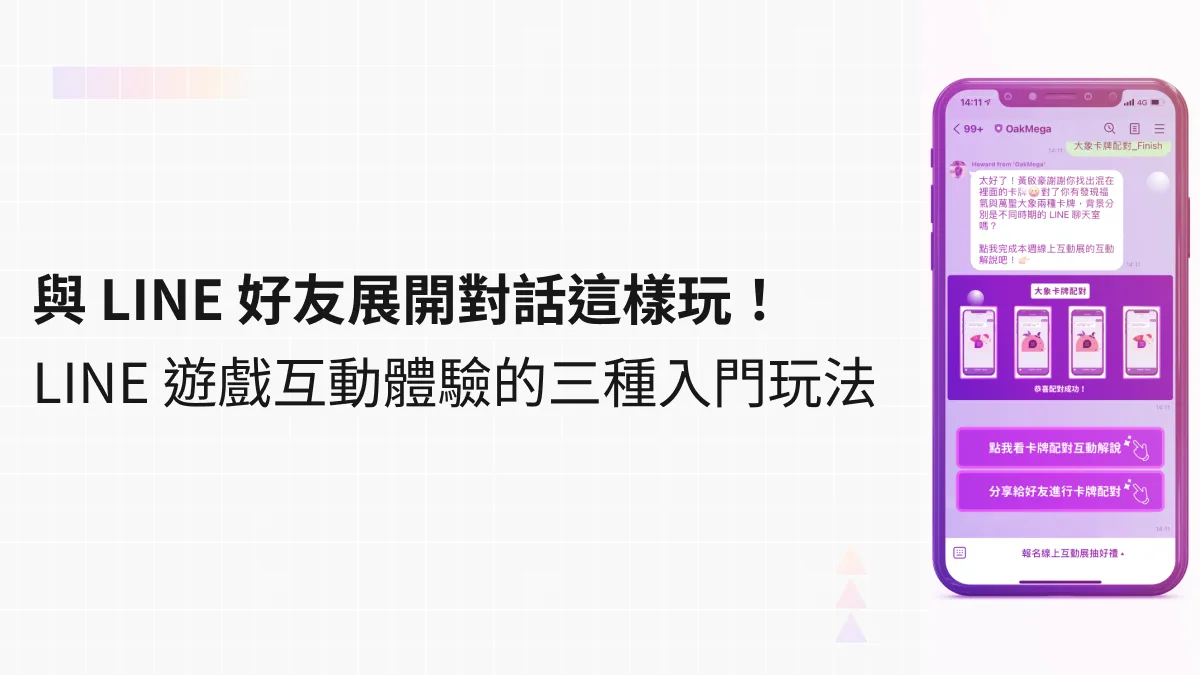
Beyond instant polls, here are more ways to interact on LINE!Interactive LINE games are one effective approach. They make the most of LINE's two-way nature with friends, help your account stand out among the many official accounts in the chat list, and use conversational gameplay to deliver product and service information, campaign news, and even personalized messages for members.https://oakmega.com/blog/3-ways-to-interact-by-line-imagemap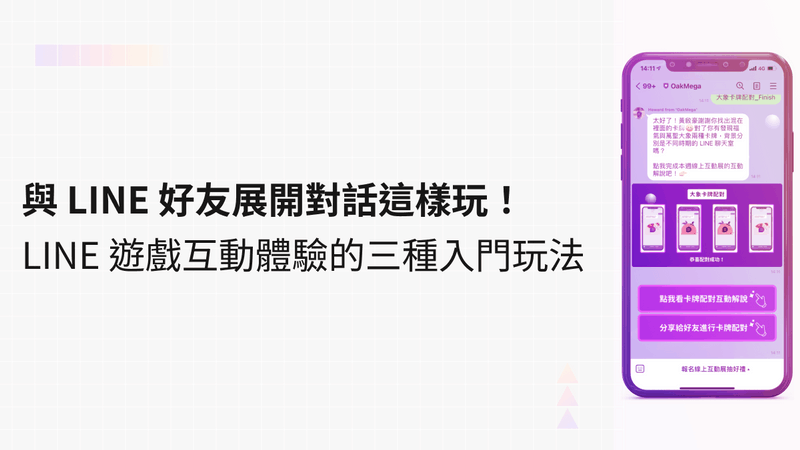
Show Warmth Through LINE Interactions and Get Closer to Your Friends
When Taiwan faces a major disaster, LINE is the fastest way to share information today. If brands use LINE to show friends they care during difficult times across the country, and offer help when it's needed, it can lift both their overall image and customer stickiness. Making the most of different interactive modules not only enriches your content but also strengthens every touchpoint, making the brand–customer relationship warmer and building a Social CRM where “relationships come first, purchases follow.”
Want to learn how OakMega Social CRM uses LINE to create precise customer interactions? On Thursday, 9/29, we're hosting our first OakMega Social CRM product seminar, sharing tag management that strengthens customer touchpoints and scenario-based applications that create tailored customer experiences. Marketers, OakMega self-service plan users, and anyone who wants to get serious about LINE are all welcome to join for free!
📍Registration link: https://oakmega.ai/line/form_UftJBC