

AI Teams
Social CRM
Government & Integration
Solutions



Resources

LINE Official Account

Developers, designers, and weekend showroom visitors: how one KOHLER LINE account makes all three feel looked after
Segmented rich menus and a Booking Center show developers, designers, and consumers the content made for them, growing LINE friends by 42%.
 Kevin WuCustomer Success Lead

HQ’s message fell apart before it reached the dealers. How Jaguar Land Rover reconnected every touchpoint with Social CRM
Salesforce connected to the LINE Official Account, with one-click broadcasts synced across every dealer in Taiwan: 75% faster communication, 98% complete customer data, and 100+ prospects booking test drives.
Kevin WuCustomer Success Lead
LINE Is Building AI Agents Too. Do You Still Need Social CRM? | CEO Insights
LINE plans to launch an AI agent platform for Official Accounts in Q1 2027, letting brands build booking, sales, and customer service AI Agents inside LINE. Will it replace Social CRM? OakMega CEO Porsche looks at LINE’s press release, Meta’s precedent, and real B2B scenarios, and lays out three questions to ask before you switch it on.
 Porsche TsaiCEO

AI Agents Are Now Affordable for Everyone. So Why Do Enterprise Rollouts Still Fail? | CEO Insights
Claude Sonnet 5's price cut is erasing the AI capability barrier, but the gap between AI and real business workflows hasn't moved. OakMega's FDE service is already helping Taiwanese companies weld AI into their LINE customer communication. Here's why the tool isn't the point — implementation is.
Porsche TsaiCEO
Going green isn’t a slogan. It’s a 21-day RPG. How PTS Kids got families to actually take action
A 21-day carbon-cutting quest built inside LINE: 6,504 participants, 5,500+ mission shares, a 68.5% conversion rate at the Arctic stage, and 3,000+ photos of low-carbon commutes.
Kevin WuCustomer Success Lead
The 2026 AI CRM Buyer's Guide: Adobe, HubSpot, or the LINE Ecosystem — Which Should Taiwanese Businesses Choose?
In 2026, CRM has entered the era of autonomous AI agents. This guide breaks down Adobe AICX, HubSpot Breeze's outcome-based pricing, and how OakMega's LINE-native CRM differs, with a decision framework for businesses in Taiwan.
 MarketingTeam

Turning Greetings into Engagement: A 5-Second Video That Stops the Scroll
New Year greetings shouldn't be something people just scroll past. This time, we used the unique nature of video messages to hide the answers inside 5-second videos, giving people a reason to “watch it again.” The result: 200+ more engaged users and a 137% lift in engagement rate. In an era of 8-second attention spans, the right approach makes engagement happen naturally.
 Abby LinBrand Marketing Designer

👻 Making Learning Fun Through Interaction: OakMega's Tone Monster Challenge Delivers Halloween's Cutest “Surprise Marketing”!
For Halloween, OakMega launched the “Tone Monster Challenge”! Combining live polls with game-style interaction, it lets LINE friends learn about SCRM while having fun: a playful, insight-driven new take on Halloween marketing.
Kevin WuCustomer Success Lead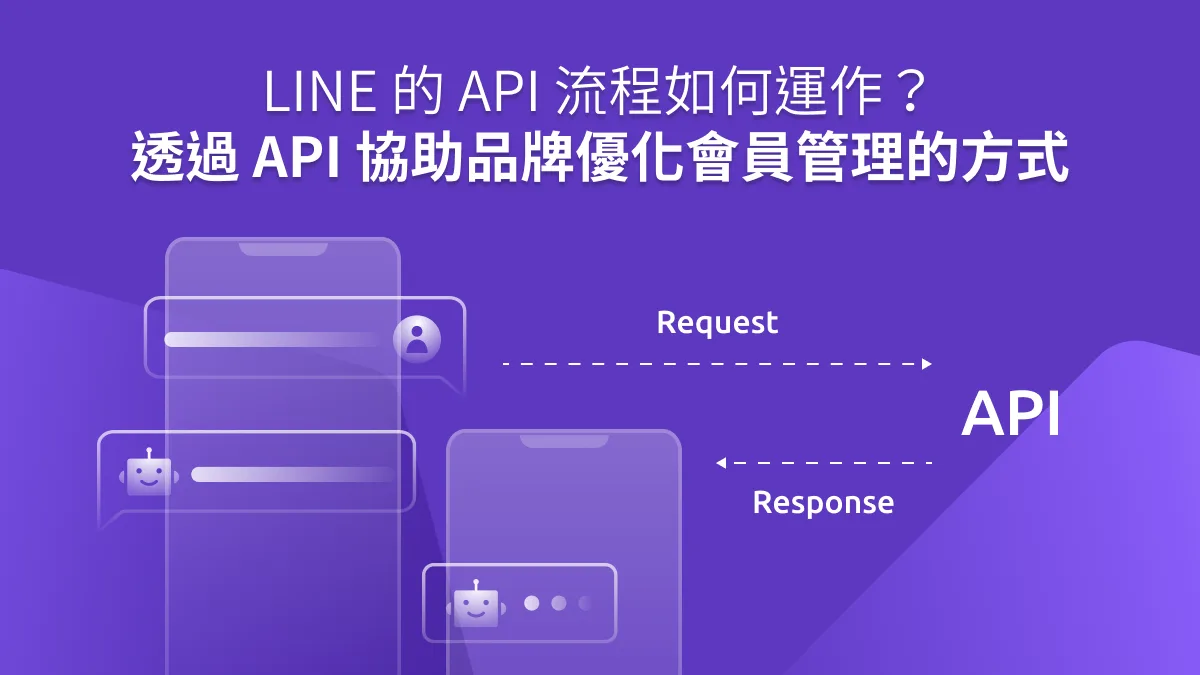
How Does the LINE API Work? How APIs Help Brands Improve Member Management
In the membership economy, building customer-centric interactions and data-driven strategies on the front line isn't enough. Whether a brand can activate its internal data and use it in real time is what makes or breaks a data-driven strategy, and APIs are the bridge that brings that data to life.
 Howard HuangMarketing Specialist

Reach Out with Genuine Care on LINE the Moment an Earthquake Hits
Last weekend, Taiwan was hit by a magnitude 6.8 earthquake, and LINE activated its “LINE Safety Check” feature for the first time. No typing needed: one tap lets friends and family know you're safe. Did you know a LINE Official Account can also use one-tap interactions so brands can show customers they care right after a disaster strikes?
 Iris LiuMarketing Intern
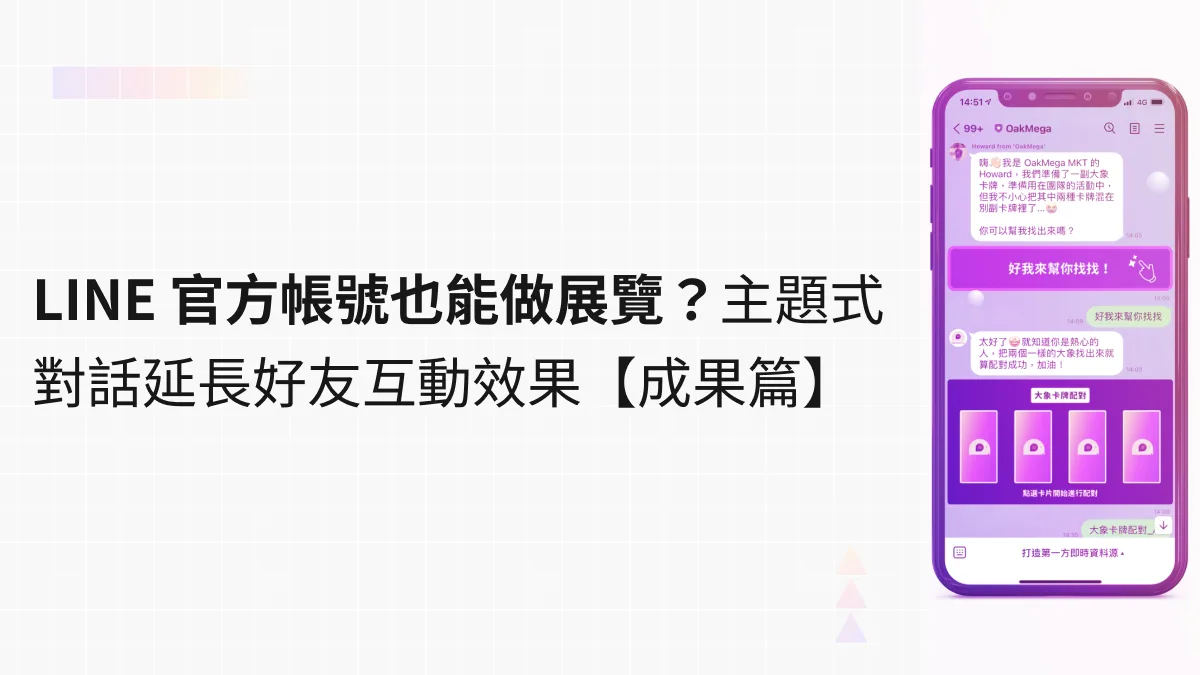
Can a LINE Official Account Host an Exhibition? Themed Conversations That Extend Friend Engagement [Results]
Our nearly month-long “LINE Marketing Online Interactive Exhibition” has wrapped up. Through different types of games, we engaged with over a hundred registered participants in our LINE Official Account. After completing each weekly experience, participants instantly received related information from a preset chatbot and earned one entry into a lucky draw. Here we share how the campaign ran and what it achieved, for anyone interested in hosting an exhibition on LINE or in LINE marketing.
Howard HuangMarketing Specialist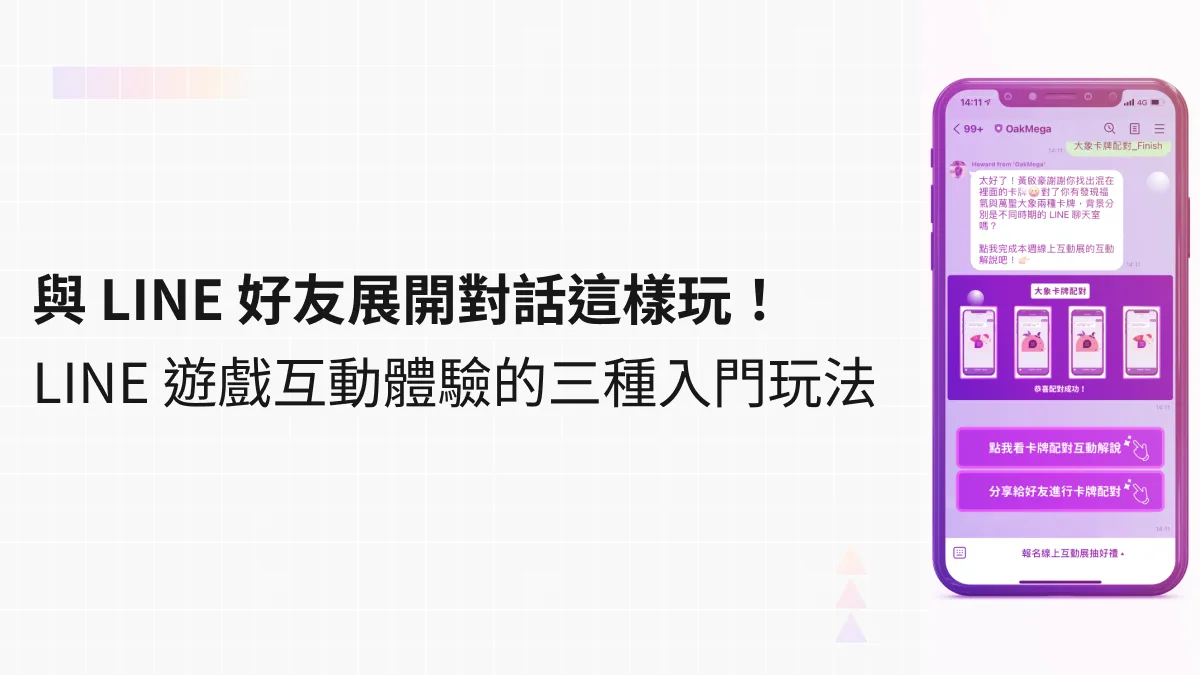
Start Conversations with Your LINE Friends: 3 Beginner-Friendly Interactive LINE Games
What kind of fun LINE interaction has ever made you open a message from an Official Account? Interactive games are one proven approach. They make the most of LINE's ability to engage friends, using conversational gameplay to deliver product and service information, campaign news, and even personalized messages for members. Here are three beginner-friendly interactive LINE games that make it easier to start conversations with your friends.
Howard HuangMarketing Specialist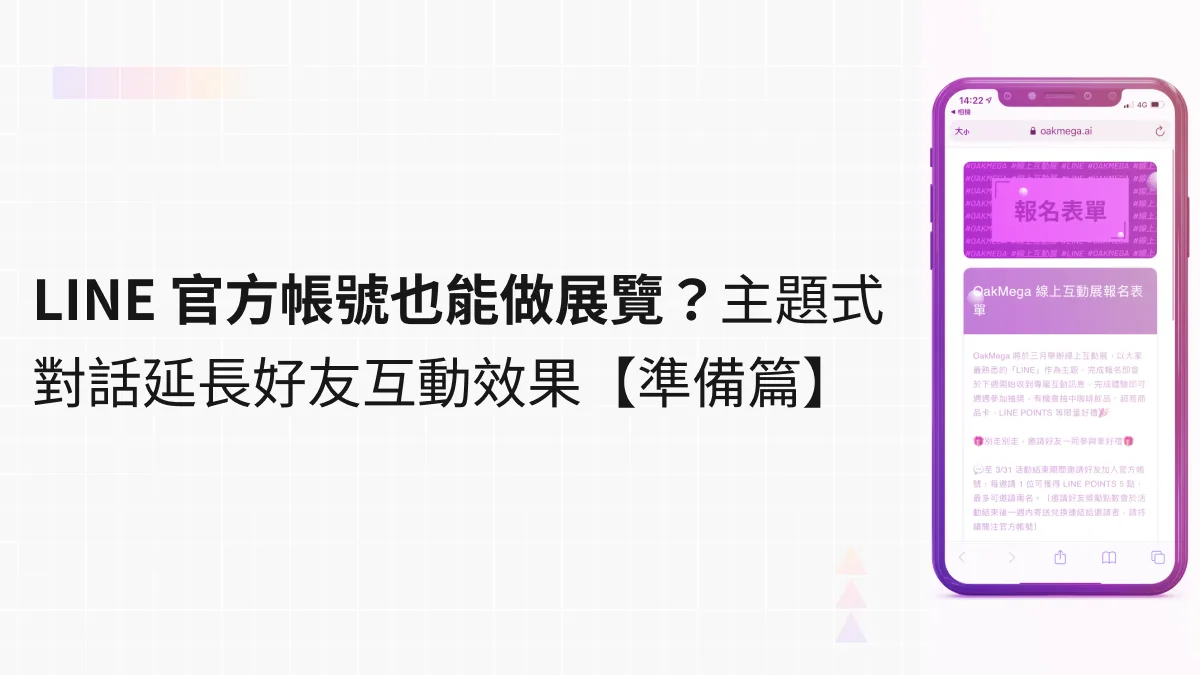
Can a LINE Official Account Host an Exhibition? Themed Conversations That Extend Friend Engagement [Preparation]
Exhibitions today take more and more forms, adding interactive and immersive experiences so visitors can absorb the theme more intuitively. What happens when you combine an exhibition with LINE on your phone? We planned an online interactive exhibition on OakMega's own Official Account, themed around the app everyone knows best, LINE, and ran it for registered friends over nearly a month.
Howard HuangMarketing Specialist
[Year in Review] Looking Back at 2021's Trends: Our Top 10 Articles of 2021
Happy New Year! OakMega hit many milestones in 2021: our new website and blog both launched, and we've been sharing firsthand insights on Social CRM and tech trends ever since. In 2022, we're giving our product features a major overhaul as we keep building a service that seamlessly connects messaging apps with customer management. Let's look back at our 10 most popular articles of 2021!
Howard HuangMarketing Specialist
2021 LINE DEVELOPER DAY: Key Takeaways
LINE Japan recently livestreamed its 2021 DEVELOPER DAY conference: two days and 60 online sessions running simultaneously in English, Japanese, and Korean, sharing the latest updates with LINE developers and businesses worldwide. In the Opening Keynote, LINE CTO Euivin Park and other speakers looked back on the milestones of LINE’s first decade and shared how Hyper CLOVA and blockchain technologies are being applied today.
Howard HuangMarketing Specialist
Automotive Success Story: Streamlining Test Drive Bookings with a LINE Official Account
Booking a test drive is the first step in winning a customer and the first point of contact between an automotive brand and a buyer. Researching online before buying a car is now a given, and it heavily shapes purchase decisions. With third-party cookies on their way out and new direct-sales models emerging, car brands need their own first-party data and direct channels to engage consumers if they want to expand their touchpoints.
Howard HuangMarketing Specialist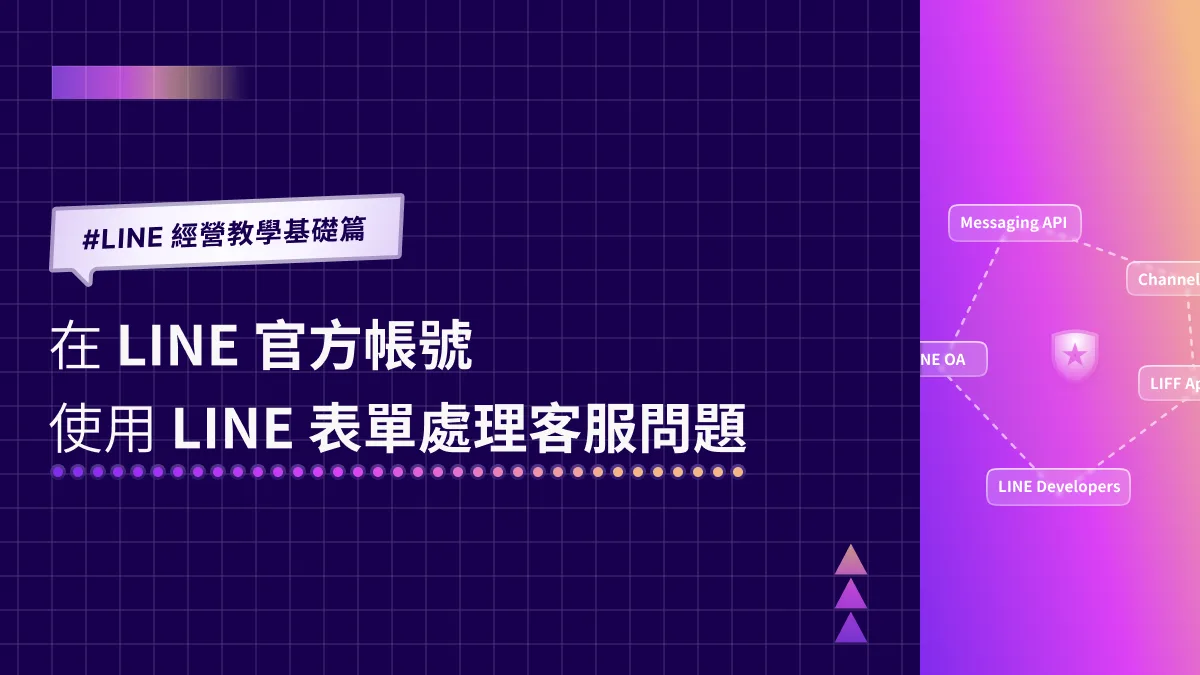
Advanced LINE Marketing Guide | Handle Customer Service Requests with LINE Forms on Your LINE Official Account
Running a LINE Official Account means fielding a constant stream of questions from your LINE friends. Faced with a flood of customer service messages, most teams reply one by one, worried they’ll miss something. Keyword auto-replies help, but it’s hard to get friends to type the exact keyword you set. Is there a better way to resolve their questions? Try a customer service form on LINE.
Howard HuangMarketing Specialist
2021 LINE CONVERGE Marketing Summit: Key Takeaways from TO THE NEXT BIZ
LINE Taiwan recently hosted its 2021 LINE CONVERGE marketing summit online, focusing on where LINE stands in Taiwan and where it is headed. In response to shifting user habits in the post-pandemic era and evolving digital marketing trends, LINE set its 2022 direction around four keywords—Data, AI, OMO, and VIDEO—and unveiled the latest LINE CLOVA applications along with two new services: LINE MINI App and LINE VOOM.
Howard HuangMarketing Specialist
How to Do Inbound Marketing on LINE: How These Brands Drive High Conversions with LINE Official Accounts
As the user growth dividend fades, limited-time tactics like giving away free stickers for adding a friend no longer work. Instead, try inbound marketing: enrich your LINE Official Account content, use LINE's many built-in features, and send segmented broadcasts to friends who need them. Below, real LINE inbound marketing cases from well-known brands abroad show you how to do inbound marketing on LINE.
Howard HuangMarketing Specialist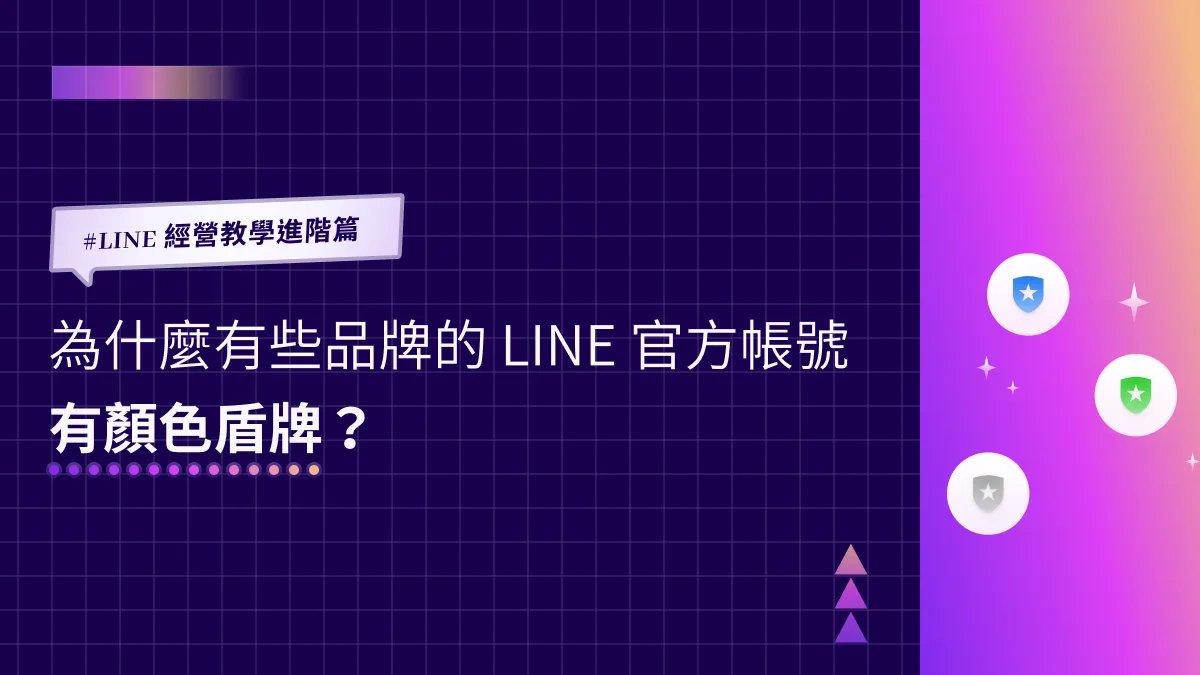
Advanced LINE Marketing Guide | Why Do Some Brands' LINE Official Accounts Have a Colored Shield?
You may have noticed that the shield next to your LINE Official Account is gray, while some brands have a blue or green one. A blue or green shield means the account has passed a document review confirming it's a legitimate business, store, or organization, and has been verified by LINE. Here's how to get a verified account with a blue shield!
 ILING WuProduct Marketing Manager
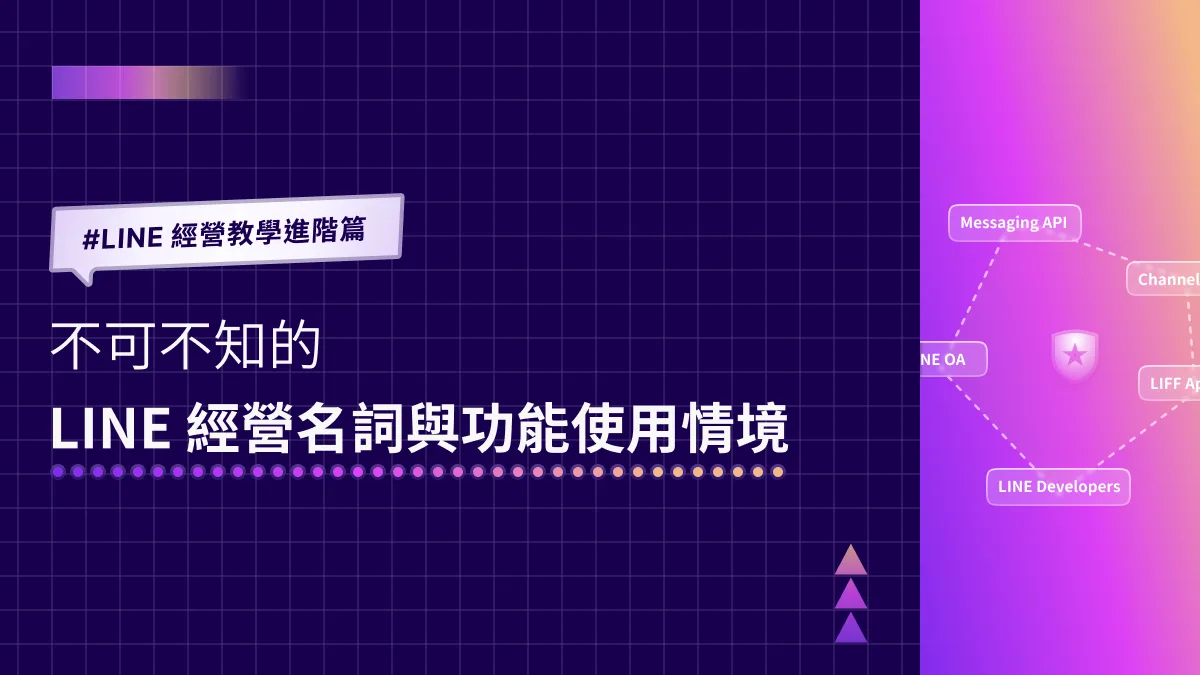
Advanced LINE Guide: Essential LINE Terms and When to Use Each Feature
Running into a flood of unfamiliar terms while managing LINE? LINE Official Account Manager, LINE Developers, LINE Login: which feature lives in which console, and when should you use each one? Don’t worry. OakMega has rounded up the essential LINE terms and use cases so you can untangle them one by one.
Howard HuangMarketing Specialist
Outgrown a Single Rich Menu? Drive Traffic in More Directions with Segmented Rich Menus
A single rich menu can no longer keep up with ever-changing marketing goals. With segmented rich menus, you can build menu content tailored to each target audience, and even swap friends’ rich menus automatically through keyword-triggered templates to match your campaigns, driving traffic across multiple channels and audiences.
Howard HuangMarketing Specialist
Advanced LINE Guide: How to View Chat History with Friends on Your LINE Official Account
“How do I see my chat history with friends in the LINE OA Manager?” Almost every account manager runs into this. When a friend asks a follow-up question, you need to look back at the earlier conversation to get up to speed fast. Here’s how to find your chat history with friends in LINE Official Account Manager.
ILING WuProduct Marketing Manager
Advanced LINE Guide: How to Shrink the View of Web Pages Opened in a LIFF App
Last time we showed how to add a LIFF app under LINE Login in LINE Developers, and the next question was: can you adjust the size of the browser view a LIFF app opens? Relax. In the LIFF tab of LINE Login in the LINE Developers console, you can choose from three view sizes: Full (100%), Tall (70%) and Compact (50%).
Howard HuangMarketing Specialist
LINE Advanced Guide | How to Adjust Your LINE Official Account's Response Settings
What do the Chat and Chatbot response modes at the top of the LINE Official Account Manager mean, and what are the limits of each? You can switch response modes anytime in the LINE Official Account Manager web console or the mobile app!
Howard HuangMarketing Specialist
Advanced LINE Guide | How to Create a LIFF App in LINE Developers
Now that your LINE Official Account has a LINE Login channel, let's look at one of its most important features: the LIFF app, which is unique to LINE. We walk through adding a LIFF app via a LINE Login channel in LINE Developers and outline a few common use cases.
 Khan LeeCTO

Advanced LINE Guide | How to Create a LINE Login Channel in LINE Developers
Running a LINE Official Account and ready for LINE Login? Before we walk through setting it up, here’s a quick look at what LINE Login is and when to use it.
Khan LeeCTO
LINE Basics Guide | How to Enable the Messaging API Directly from the LINE Official Account Manager
Struggling to set up the Messaging API for your LINE Official Account? Not sure how to sign up for LINE Developers? Does everything have to start there, or is there a faster, simpler way? You can actually enable the Messaging API straight from the LINE Official Account Manager (LINE OA Manager) you already know!
Khan LeeCTO
Advanced LINE Guide | How to Manage Permissions and Add Account Members
How do you set up permissions in LINE Official Account Manager and add administrators or operators to your account? Don't worry: with the steps below, you can configure LINE permissions right away in the LINE Official Account Manager web console.
Howard HuangMarketing Specialist
Advanced LINE Guide | How to Delete a LINE Official Account
LINE Official Account Manager is packed with features, and many people aren't sure how to manage user permissions in its settings, or what to do when they want to delete an account. This guide walks you through the permission settings in LINE Official Account Manager and shows you how to delete an active LINE Official Account.
ILING WuProduct Marketing Manager
LINE Management Advanced | How to Set Up Your LINE Official Account Basics (Part 2)
With the basics done, your LINE Official Account now has a brand profile photo and a status message to share with friends. What's next for fine-tuning your profile page so friends get to know your brand better? Use the web-based LINE Official Account Manager to build out a complete profile for your brand.
Howard HuangMarketing Specialist
Advanced LINE Guide | How to Set Up Your LINE Official Account Basics (Part 1)
Just opened a LINE Official Account and realized it still has no profile picture? Here’s how to upload your brand logo from the LINE admin console so friends know who you are — all through the LINE Official Account Manager web version.
Howard HuangMarketing Specialist
LINE Management Scenarios | Why Can't My LINE Official Account Reply to Friends One-on-One?
Chatbots let your LINE Official Account answer friends' questions fast, but some situations call for a real person. So why can't you reply to a friend's message one-on-one? Even in an era of instant messaging, human support stays essential because it can be personalized. Here's how to turn on one-on-one replies.
ILING WuProduct Marketing Manager
Advanced LINE Marketing | How to Check New Friend Data for Your LINE Official Account
How can you check new friend data in LINE Official Account Manager to see how your official account is growing? Don't worry! Follow the steps below to check new friend additions in real time in the LINE Official Account Manager web version or mobile app!
Howard HuangMarketing Specialist
Advanced LINE Marketing | How to Check Your LINE Official Account Plan
How do you check which plan your LINE Official Account is on in LINE Official Account Manager? What do the different plans include? Can you stay on the free plan forever? With so many fields in the dashboard, where do you click to see your plan?
Howard HuangMarketing Specialist
LINE How-To | How to Auto-Reply to Friends' Messages on LINE
Is live chat eating up too much of your team's time? Do the same questions keep coming in? Keyword-based auto-replies let you answer friends' questions instantly. Here's how to set up auto-replies: first, open LINE Official Account Manager, then find and click "Auto-response messages" in the left-hand menu to get started.
ILING WuProduct Marketing Manager
LINE How-To | How to Send Your Brand's Message to All LINE Friends at Once
Sending messages is the most essential feature to learn when running a LINE Official Account, and the most basic one, too. Here's a quick guide to sending a message to all your friends through LINE Official Account Manager.
ILING WuProduct Marketing Manager
LINE Basics | How to Create a Provider on LINE Developers
Want to build a chatbot for your LINE Official Account that messages friends automatically? First, you need to create a Provider on LINE Developers. Only then can you create a Messaging API channel and add chatbot features to your LINE Official Account. So how do you create a Provider on LINE Developers?
Howard HuangMarketing Specialist
LINE Basics: What Is a LINE Rich Menu?
Why does my LINE Official Account look just like an ordinary chat with friends? The rich menu is one of the most important features of a LINE Official Account! Here's a quick intro to what a rich menu is. A good one can drive customers to your brand website, serve as the entry point for online campaigns, and build a strong brand image.
Khan LeeCTO
LINE Marketing Basics | How to Check Messages Sent in LINE Official Account Manager
Every LINE Official Account eventually sends messages to its friends — so how do you check this month's message usage? With so many menus in LINE Official Account Manager, where do you click to see how many messages you've sent? This beginner's guide to LINE marketing shows you.
Howard HuangMarketing Specialist
LINE Basics: How to Set Up a LINE Rich Menu
The rich menu is the storefront of your LINE Official Account and one of its most important features. When friends open a chat with your account, it can drive traffic to your brand website and serve as the entry point for online campaigns. So how do you set one up in the LINE Official Account Manager?
Khan LeeCTO
LINE Basics: How to Set Up a Greeting Message for New Friends
You've just opened your LINE Official Account and want your friend count to grow fast. That's where a greeting message comes in: with limited space and a variety of formats, a good one makes a strong first impression and gets new friends interacting with your LINE Official Account right away.
Howard HuangMarketing Specialist
LINE Marketing Basics | Create Your Brand's LINE Official Account in 3 Easy Steps
Not sure how to open a LINE Official Account? You've seen brands get great results on LINE and want to start your own. Running LINE isn't as complicated as it looks — setting up a dedicated LINE Official Account for your brand takes just three steps and brings you closer to your friends.
Howard HuangMarketing Specialist
How Can a LINE Official Account Send Automated Messages with the Messaging API?
Do you often run into trouble handling customer messages on your LINE Official Account? Prepared messages rarely cover every question from LINE friends, and replying precisely means opening one-on-one chats, which takes time and effort and keeps you glued to the inbox. Connecting the Messaging API through the LINE API lets you catch every message and send automated responses.
Howard HuangMarketing Specialist
How to Use Auto-Reply Messages to Speed Up Customer Service
If you run an official account, replying to customer questions quickly is key to succeeding on LINE. But business hours and customer service staffing can mean customers wait hours, or even until the next business day, to hear back. Are you wondering whether there's a better way to speed up your customer service process?
Howard HuangMarketing Specialist
3 Things You Need to Know About Your LINE Official Account's Target Reach
Last time we covered the three account types of LINE Official Account and how messaging fees are calculated. Now let's look at another key metric for LINE marketing: target reach. Combined with how often you send messages, target reach tells you your total message volume costs and serves as a benchmark for judging how well your LINE marketing strategy is working.
Howard HuangMarketing Specialist
How Can Brands Drive Traffic to Their LINE Official Account? 3 Ways to Attract New Friends
When a brand's official account first launches, growing your friend count is an effective way to raise visibility. Here are 3 marketing strategies to drive traffic and attract friends to your LINE Official Account, so new friends get a first look at your products and services from the moment they add you—growing your friend count and boosting brand exposure.
Howard HuangMarketing Specialist
Get Started with Conversational Marketing on LINE
Managing friend relationships on social platforms has always been fun. Beyond engaging friends directly in all kinds of ways, people keep sharing new ideas for running accounts, and many brands drawn to LINE Official Account's ability to talk with friends directly are investing more resources in running their accounts.
Howard HuangMarketing Specialist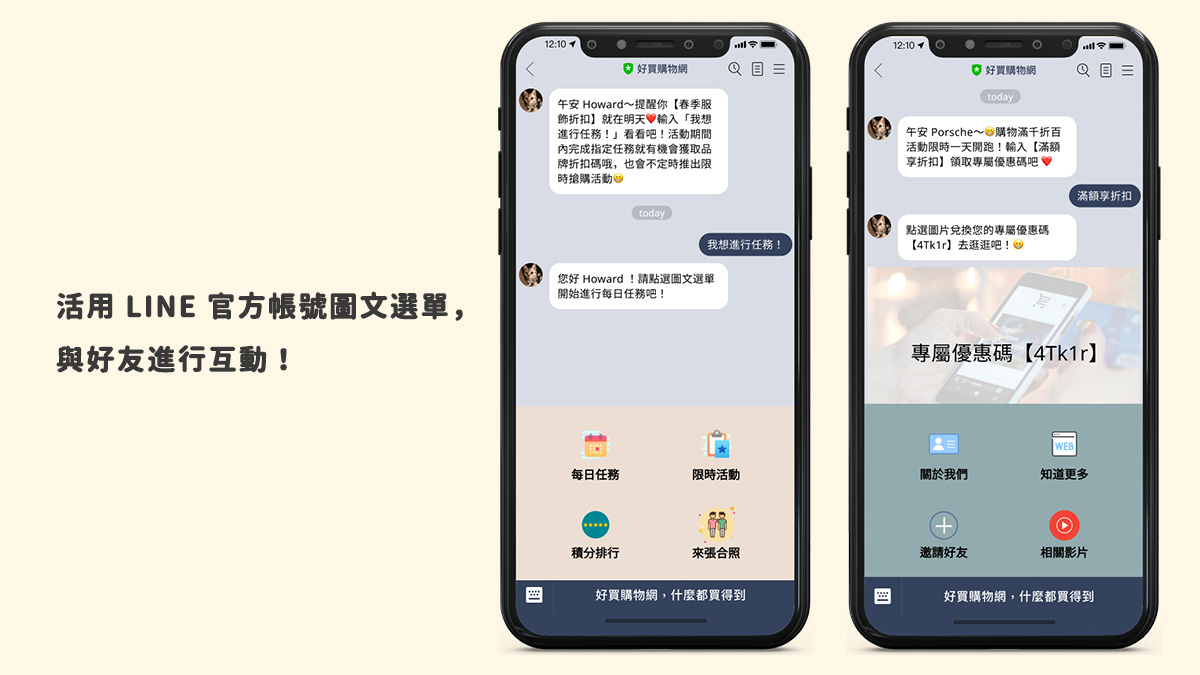
Engage Your Friends with LINE Official Account Rich Menus!
The LINE rich menu is the first touchpoint between a brand and its friends—think of it as your brand's front door. An eye-catching rich menu greets friends when they open your LINE Official Account and guides them into all kinds of interactions, nudging them to trigger keywords or visit your brand's other social accounts.
Howard HuangMarketing Specialist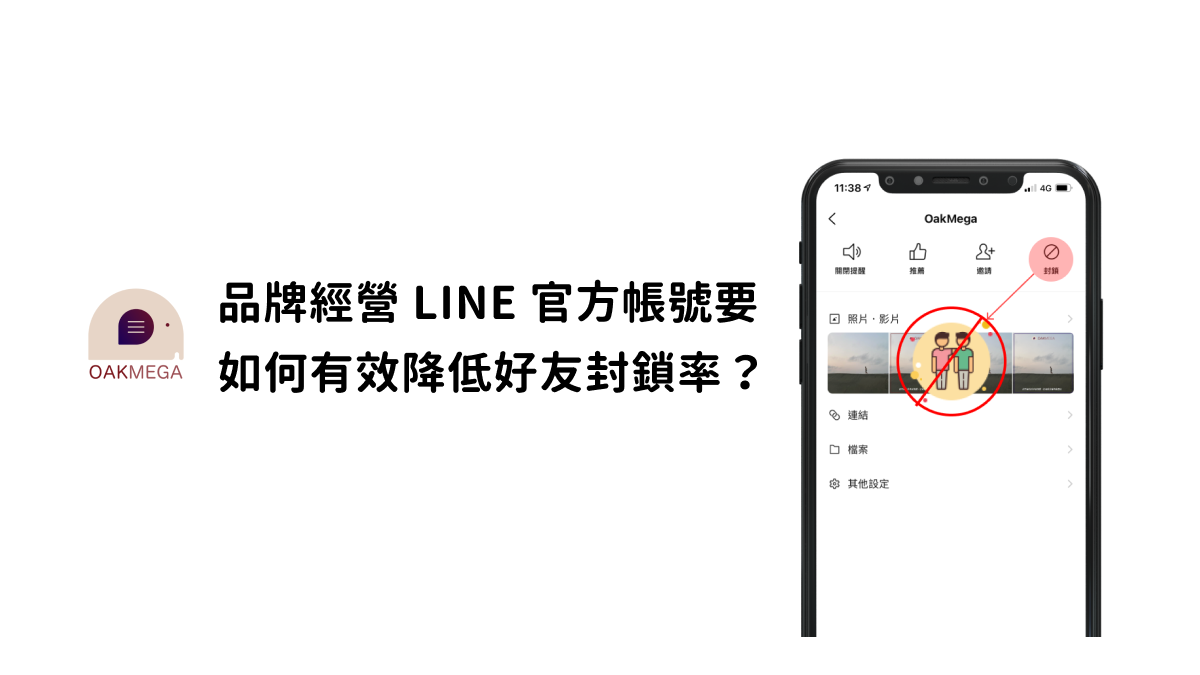
How Brands Can Lower the Block Rate on Their LINE Official Account
Growing your friend count is the surest way for a brand to stay visible and spread its message on a LINE Official Account. But have you noticed your block rate climbing as new friends come in? Here are 3 common reasons the block rate rises, because to a brand, a blocked friend is a lost friend.
Howard HuangMarketing Specialist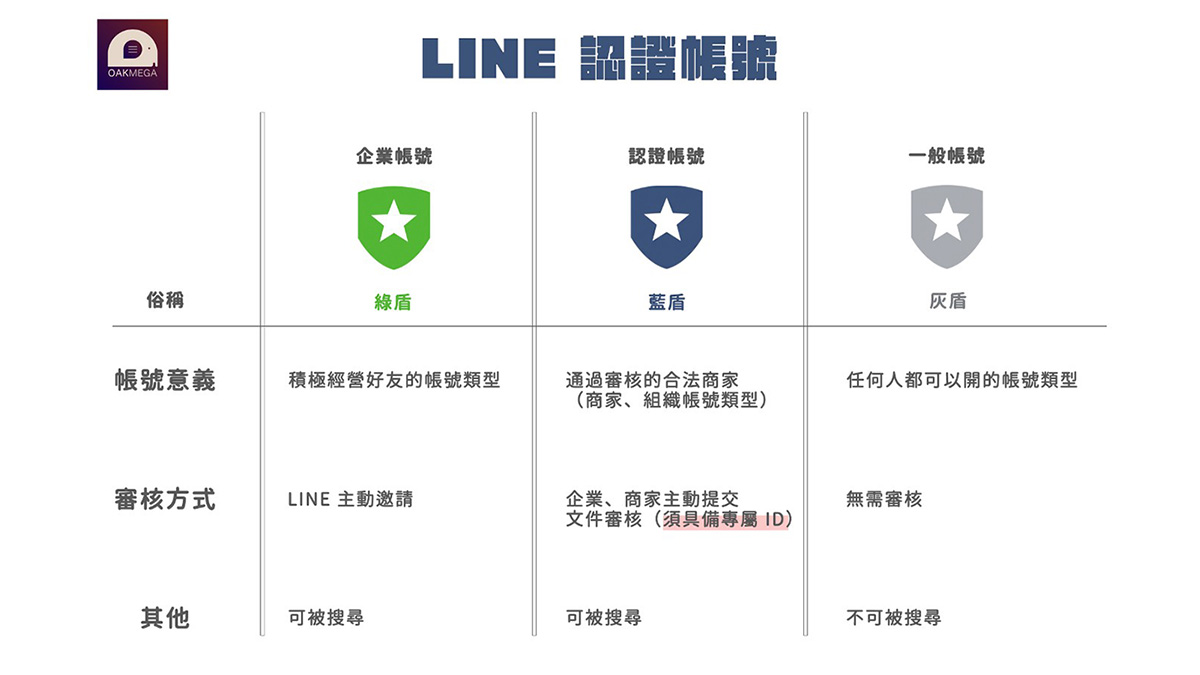
What Is a LINE Verified Official Account? What You Should Know
What is a LINE verified official account? LINE Official Accounts come in three types: premium, verified, and unverified. A verified account carries a blue shield, earned by passing LINE's document review that confirms it belongs to a legitimate business, store, or organization.
ILING WuProduct Marketing ManagerStart your AI transformation today.











