LINE Basics: What Is a LINE Rich Menu?
Why does my LINE Official Account look just like an ordinary chat with friends? The rich menu is one of the most important features of a LINE Official Account! Here's a quick intro to what a rich menu is. A good one can drive customers to your brand website, serve as the entry point for online campaigns, and build a strong brand image.
 Khan LeeCTO
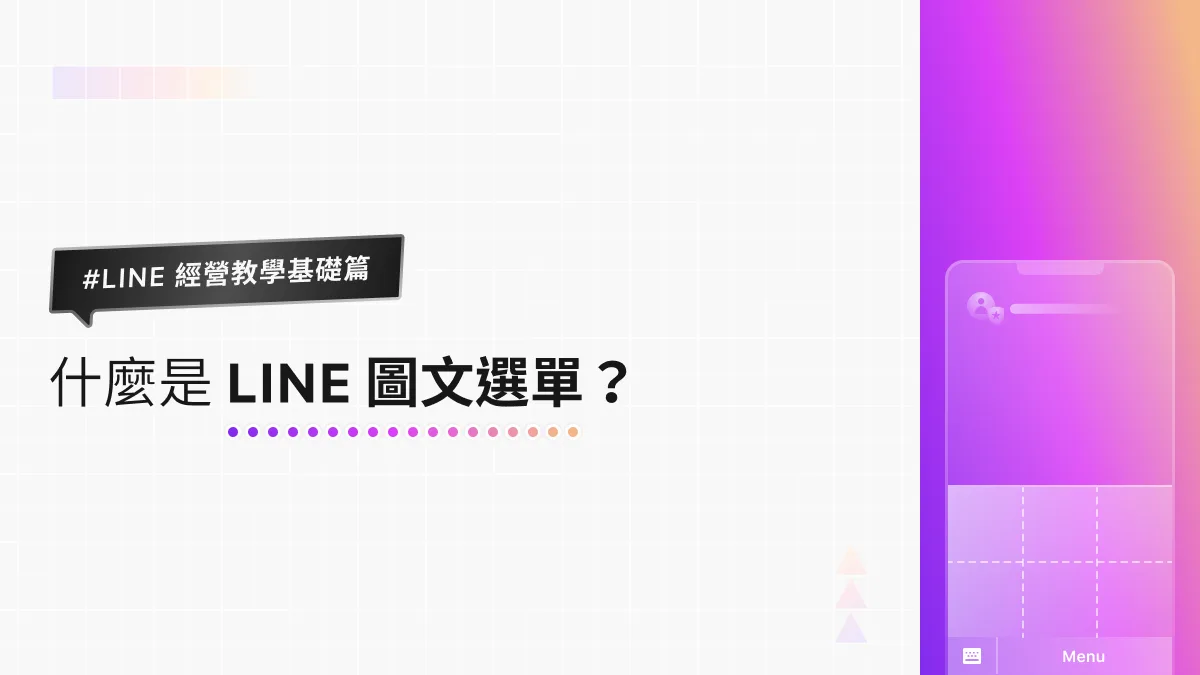
What is a LINE rich menu? Why does my LINE Official Account look just like an ordinary chat with friends? Here's the thing: the rich menu is one of the most important features of a LINE Official Account! Today, we'll give you a quick intro to what a rich menu is and the impact it can have on your official account.
So what exactly is a LINE rich menu?
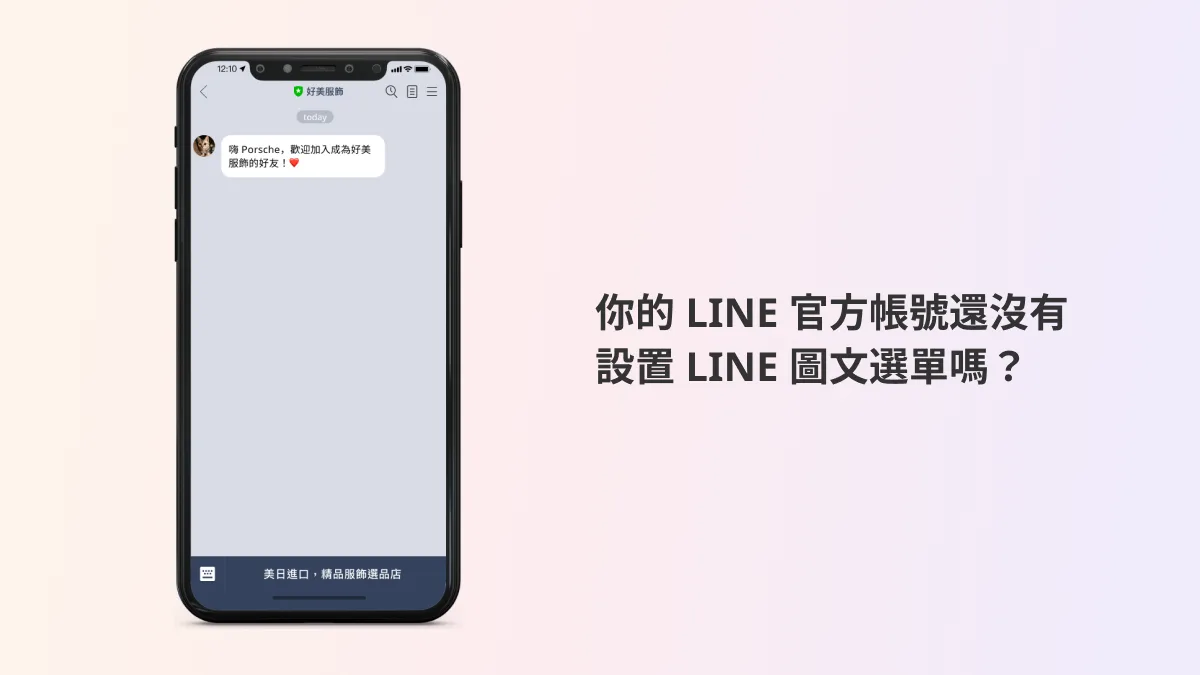
Has this ever happened to you? You scan a store's QR code, add its official account, land in the chat, and think, “Huh? This looks kind of empty... something's missing.” Maybe all you see is a single sticker message that LINE sends automatically by default.
Or perhaps your own LINE Official Account doesn't have a rich menu yet?
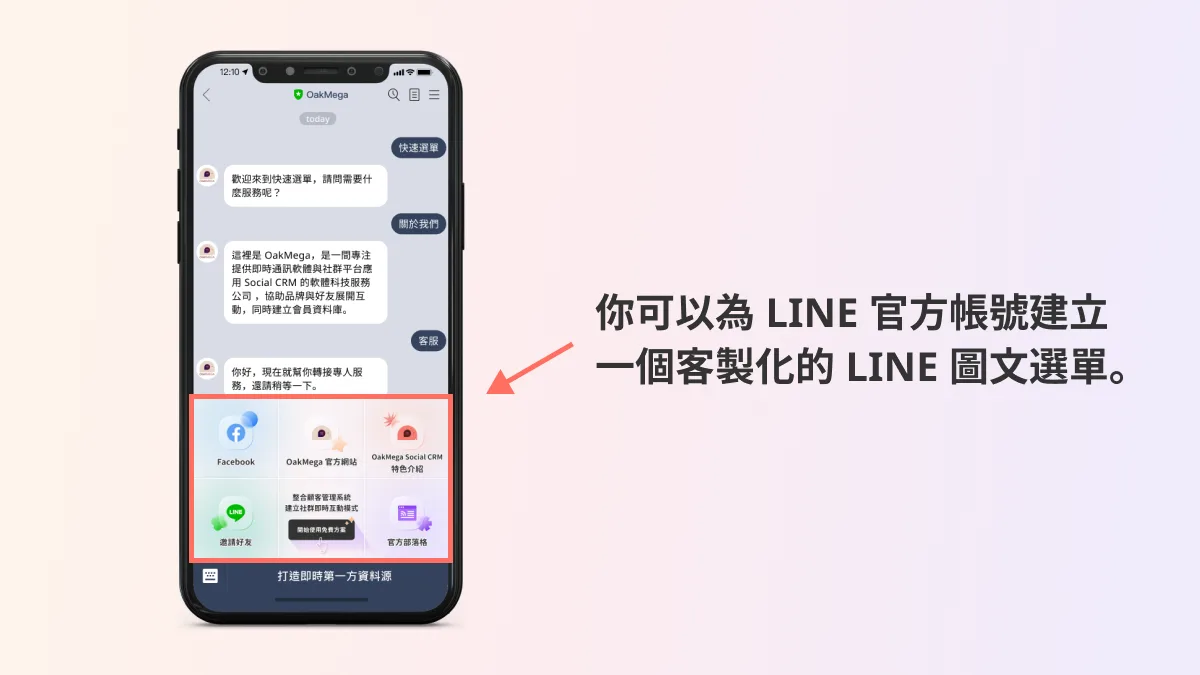
Now take a look at the chat screen of the OakMega LINE Official Account, where you can see we've added a custom rich menu.
What can a rich menu do for your LINE Official Account?
Compare the two, and you'll notice that adding a rich menu not only fills out the chat screen with more content but also makes it far more visually engaging.
Simply put, the rich menu is the storefront of your LINE Official Account. When users become new friends and open your chat for the first time, the first things they see are your greeting message and your rich menu. We believe a good rich menu can hold any link you want to send traffic to, such as your website or blog, or buttons for inviting friends and sharing, making it the entry point for your online marketing campaigns.
And there's more: give your rich menu a polished design with your brand's key visuals, and friends will find it hard to forget you!
Sounds important! How do I set up a LINE rich menu?
Now that we've introduced the LINE rich menu, you should have a clear picture of the basics and how it's used. So where do you set up such an important feature?
You can do it right in the LINE Official Account Manager! Read the article below, where we walk you step by step through setting up your first rich menu and giving your LINE Official Account a fresh look!
LINE Basics: How to Set Up a LINE Rich MenuLast time, we explained what a LINE rich menu is. When friends open a chat with your LINE Official Account, the rich menu is the first thing they see. We believe a good rich menu can drive customers to your brand website, serve as the entry point for online campaigns, and build a strong brand image. So how do you actually set up a rich menu in the LINE Official Account Manager? Follow the steps below to create one in the LINE Official Account Manager web dashboard!https://oakmega.com/blog/create-line-rich-menus
Want to learn more about running a LINE account? What other features should every LINE Official Account manager know? Visit the OakMega LINE Official Account for more LINE tips, or follow our “OakMega LINE Playbook,” a from-scratch guide to building your brand's LINE Official Account.