

AI Teams
Social CRM
Government & Integration
Solutions



Resources



LINE playbook

LINE MINI App: The Last Moat for Taiwanese Brands Building Private Traffic
A LINE MINI App is a lightweight app that runs right inside LINE with no download, giving brands their own service entry point on the messaging platform where users spend the most time. In October 2025, LINE opened the platform to all, adding in-app payments and ad revenue sharing and kicking off a new phase of private traffic competition in Taiwan. For brands still relying on paid ads to buy traffic, this window is closing — and integrating a Social CRM is what turns a MINI App from an entry point into a flywheel.
 MarketingTeam
LINE Is Starting to Charge — and It Matters More Than You Think
LINE Premium is LINE’s subscription plan at NT$165 a month, offering advanced backup, 100GB of cloud storage, multiple profiles, custom app icons, and more. It is expected to launch in Taiwan in the first half of 2026, making Taiwan the third market after Japan and Thailand. For brand marketers and the Social CRM industry, it means even stickier LINE users — and new challenges for identifying customers and building segments.
 Ula WangBrand Marketing Manager

LINE Premium vs. LINE OA vs. LINE WORKS: What’s the Difference?
LINE Premium, LINE OA (LINE Official Account), and LINE WORKS are three LINE products built for very different purposes. LINE Premium is a personal subscription (NT$165/month) offering backups, multiple profiles, and more. LINE OA lets businesses market to and manage relationships with customers, and works best alongside a Social CRM tool. LINE WORKS is an internal communication and collaboration platform: it looks like LINE but serves as a company intranet. Each has different users, pricing, and use cases, so don’t mix them up.
Ula WangBrand Marketing Manager
👻 Making Learning Fun Through Interaction: OakMega's Tone Monster Challenge Delivers Halloween's Cutest “Surprise Marketing”!
For Halloween, OakMega launched the “Tone Monster Challenge”! Combining live polls with game-style interaction, it lets LINE friends learn about SCRM while having fun: a playful, insight-driven new take on Halloween marketing.
 Kevin WuCustomer Success Lead

LINE Marketing Playbook: Three Essentials for Early-Stage LINE Membership Programs That Build Loyal Fans
Membership programs have become a hot battleground for brands again over the past year or two. As customer behavior grows fragmented and omnichannel, brands are looking to unify their conversation channels with members and turn one-way, one-off interactions like point cards and mileage into deep two-way relationships.
 Howard HuangMarketing Specialist
Advanced LINE Marketing Guide | Handle Customer Service Requests with LINE Forms on Your LINE Official Account
Running a LINE Official Account means fielding a constant stream of questions from your LINE friends. Faced with a flood of customer service messages, most teams reply one by one, worried they’ll miss something. Keyword auto-replies help, but it’s hard to get friends to type the exact keyword you set. Is there a better way to resolve their questions? Try a customer service form on LINE.
Howard HuangMarketing Specialist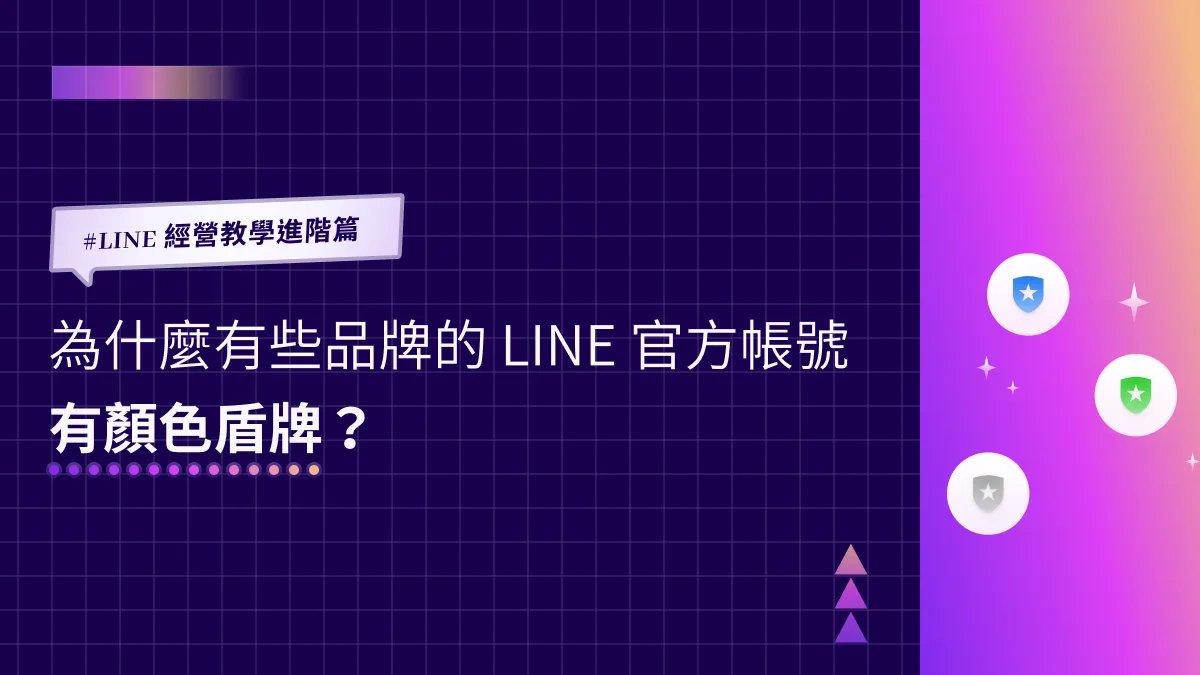
Advanced LINE Marketing Guide | Why Do Some Brands' LINE Official Accounts Have a Colored Shield?
You may have noticed that the shield next to your LINE Official Account is gray, while some brands have a blue or green one. A blue or green shield means the account has passed a document review confirming it's a legitimate business, store, or organization, and has been verified by LINE. Here's how to get a verified account with a blue shield!
 ILING WuProduct Marketing Manager
Advanced LINE Guide: Essential LINE Terms and When to Use Each Feature
Running into a flood of unfamiliar terms while managing LINE? LINE Official Account Manager, LINE Developers, LINE Login: which feature lives in which console, and when should you use each one? Don’t worry. OakMega has rounded up the essential LINE terms and use cases so you can untangle them one by one.
Howard HuangMarketing Specialist
Advanced LINE Guide: How to View Chat History with Friends on Your LINE Official Account
“How do I see my chat history with friends in the LINE OA Manager?” Almost every account manager runs into this. When a friend asks a follow-up question, you need to look back at the earlier conversation to get up to speed fast. Here’s how to find your chat history with friends in LINE Official Account Manager.
ILING WuProduct Marketing Manager
LINE How-To Scenarios | How Can Brands Collect Friends’ Emails When They Tap a Link?
Why can some brands collect a friend’s email address the moment they tap a link from a LINE Official Account? Just turn on “Email address permission” in your LINE Login channel in LINE Developers. When friends tap the link, you receive the email linked to their LINE account, which you can use for account linking, customer support, or new-product announcements.
 Khan LeeCTO
LINE Troubleshooting Guide | Why Isn't LINE Login Working?
Why isn't LINE Login working? In most cases the failure falls into one of three types, each showing a different screen in your LINE Official Account chat window. Here's how to tell them apart and fix them.
Khan LeeCTO
LINE How-To Advanced | Can Callback URLs from Different Vendors Share One LINE Login?
When we help clients set up their LINE Official Accounts, one technical question comes up again and again: can a single LINE Login on LINE Developers be shared by Callback URLs from multiple tech vendors? And how do you set that up in LINE Developers?
Khan LeeCTO
LINE How-To Scenarios | Why Does LINE Show an Add-Friend Page When You Tap a Link?
Ever tapped a brand’s link for the first time and seen LINE ask you to add its LINE Official Account as a friend first? That flow is tied to LINE Login, which we covered earlier. In LINE Developers, open the LINE Login channel under the right provider, find Linked OA, select your LINE Official Account, and you’re done.
Khan LeeCTO
Advanced LINE Guide: How to Shrink the View of Web Pages Opened in a LIFF App
Last time we showed how to add a LIFF app under LINE Login in LINE Developers, and the next question was: can you adjust the size of the browser view a LIFF app opens? Relax. In the LIFF tab of LINE Login in the LINE Developers console, you can choose from three view sizes: Full (100%), Tall (70%) and Compact (50%).
Howard HuangMarketing Specialist
LINE How-To Guide | Create Your Own Digital Business Card on LINE with a Template!
Once your LINE Official Account is connected to OakMega Social CRM, growing your friend count isn't the only thing on the table. OakMega can also build you a custom LINE digital business card that people can forward and share instantly on LINE. Here's how to set one up fast.
ILING WuProduct Marketing Manager
LINE Advanced Guide | How to Adjust Your LINE Official Account's Response Settings
What do the Chat and Chatbot response modes at the top of the LINE Official Account Manager mean, and what are the limits of each? You can switch response modes anytime in the LINE Official Account Manager web console or the mobile app!
Howard HuangMarketing Specialist
Advanced LINE Guide | How to Create a LIFF App in LINE Developers
Now that your LINE Official Account has a LINE Login channel, let's look at one of its most important features: the LIFF app, which is unique to LINE. We walk through adding a LIFF app via a LINE Login channel in LINE Developers and outline a few common use cases.
Khan LeeCTO
Advanced LINE Guide | How to Create a LINE Login Channel in LINE Developers
Running a LINE Official Account and ready for LINE Login? Before we walk through setting it up, here’s a quick look at what LINE Login is and when to use it.
Khan LeeCTO
LINE Basics Guide | How to Enable the Messaging API Directly from the LINE Official Account Manager
Struggling to set up the Messaging API for your LINE Official Account? Not sure how to sign up for LINE Developers? Does everything have to start there, or is there a faster, simpler way? You can actually enable the Messaging API straight from the LINE Official Account Manager (LINE OA Manager) you already know!
Khan LeeCTO
LINE Management Advanced | How Do I Edit the Registration Info of My LINE Official Account?
Skipped the registration info when you opened your LINE Official Account? Here's how to go back and edit it, and change what you set up when creating the account, in LINE Official Account Manager. The web-based LINE Official Account Manager lets you update your LINE registration info anytime.
Howard HuangMarketing Specialist
Advanced LINE Guide | How to Manage Permissions and Add Account Members
How do you set up permissions in LINE Official Account Manager and add administrators or operators to your account? Don't worry: with the steps below, you can configure LINE permissions right away in the LINE Official Account Manager web console.
Howard HuangMarketing Specialist
Advanced LINE Guide | How to Delete a LINE Official Account
LINE Official Account Manager is packed with features, and many people aren't sure how to manage user permissions in its settings, or what to do when they want to delete an account. This guide walks you through the permission settings in LINE Official Account Manager and shows you how to delete an active LINE Official Account.
ILING WuProduct Marketing Manager
LINE Management Advanced | How to Set Up Your LINE Official Account Basics (Part 2)
With the basics done, your LINE Official Account now has a brand profile photo and a status message to share with friends. What's next for fine-tuning your profile page so friends get to know your brand better? Use the web-based LINE Official Account Manager to build out a complete profile for your brand.
Howard HuangMarketing Specialist
Advanced LINE Guide | How to Set Up Your LINE Official Account Basics (Part 1)
Just opened a LINE Official Account and realized it still has no profile picture? Here’s how to upload your brand logo from the LINE admin console so friends know who you are — all through the LINE Official Account Manager web version.
Howard HuangMarketing Specialist
LINE Guide in Practice: Why Don't Some Brands' LINE Official Account IDs Look Like Gibberish?
Why do some brands have LINE Official Account IDs that include their brand name, while yours is a random string of letters and numbers? Want your own premium ID? Where do you apply, and how much does it cost? A premium ID not only strengthens brand recognition but also makes your Official Account easier for friends to find.
ILING WuProduct Marketing ManagerStart your AI transformation today.











