

AI Teams
Social CRM
Government & Integration
Solutions



Resources



LINE playbook
LINE Management Scenarios | Why Can't My LINE Official Account Reply to Friends One-on-One?
Chatbots let your LINE Official Account answer friends' questions fast, but some situations call for a real person. So why can't you reply to a friend's message one-on-one? Even in an era of instant messaging, human support stays essential because it can be personalized. Here's how to turn on one-on-one replies.
 ILING WuProduct Marketing Manager
LINE Marketing in Practice | Boost Click-to-Buy Rates 10x with a LINE E-Catalog
Many e-commerce teams want to turn their products into a full e-catalog that shoppers can easily browse, tap, and forward to friends, instead of sending a pile of images and links. LINE chatbots support many message formats, such as card messages and multi-image messages, which are ideal for promoting a digital product catalog.
ILING WuProduct Marketing Manager
Advanced LINE Marketing | How to Check New Friend Data for Your LINE Official Account
How can you check new friend data in LINE Official Account Manager to see how your official account is growing? Don't worry! Follow the steps below to check new friend additions in real time in the LINE Official Account Manager web version or mobile app!
 Howard HuangMarketing Specialist

Advanced LINE Marketing | How to Check Your LINE Official Account Plan
How do you check which plan your LINE Official Account is on in LINE Official Account Manager? What do the different plans include? Can you stay on the free plan forever? With so many fields in the dashboard, where do you click to see your plan?
Howard HuangMarketing Specialist
LINE How-To | How to Auto-Reply to Friends' Messages on LINE
Is live chat eating up too much of your team's time? Do the same questions keep coming in? Keyword-based auto-replies let you answer friends' questions instantly. Here's how to set up auto-replies: first, open LINE Official Account Manager, then find and click "Auto-response messages" in the left-hand menu to get started.
ILING WuProduct Marketing Manager
LINE How-To | How to Send Your Brand's Message to All LINE Friends at Once
Sending messages is the most essential feature to learn when running a LINE Official Account, and the most basic one, too. Here's a quick guide to sending a message to all your friends through LINE Official Account Manager.
ILING WuProduct Marketing Manager
LINE Basics | How to Create a Provider on LINE Developers
Want to build a chatbot for your LINE Official Account that messages friends automatically? First, you need to create a Provider on LINE Developers. Only then can you create a Messaging API channel and add chatbot features to your LINE Official Account. So how do you create a Provider on LINE Developers?
Howard HuangMarketing Specialist
LINE Basics: What Is a LINE Rich Menu?
Why does my LINE Official Account look just like an ordinary chat with friends? The rich menu is one of the most important features of a LINE Official Account! Here's a quick intro to what a rich menu is. A good one can drive customers to your brand website, serve as the entry point for online campaigns, and build a strong brand image.
 Khan LeeCTO
LINE Marketing Basics | How to Check Messages Sent in LINE Official Account Manager
Every LINE Official Account eventually sends messages to its friends — so how do you check this month's message usage? With so many menus in LINE Official Account Manager, where do you click to see how many messages you've sent? This beginner's guide to LINE marketing shows you.
Howard HuangMarketing Specialist
LINE Basics: How to Set Up a LINE Rich Menu
The rich menu is the storefront of your LINE Official Account and one of its most important features. When friends open a chat with your account, it can drive traffic to your brand website and serve as the entry point for online campaigns. So how do you set one up in the LINE Official Account Manager?
Khan LeeCTO
LINE Basics: How to Set Up a Greeting Message for New Friends
You've just opened your LINE Official Account and want your friend count to grow fast. That's where a greeting message comes in: with limited space and a variety of formats, a good one makes a strong first impression and gets new friends interacting with your LINE Official Account right away.
Howard HuangMarketing Specialist
LINE Marketing Basics | Create Your Brand's LINE Official Account in 3 Easy Steps
Not sure how to open a LINE Official Account? You've seen brands get great results on LINE and want to start your own. Running LINE isn't as complicated as it looks — setting up a dedicated LINE Official Account for your brand takes just three steps and brings you closer to your friends.
Howard HuangMarketing Specialist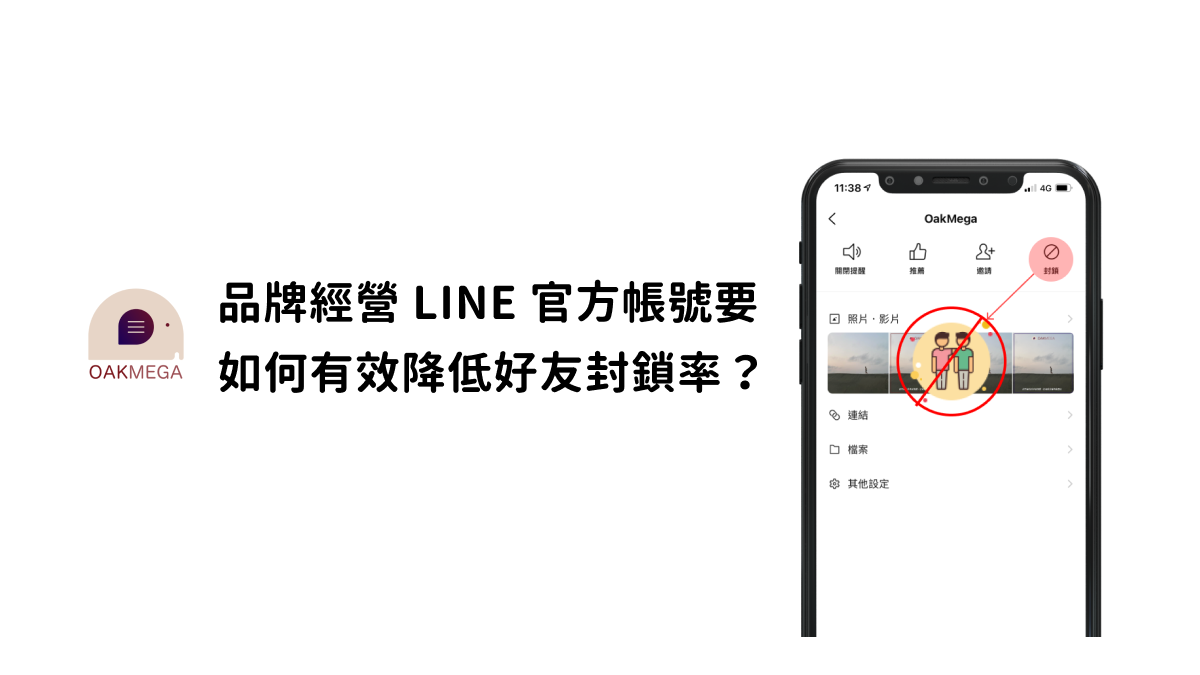
How Brands Can Lower the Block Rate on Their LINE Official Account
Growing your friend count is the surest way for a brand to stay visible and spread its message on a LINE Official Account. But have you noticed your block rate climbing as new friends come in? Here are 3 common reasons the block rate rises, because to a brand, a blocked friend is a lost friend.
Howard HuangMarketing SpecialistStart your AI transformation today.











