LINE Marketing in Practice | Boost Click-to-Buy Rates 10x with a LINE E-Catalog
Many e-commerce teams want to turn their products into a full e-catalog that shoppers can easily browse, tap, and forward to friends, instead of sending a pile of images and links. LINE chatbots support many message formats, such as card messages and multi-image messages, which are ideal for promoting a digital product catalog.
 ILING WuProduct Marketing Manager

Earlier, we showed you how to create your own digital business card in the OakMega Social CRM dashboard. If you missed it, check it out here: Use a business card template to create your own digital business card on LINE!
Today's tutorial builds on that. Many e-commerce teams want to turn their products into a full e-catalog that shoppers can easily browse, tap, and forward to friends, instead of sending a pile of images and links. LINE chatbots support many message formats, such as card messages and multi-image messages, which are ideal for promoting a digital product catalog.
How do you build a LINE e-catalog?
Start from a digital business card template
You can take a LINE chatbot business card template you've already set up and turn it into a digital product catalog.
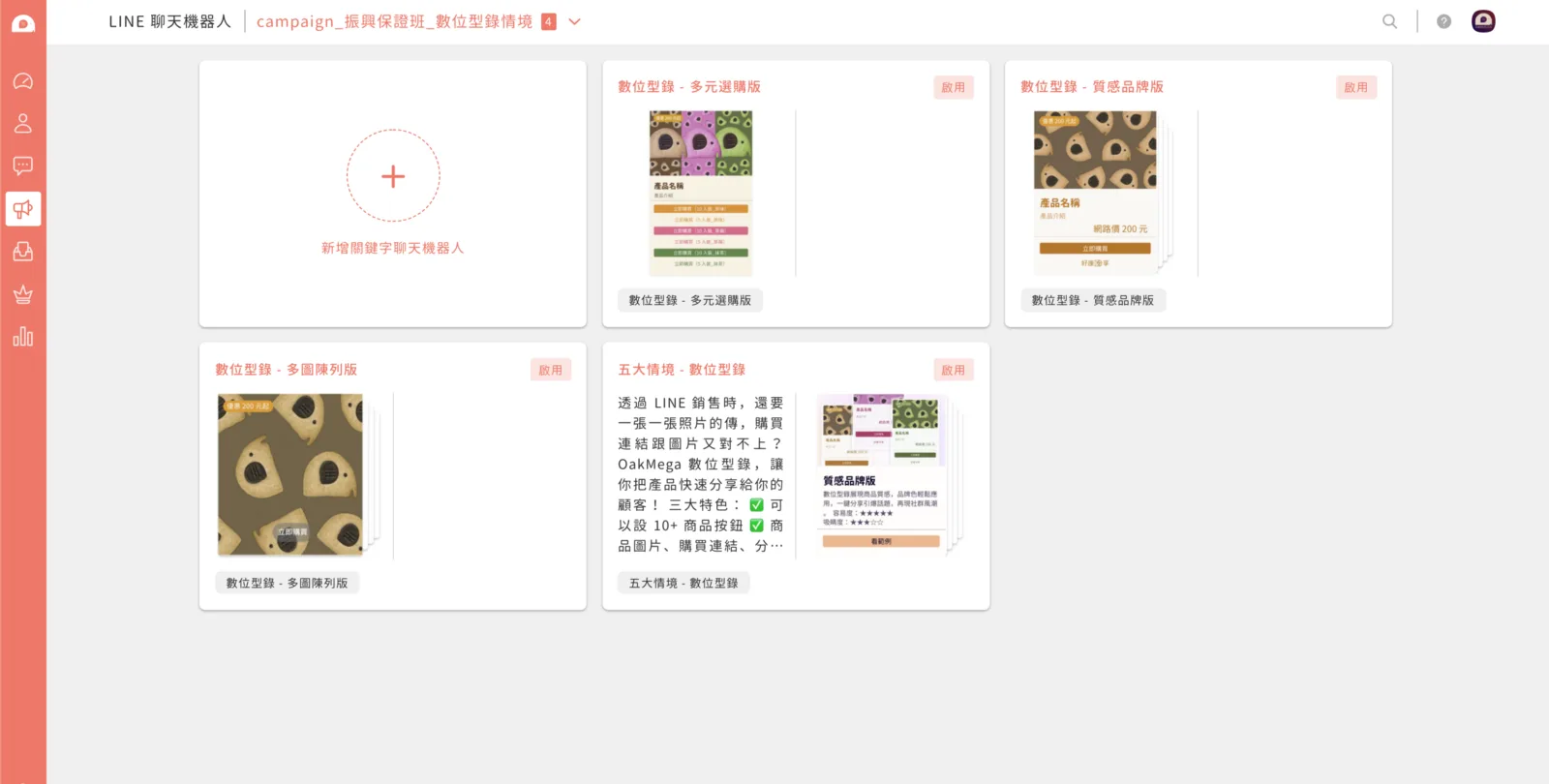
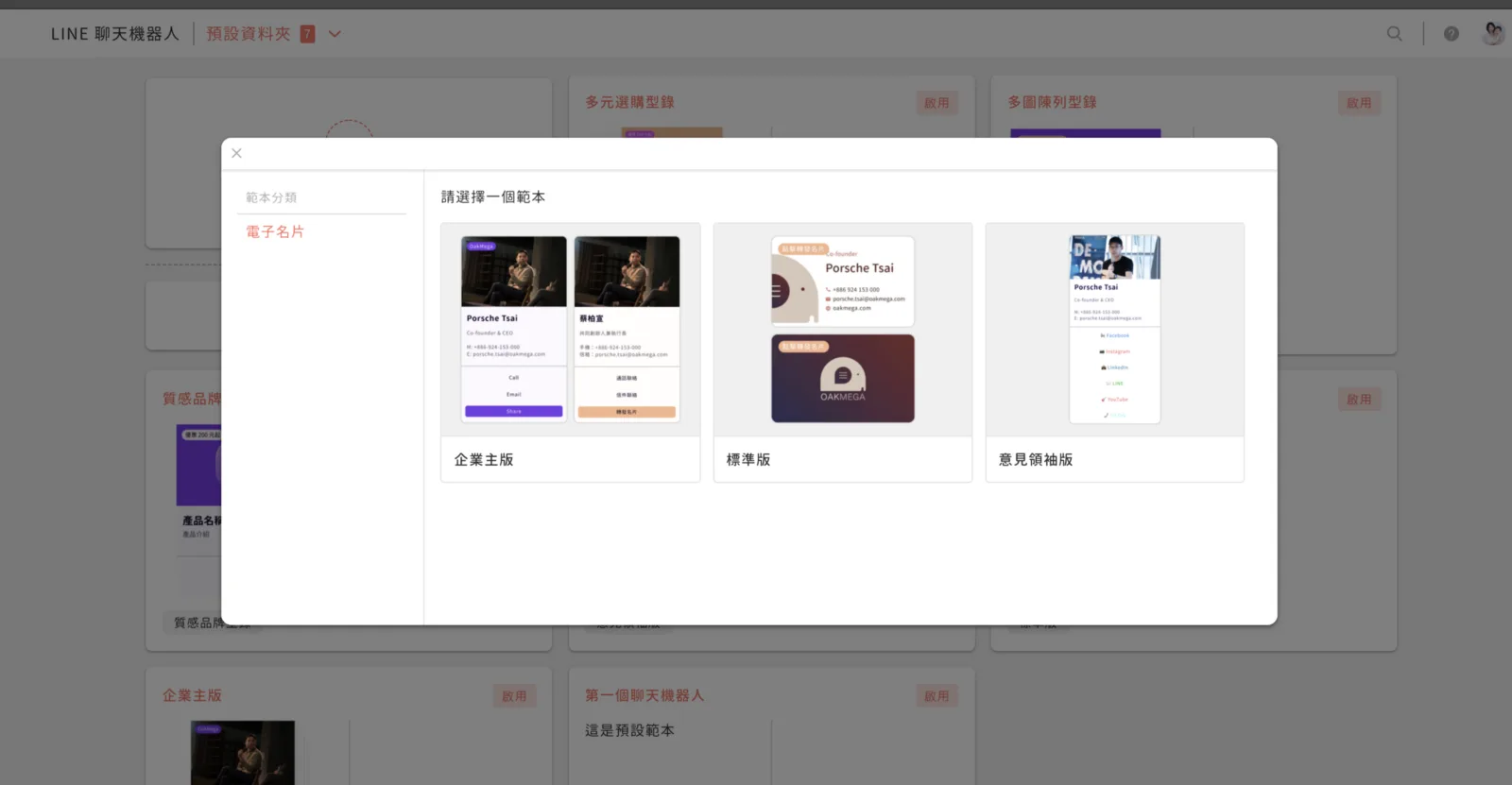
Make product details clear at a glance
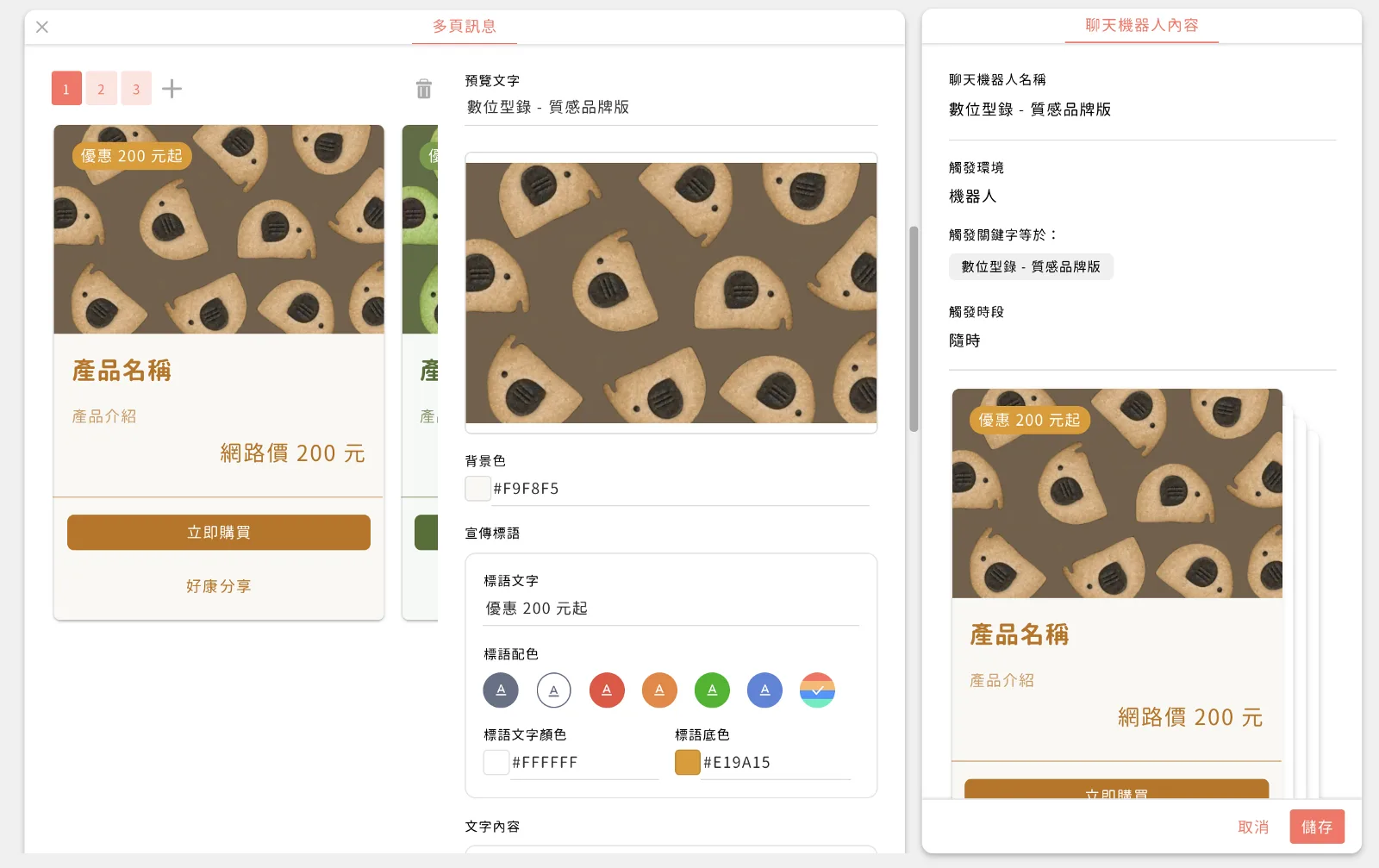
Take the business-owner card as an example. Change the name (preview text) to "Digital Catalog – Premium Brand," swap the header image for a product photo, use "Price" as the hook in the tagline, and fill in the product details below:
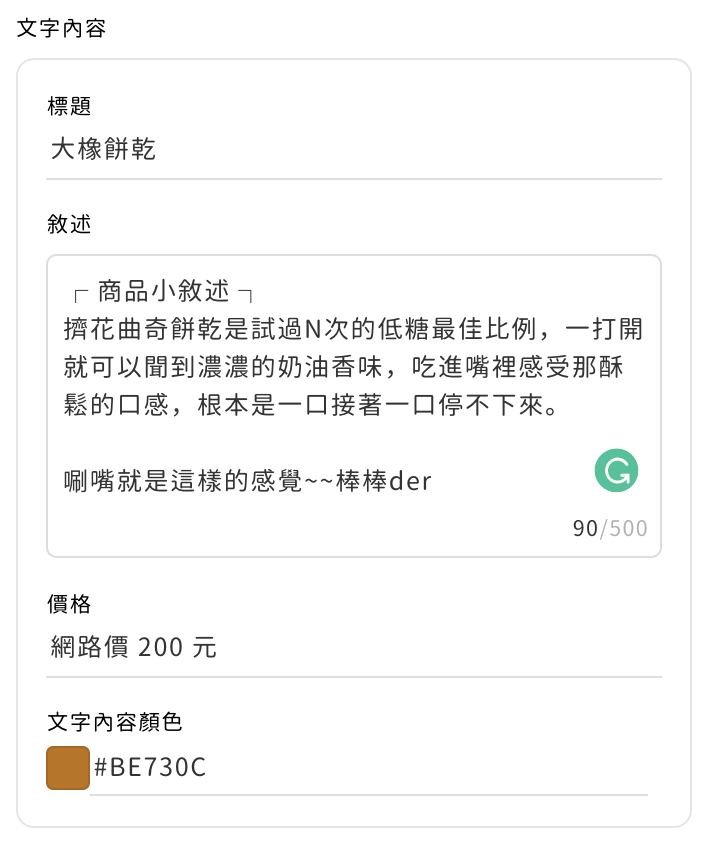
- Title: product name.
- Description: product description.
- Price: online price.
A short product description helps recipients understand the product quickly and makes them more likely to click through and buy.
Once you've filled everything in, you have an e-catalog card for your product, and you can share it straight to your LINE friends. It's that easy! This e-catalog becomes a powerful marketing tool that spreads across LINE. With OakMega Social CRM, you can not only build your own e-catalog but also:
- Understand your friends' preferences and analyze them further.
- Automate workflows to support sales and track all your data.
- Keep a close eye on potential buyers.

Want more LINE marketing tips? Curious about other ways to use an e-catalog? Visit the OakMega LINE Official Account for more LINE marketing content, or follow our "OakMega LINE Marketing Toolkit," which walks you through building a brand LINE Official Account from scratch.