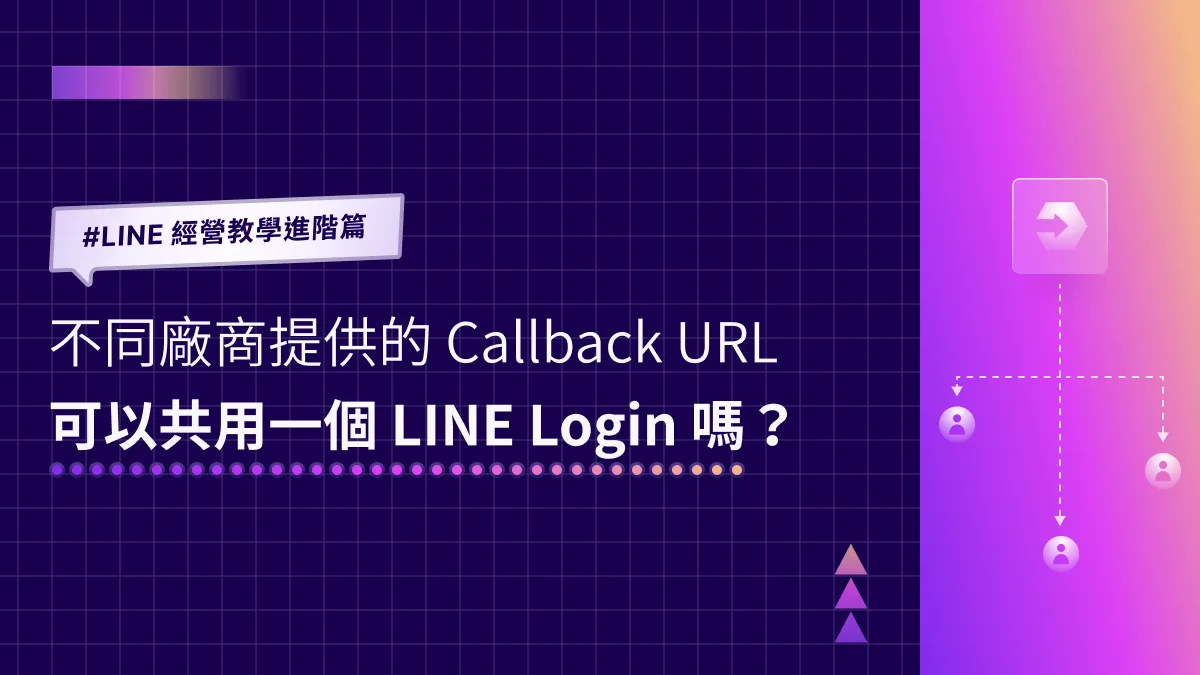
LINE How-To Advanced | Can Callback URLs from Different Vendors Share One LINE Login?
When we help clients set up their LINE Official Accounts, one technical question comes up again and again: can a single LINE Login on LINE Developers be shared by Callback URLs from multiple tech vendors? And how do you set that up in LINE Developers?
 Khan LeeCTO
Hi, I’m Khan, CTO of OakMega! When we help clients set up their LINE Official Accounts, one technical question comes up again and again: can a single LINE Login on LINE Developers be shared by Callback URLs from multiple tech vendors? (If you’re not yet familiar with LINE Developers or LINE Login, start with this article: How to Create a LINE Login Channel in LINE Developers.)
When You Need Multiple URLs on the Same LINE Login
Honestly, only two kinds of people need the answer to “Can we share one LINE Login?”:
- You’re an engineer whose boss asked you to integrate LINE Login for a client, only to find the client’s LINE Login is already in use.
- You’re a marketer who needs to bring two tech vendors together, and both need LINE Login for user authentication.
If both vendors need LINE Login, simply give them the LINE Login channel’s Channel ID and Channel Secret, then add the URLs they send back to the Callback URL field of your LINE Login channel. That’s all it takes!
Step-by-step instructions are below.
How to Add Vendor URLs to the Callback URL Field
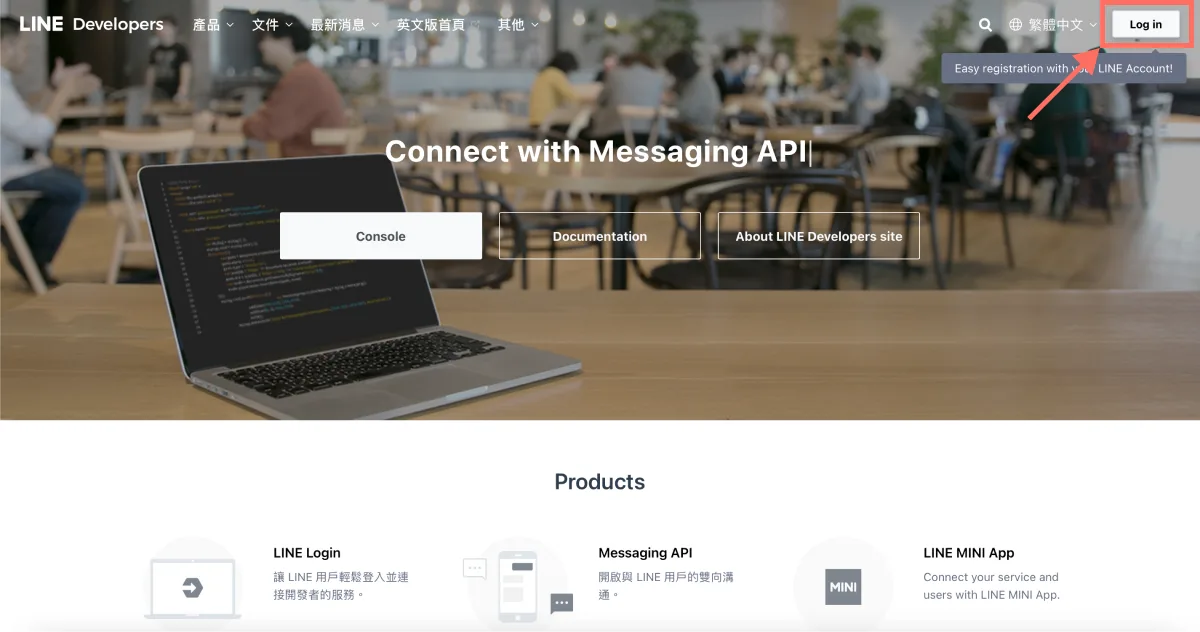
- On the LINE Developers site, click “Log in” in the top-right corner and sign in to the LINE Developers console with your LINE Business ID.
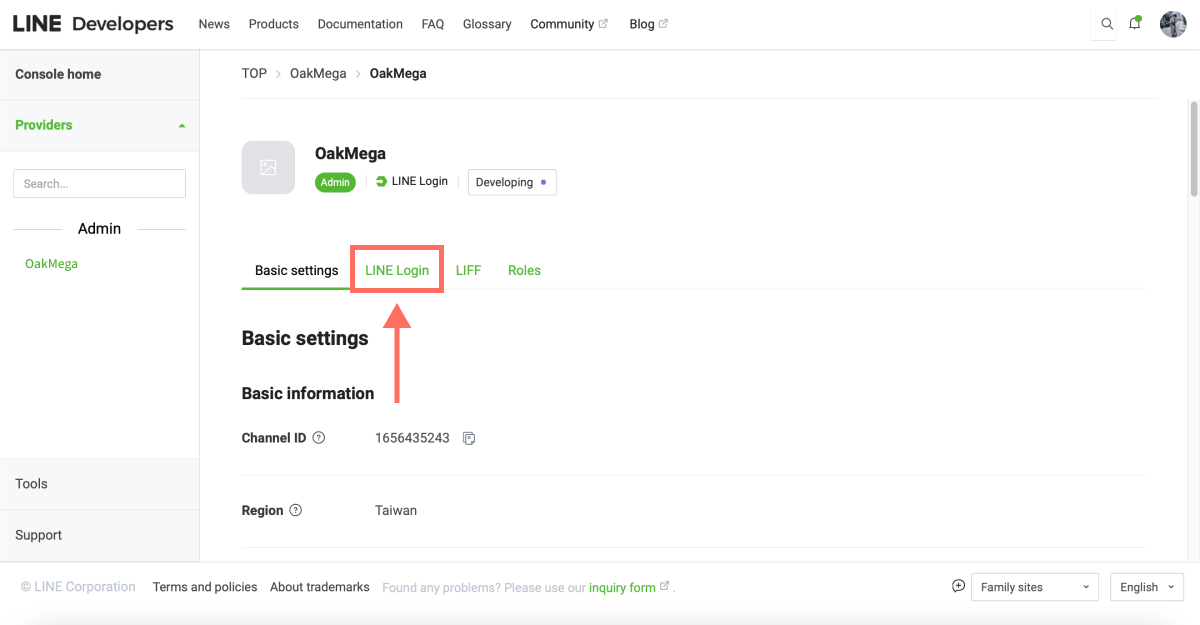
- In LINE Developers, open the LINE Login channel under the matching provider and click the “LINE Login” tab in the top menu.
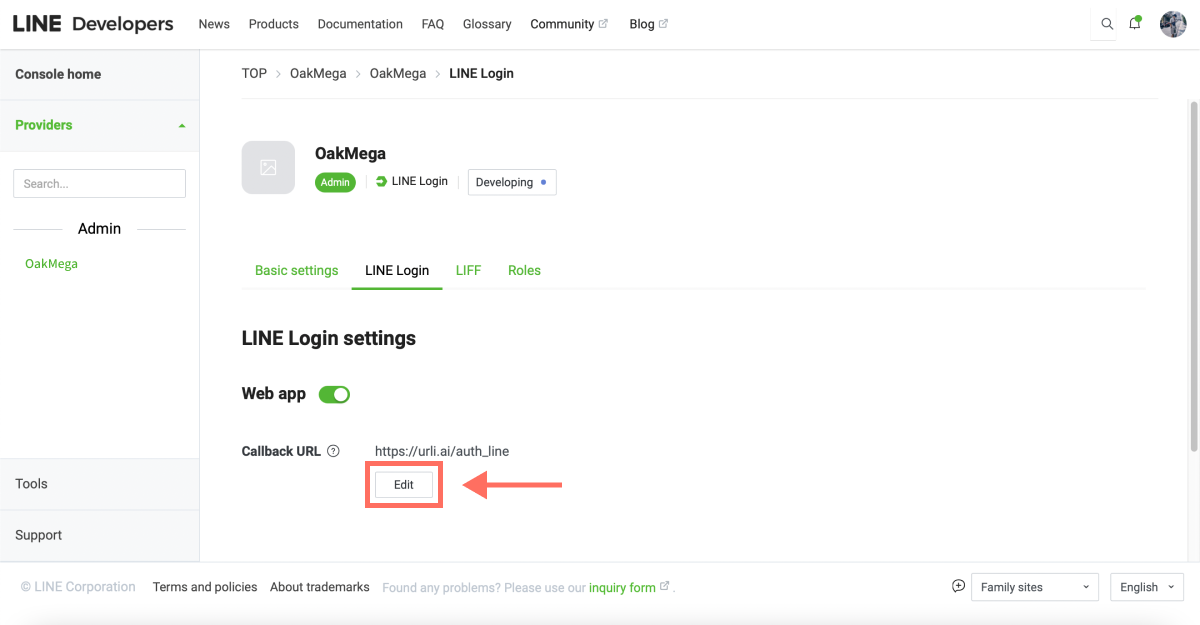
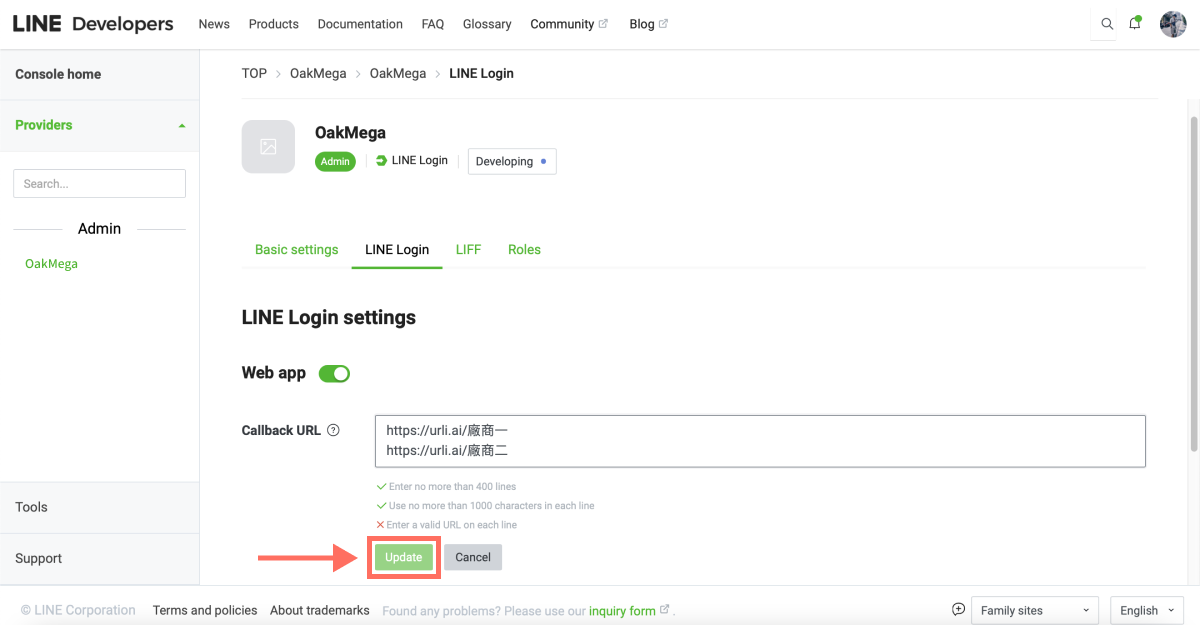
- Find the Callback URL field, click “Edit,” and add the URLs from each vendor.
- Paste in the URL each vendor sent you. In the edit field, press “Shift + Enter” to start a new line, then enter the second vendor’s URL.
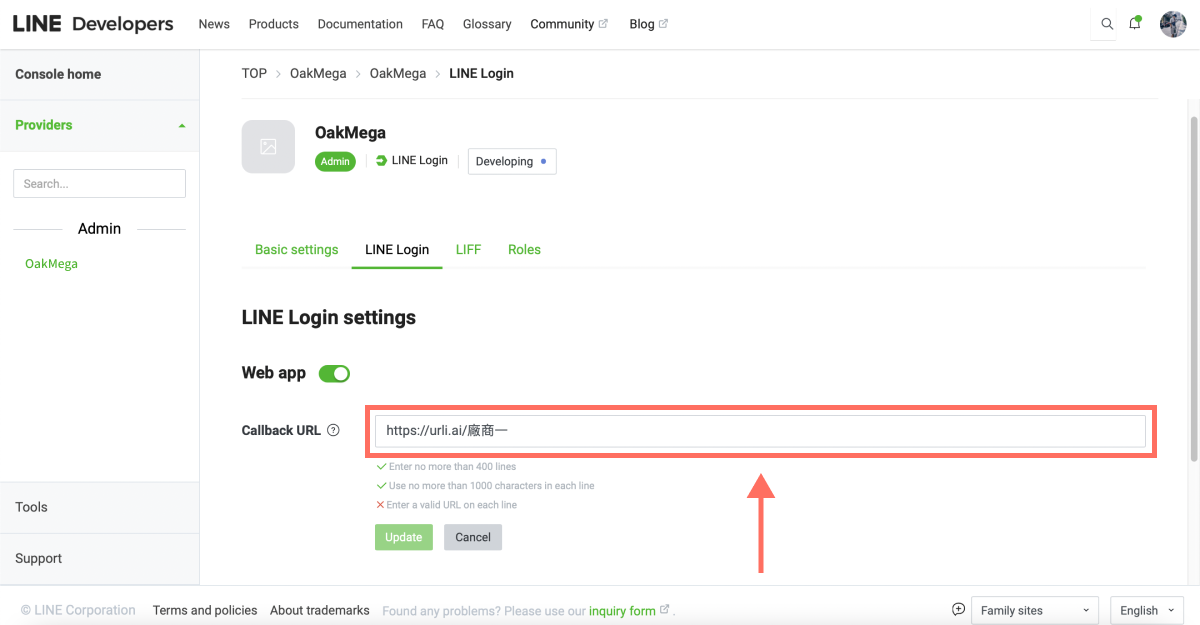
- After entering all the vendor URLs, click “Update.” Once it’s saved, the same LINE Login can be shared by multiple tech vendors.
FAQ: Sharing One LINE Login
After adding the Callback URLs, you may still have a few concerns. Here are the questions we hear most:
Q1: Will the vendors’ data get mixed up?
Not at all! When Vendor 1 asks a user to sign in with LINE Login, it tells LINE’s system, “Please redirect to Vendor 1’s Callback URL.” So Vendor 2 never receives the data a user submits when signing in through Vendor 1.
Q2: What are the benefits of sharing one LINE Login?
The first big benefit is easier management: your team only has to set up one LINE Login channel. The second is more efficient data collection. Once a friend consents to sharing their profile through Vendor 1’s Callback URL, they won’t need to consent again when they tap Vendor 2’s link. After all, the data belongs to your brand either way. As a result, conversion rates on every vendor’s Callback URL go up significantly.
Q3: Are there any downsides to sharing one LINE Login?
Depending on the business scenario or marketing strategy, brands sometimes want different campaign links to show different authorization profile images or privacy policies, or they need to give a tech vendor access to the LINE Login channel itself. In those cases, a single shared LINE Login becomes limiting, so setting up a separate LINE Login for each vendor is also a valid option.
Finally, whether you set up one LINE Login, two, or even three, don’t forget to turn on Linked OA. That way, friends can add your LINE Official Account at the same time they tap a link, so you never miss a valuable chance to gain new friends.
Want to learn more about running your LINE presence? Why isn’t my LINE Login working properly, and how do I reconfigure it? Head over to the OakMega LINE Official Account for more LINE marketing tips, or follow our “OakMega LINE Marketing Playbook,” which walks you through building a brand LINE Official Account from scratch.