How Can Brands Drive Traffic to Their LINE Official Account? 3 Ways to Attract New Friends
When a brand's official account first launches, growing your friend count is an effective way to raise visibility. Here are 3 marketing strategies to drive traffic and attract friends to your LINE Official Account, so new friends get a first look at your products and services from the moment they add you—growing your friend count and boosting brand exposure.
 Howard HuangMarketing Specialist
Struggling to get customers to notice your official account? In the early days of a brand's official account, growing your friend count is an effective way to raise brand visibility, and many brands have made friend growth their first priority when starting out on LINE Official Account.
As more and more businesses launch their own LINE Official Accounts, having a complete set of channels for acquiring new friends is key to standing out from the competition. Here are 3 marketing strategies to drive traffic and attract friends to your LINE Official Account. New friends get a first look at your products and services from the moment they add you, which grows your friend count and boosts brand exposure.
3 ways to drive traffic and attract new friends
1. Create a branded QR code
QR codes are familiar to everyone. Create a dedicated QR code for adding your official account as a friend. Besides placing it at store entrances or checkout counters alongside offline events, you can also feature it on your other brand sites, such as a banner on your website, to turn potential customers on your site into LINE Official Account friends.
You can also design different messages for QR codes on different channels. For example, by distinguishing between friends who scan online and offline, you not only improve the customer experience but can also combine it with first-party data to build a clearer profile of customer behavior based on their clicks.
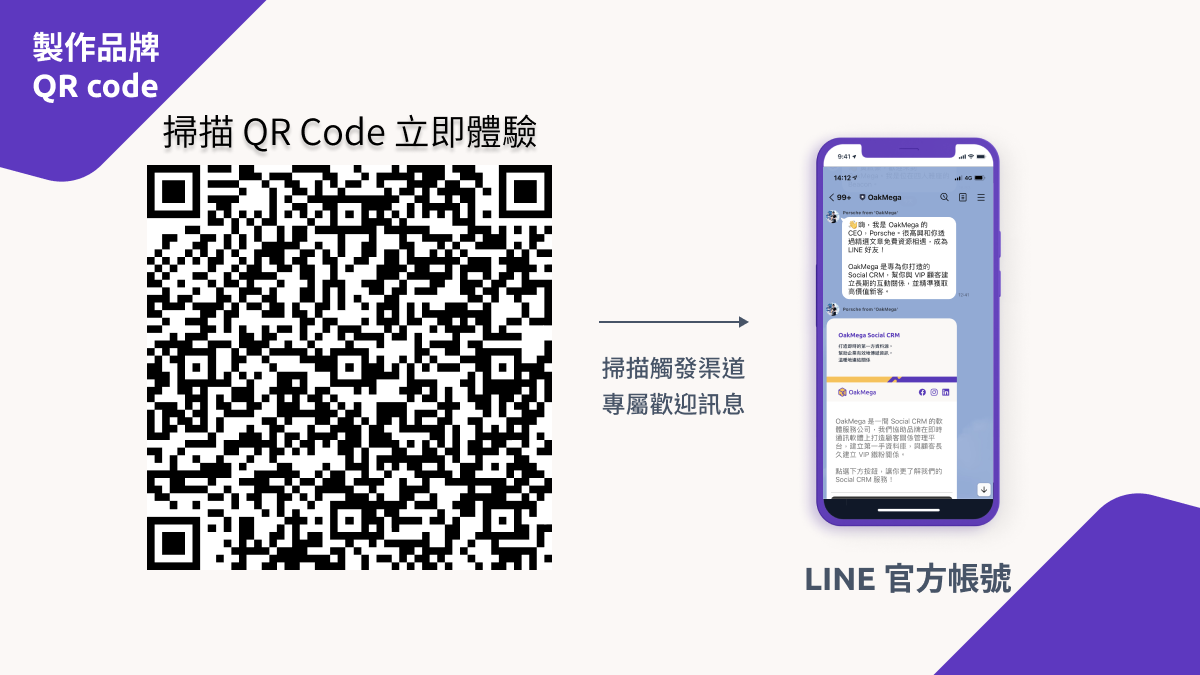 Invite friends with a QR code and create a customized welcome message
2. Create quick links to your official account
Quick links let you embed an add-friend link in a message or use it as the destination URL for a clickable image, adding variety to your marketing campaigns. You can also set them up on your web pages: when someone clicks the link, LINE opens directly so they can add you as a friend or invite other friends, helping you grow your audience.
- Invite people to add you as a friend:
To create a quick link for adding friends, copy the link “https://line.me/R/ti/p/{lineID}” into the message you want, replacing {lineID} with your own official account ID (including the @). When someone taps the link on a phone, LINE opens your official account so they can add it directly. When clicked on a computer, the browser opens a page with an add-friend QR code.
For example, here is the add-friend link for OakMega. Give it a try:
https://line.me/R/ti/p/@oakmega
- Share with friends
Besides inviting people to add you, you can let customers who are already friends of your official account easily share it with their own friends through a link, growing your member base. When someone taps the link “https://line.me/R/nv/recommendOA/{LINE ID}”, LINE opens automatically so they can send it to other friends. Note that this link only works on mobile.
For example, here is OakMega's friend-sharing link. Grab your phone, tap the link, and try sending it to a friend:
https://line.me/R/nv/recommendOA/@oakmega
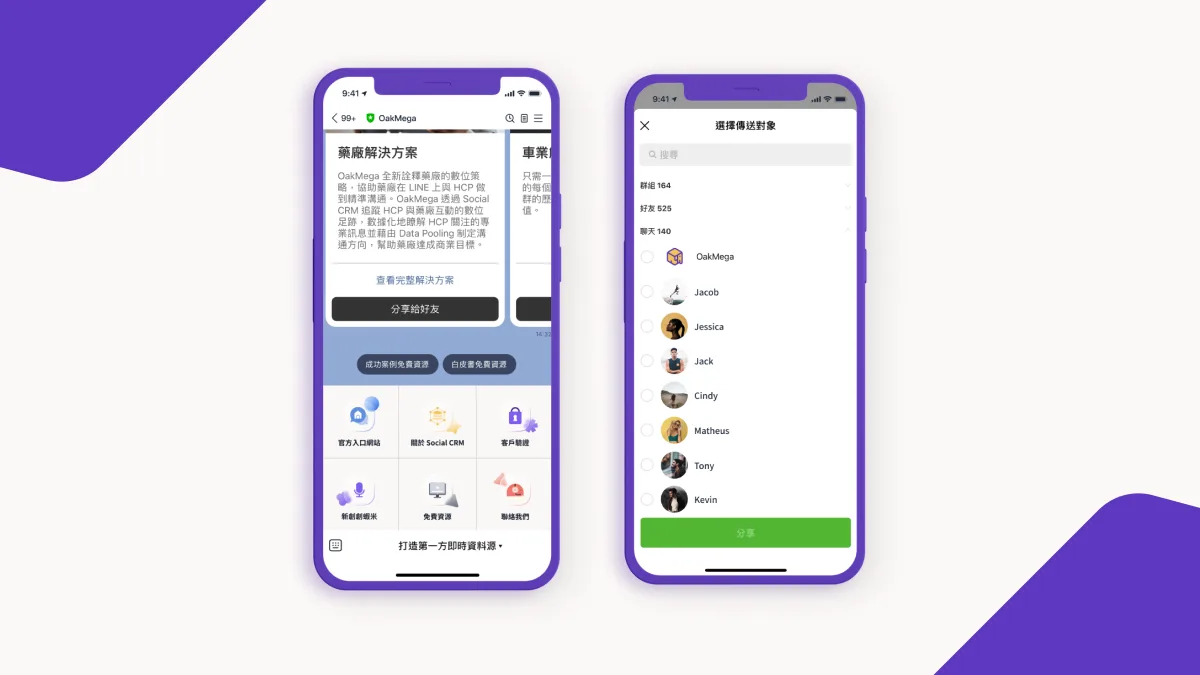
- Member Get Member: share with friends
If your brand runs campaigns on LINE, you can set the CTA button at the end of a campaign to trigger “Share with friends.” Existing friends who took part and found the campaign fun or informative then have a reason to share it with their friends, creating viral reach.
Start conversations with your LINE friends: 3 beginner-friendly ways to create interactive LINE game experiencesAs the most widely used messaging app in Taiwan, LINE lets brands interact directly with friends, making it a valuable new channel for building customer relationships. More and more brands are running official accounts to keep up with a new business model shaped by increasingly fragmented customer behavior.https://oakmega.com/blog/3-ways-to-interact-by-line-imagemap
3. Get a branded premium ID
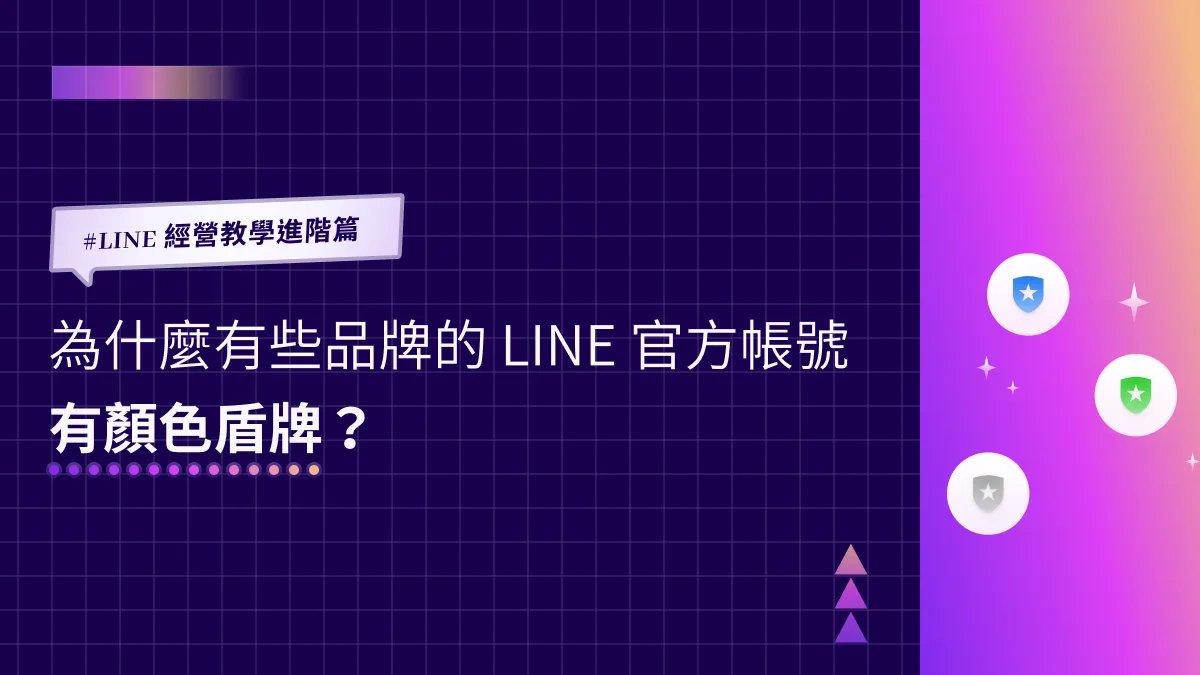
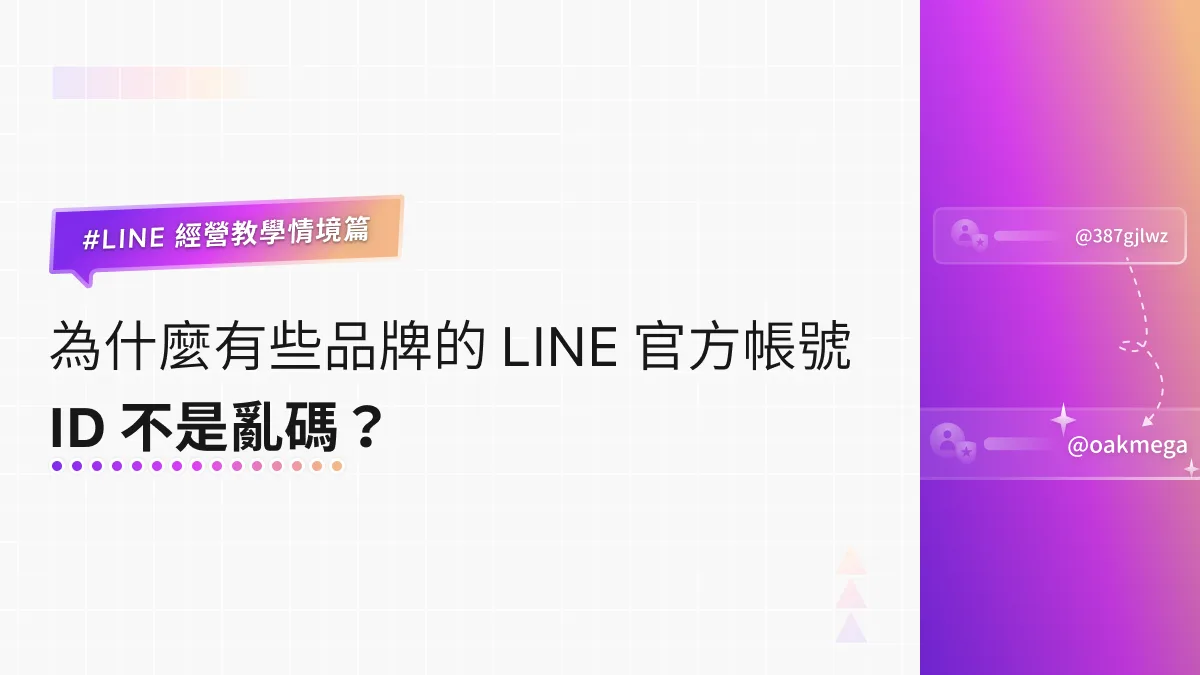
When you create a LINE Official Account, LINE assigns a random combination of letters and numbers as your account ID. If you have a verified (blue badge) account, you can submit documents and purchase a premium ID to customize your account ID, making your brand more recognizable and your account easier to find in search.
What is a verified LINE Official Account, and why should you know?During the pandemic, the government-led SMS contact-tracing system used the Taiwan CDC's LINE Official Account, which let people scan a QR code and jump straight to an SMS. The account's friend count surged within a single day, but fake accounts soon appeared, and people started asking: what is a verified LINE Official Account?https://oakmega.com/blog/line-verifiede-account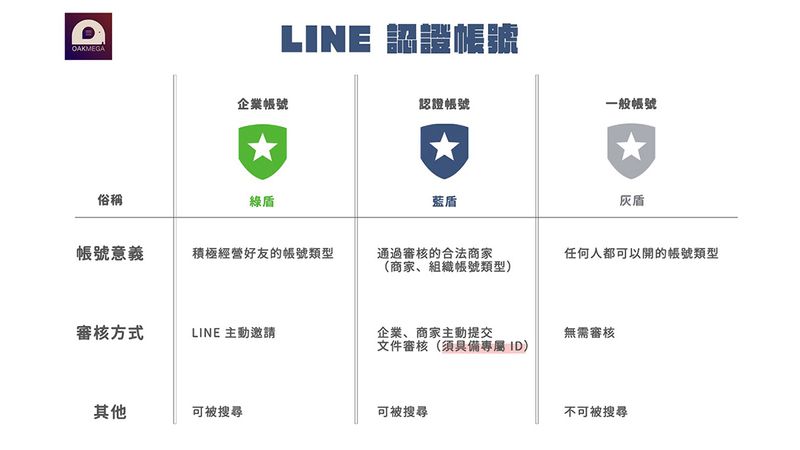
A premium ID costs about NT$756 per year. In the LINE OA Manager, go to Settings, then Billing > Premium ID, register a payment method, and complete your purchase. Note that you can't use an ID that's already registered. Apart from the @, a premium ID can only contain lowercase letters, half-width numbers, and the symbols “.”, “_”, and “-”, and must be 4 to 18 characters long.
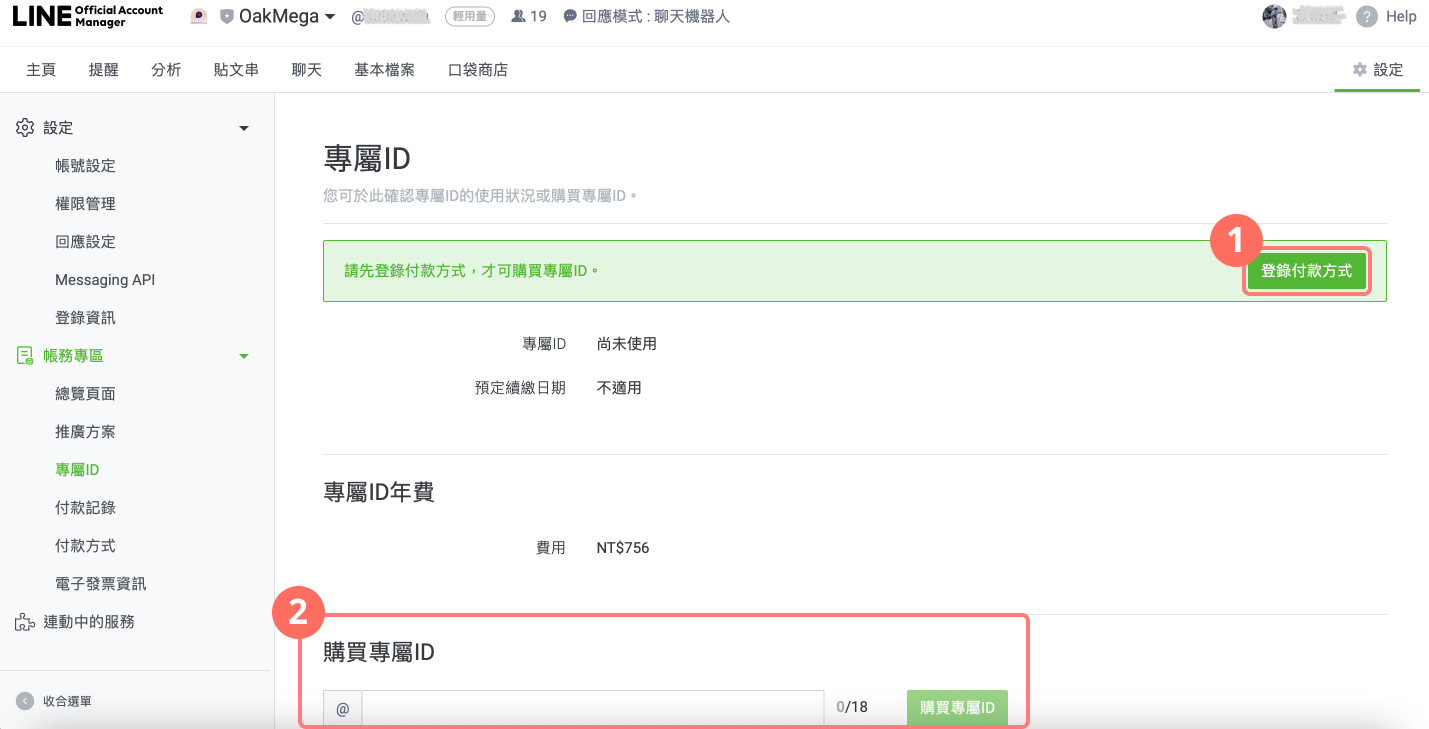 In the LINE OA Manager settings, go to Billing > Premium ID and register a payment method to purchase a premium ID.
Conclusion
Got all 3 methods down? Open your official account dashboard and try them out for yourself! Build out your channels for acquiring new friends, then pair your QR codes and quick links with other marketing campaigns to spread brand awareness. OakMega Social CRM helps brands retain customers by identifying valuable active friends on LINE and creating diverse, engaging one-on-one experiences, so your block rate doesn't spike after a short-term friend-growth campaign ends. It's built for brands running LINE.