Outgrown a Single Rich Menu? Drive Traffic in More Directions with Segmented Rich Menus
A single rich menu can no longer keep up with ever-changing marketing goals. With segmented rich menus, you can build menu content tailored to each target audience, and even swap friends’ rich menus automatically through keyword-triggered templates to match your campaigns, driving traffic across multiple channels and audiences.
 Howard HuangMarketing Specialist
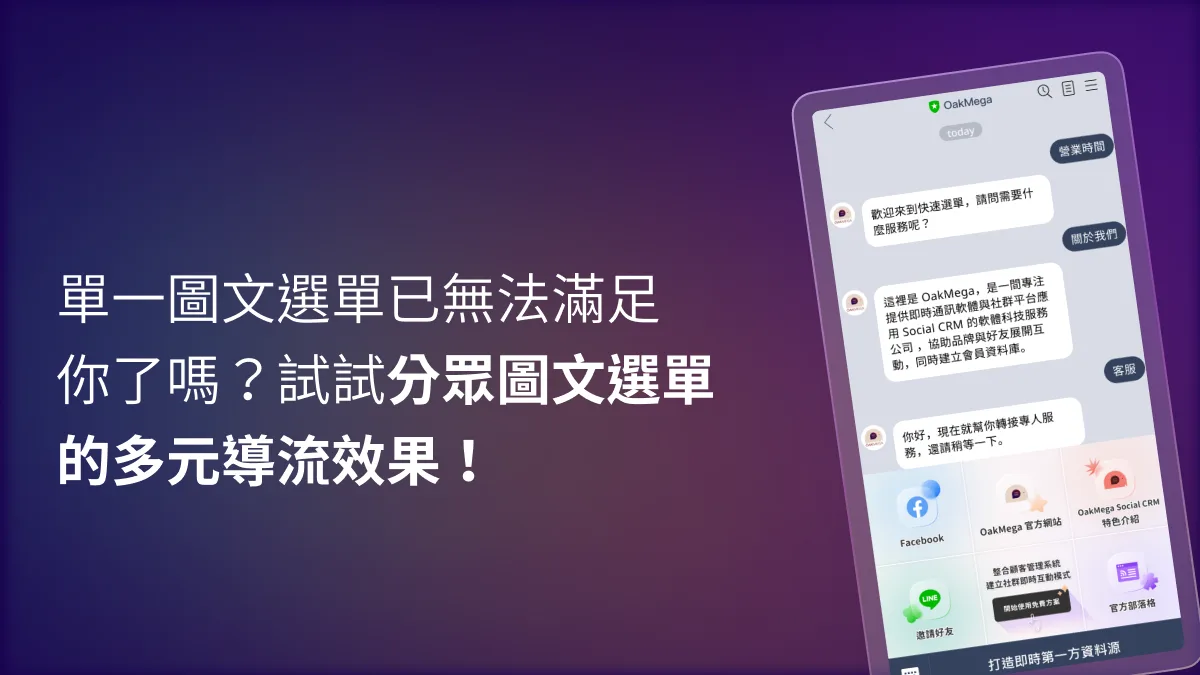
Last time, we shared how to design a branded rich menu as the first touchpoint for friends visiting your LINE Official Account. Now let’s dig into another strength of the rich menu: driving traffic.
3 ways to drive traffic in more directions with segmented rich menus
- Define your target audiences
Once your LINE Official Account has enough friends, you can start segmenting them. Each target audience has its own behavioral profile and interests. If every friend sees the same rich menu, you may not meet everyone’s preferences, and you won’t get the most reach out of your brand.
Brands can also create limited-edition rich menus for specific seasons or holiday campaigns to round out the online campaign experience. We’ll cover this in the third method.
- Choose a design style for your rich menu
With your target audiences defined, the next step is to settle on a design style. Free asset libraries such as Canva, flation, and Icons8 make it easy to find icons for your rich menu. Consistency matters: keep the icon style, line weight, and illustration style uniform, and better still, align them with your brand visuals.
You can also pair the tappable icons with eye-catching CTA (call to action) copy or your brand logo. This makes the rich menu more recognizable and distinctive, and it lifts click-through from friends.
- Set up the follow-up CTA actions
Once the design is done, decide on the CTA (call to action) behind each icon. Make the most of the rich menu’s space to present your brand information fully without cluttering the view for friends. Remember to update link URLs and copy regularly so broken links don’t spoil the experience.
This is where the segmentation from step one pays off. Based on the target audiences you defined in the first method, you can route each group differently. For example, send prospects to a free-trial page for a newly launched service, or point friends to a limited-time purchase page during a seasonal campaign.
Switch rich menus freely
A plain rich menu can no longer keep up with ever-changing marketing goals. OakMega’s Segmented Rich Menu module makes it easy to build exactly the menu content you want. Selecting the CTAs friends tap is freer and more flexible than with LINE’s native tools. You can also set up multiple rich menu versions through keyword-triggered templates that swap menus automatically in line with your campaigns, or switch rich menus for different friends batch by batch by applying tags.
Just connect your LINE Official Account to OakMega Social CRM, and the Free plan instantly gives you 4 modules, including Segmented Rich Menus.
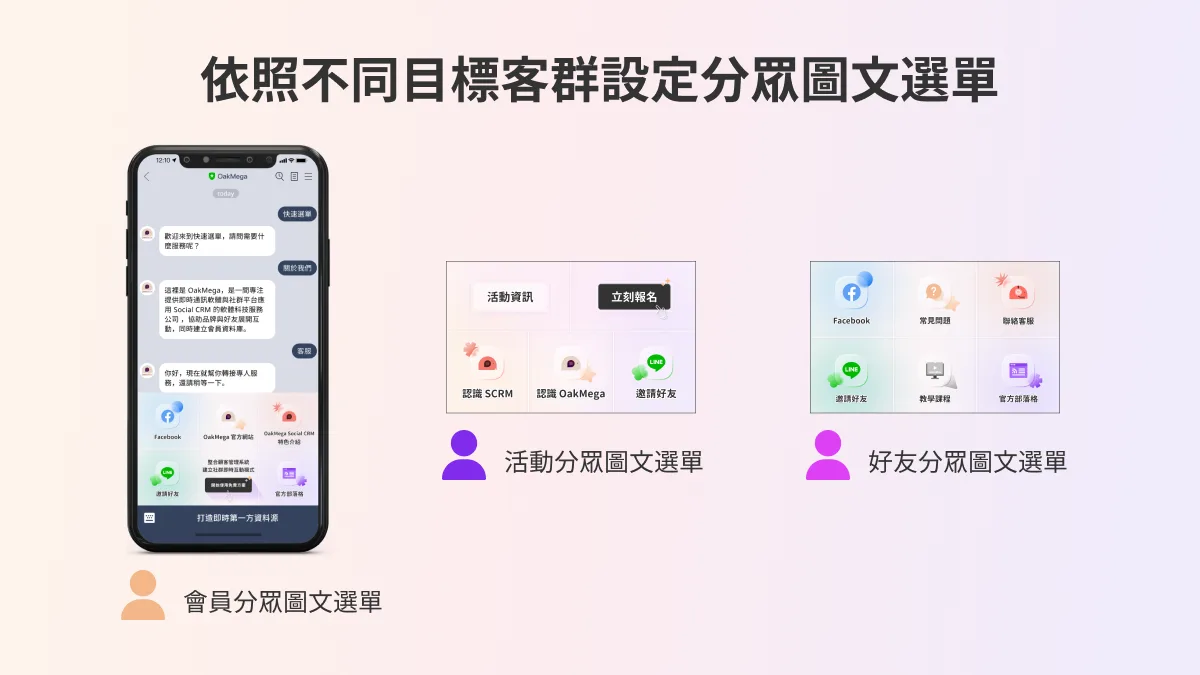 Switch target audiences with different behavioral profiles to rich menus with different CTAs.
LINE Basics: How to Set Up a LINE Rich MenuLast time, we introduced the LINE rich menu. It’s the first thing friends see when they open your LINE Official Account chat, and a good rich menu can send customers to your brand website, serve as a gateway to online campaigns, and build a strong brand image. So how do you actually set one up in LINE Official Account Manager? Follow the steps below to set up a LINE rich menu in the LINE Official Account Manager web console.https://oakmega.com/blog/create-line-rich-menus
Add more entry points for friends and drive traffic in more directions
Building several segmented rich menus lets you match the behavioral profiles of each target audience and gives friends more ways to engage with your brand. Pair them with segmented broadcasts and campaigns on your other brand channels to raise click-through rates and drive traffic in even more directions.