When Operations Meets Claude: How One Team Evolved the Way It Works with AI
From making sense of a single document, to connecting our entire knowledge base, to changing how we run meetings — this is the story of how OakMega's Operation Team brought Claude into everyday work, and the real problems we ran into along the way.
 Irene ChaoExecutive Assistant
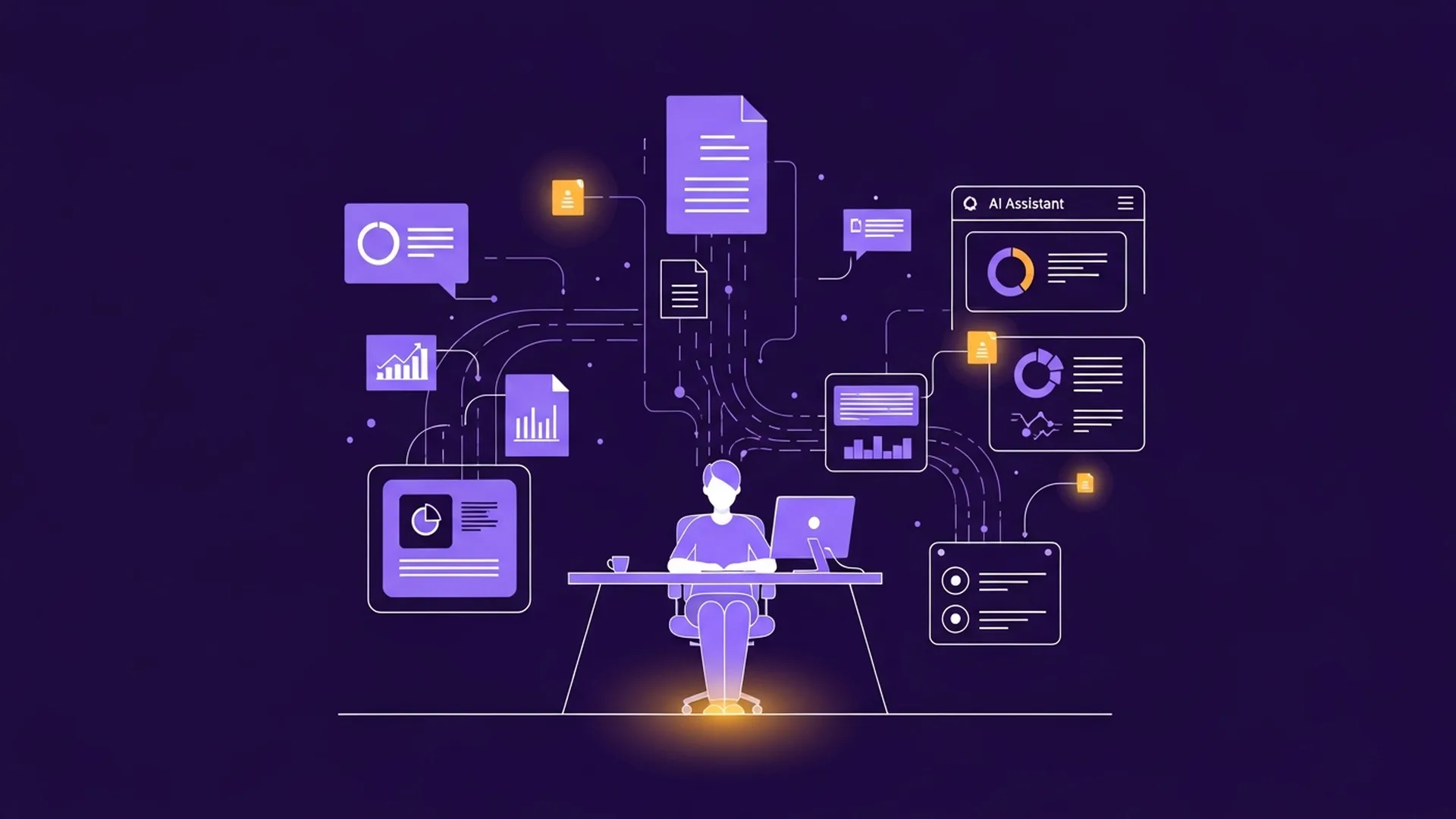 From a single Google Sheet to a connected knowledge base: how the Operation Team's work with AI evolved
Key takeaways
- OakMega's Operation Team uses Claude on three layers: document processing → information integration → decision support
- The biggest win isn't just time saved — it's the habit of thinking a problem through before asking
- Next goal: move from reactive answers to intelligent agents that act on their own
Three years ago, OakMega had about twenty people. Employee records lived in a single Google Sheet, and whenever we needed something, we wrote a formula. Tedious, but it worked.
Then the team grew to nearly forty. More departments, more turnover. One day we needed the average headcount for the full year, which meant accounting for every hire date, every departure date, each person's month-by-month status — and a few people who left and came back. Could we write that formula? Sure. But once written, it was hard to verify, and changing a single condition meant rechecking everything from scratch.
In that moment it was obvious: we had long outgrown the company we were three years ago, but the way we handled information hadn't moved at all.
That was where we started bringing Claude into our workflow in earnest.
There's a question I've asked plenty of people, and the answer is almost always the same: "We use ChatGPT, but… I can't really say what difference it makes." A year ago, OakMega's Operation Team was in much the same place. This post is about how we went from "can't really say" to "can't work without it."
At OakMega, we sell solutions that help businesses get real value out of AI. So when someone asks, "How do you use AI?", there's real pressure behind the answer. We bring Claude into our work on three layers: document processing (tender documents, survey analysis), information integration (connecting Notion and Google Drive for instant lookups), and decision support (interactive reports before meetings). Here's how each layer actually took hold in our day-to-day work.
Our three layers of Claude use
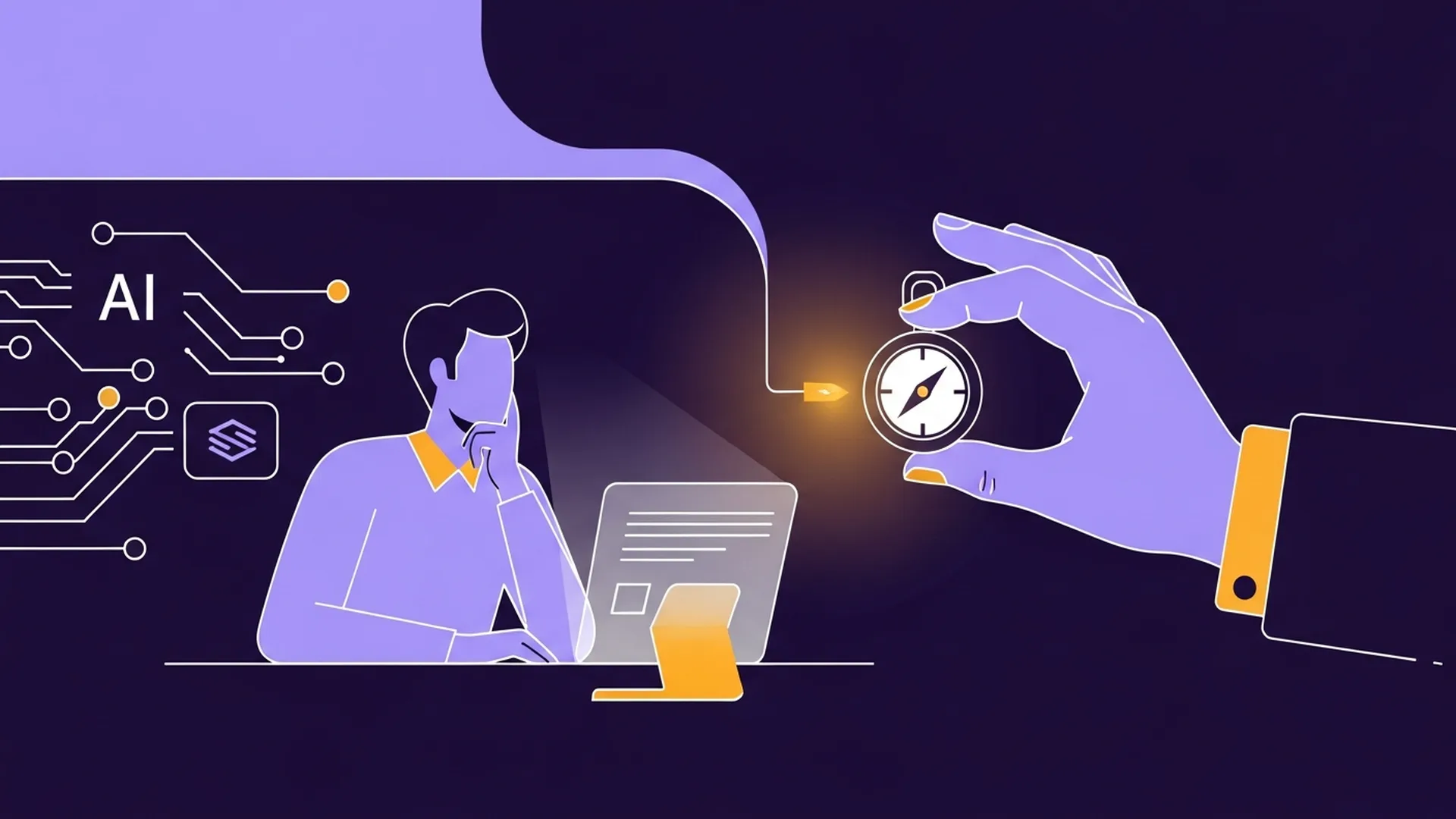 Three layers — documents → integration → decisions — each one lowering the cost of friction
Layer 1: Document processing
This is the most direct use, and the first one we adopted.
Government tender documents tend to be long and dense, with eligibility requirements, scoring criteria, and deadlines scattered across different sections. Miss one detail and you can miss something critical. We used to read them page by page and build bid checklists by hand — slow work that demanded total focus. Now we hand the document to Claude, ask it to sort out the eligibility thresholds, required documents, and scoring items by category, and then we verify each one. It doesn't decide whether we should bid; that still takes human thinking. But when it comes to getting the information organized, it saves us a lot of time.
We apply the same logic to HR. After each semiannual employee survey closes, we give Claude the raw data for a first-pass analysis — score distributions, department comparisons, themes from open-ended answers — and turn it into a consistently formatted report stored in Notion. What used to take half a day now takes under an hour.
Layer 2: Information integration
Working with a single document is fairly intuitive. What really made the difference was connecting Claude to the company's data sources.
OakMega's operational data is spread across Google Drive and Notion — employee information, expense records, and project status each live in their own place. Answering one question used to mean knowing where the data was, opening the right file, and finding the right tab before we could even start. Once we connected those sources through Claude's connectors, that friction disappeared.
Want to know the team's current gender ratio, or how tenure breaks down by department? Just ask, and the answer comes back in seconds. Same for checking this month's spending against plan, or which line items still have budget left. The data was always there; it was just too expensive to get to. Now that cost is close to zero. A McKinsey study found that knowledge workers spend an average of 19% of their working hours searching for and pulling together information — in Operations, we'd call that conservative.
Layer 3: Decision support
Once data was available instantly, we turned to the next question: how do we get this information in front of people before the meeting, instead of hunting for numbers at the table?
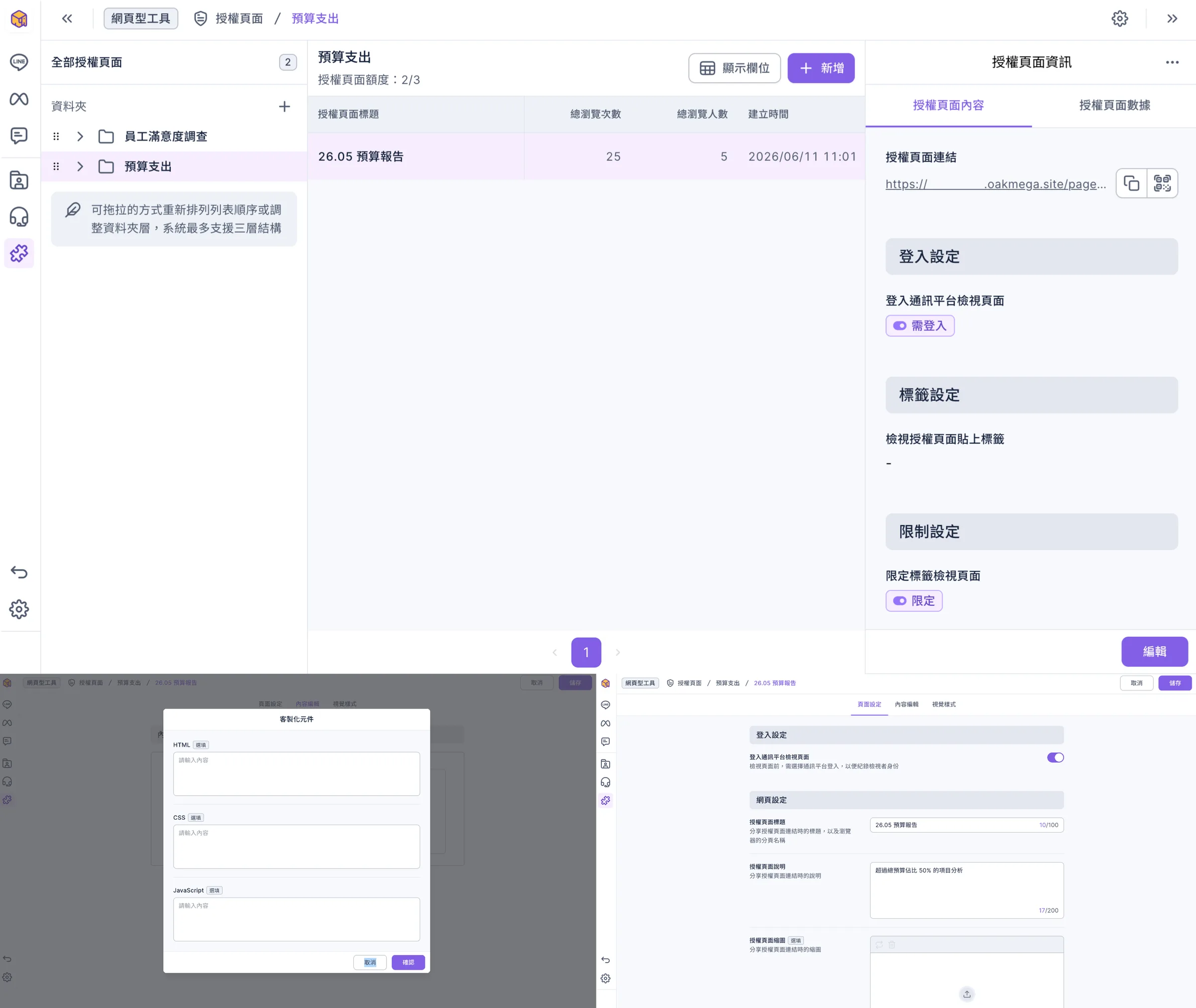
Our approach was to have Claude generate interactive data reports ahead of meetings so attendees could review them in advance. A static PDF doesn't cut it here — it can only display, not let people switch dimensions or drill into the details they care about. An interactive web report can. But there's a real catch: to share HTML generated by Claude, you have to publish it publicly, and public means a security gap.
Our solution was to paste the code Claude generates directly into OakMega's authorized pages. This product lets us publish interactive reports within our own database, so only people we authorize can open them — and we can track who has viewed them and who hasn't. We keep the interactivity and solve the security problem at the same time.
That genuinely changed how we meet. Attendees walk into the room already understanding where things stand, so no time is spent confirming numbers on the spot. The discussion moves straight from "what's the current situation" to "analysis and decisions." Meetings run faster, and conclusions are easier to act on.
Using it seriously — and facing its limits
We're not heavy Claude users, but we are serious ones.
There were times we didn't use it well. When the background we gave was incomplete, the results skewed. When we hadn't thought the question through, the output drifted off course. Once I asked Claude to put together a cross-department expense comparison but forgot to say which months to exclude. It gave me a report with perfect formatting and sound logic — and the wrong time range entirely. I didn't catch it myself; I only found out when someone asked about it in a meeting.
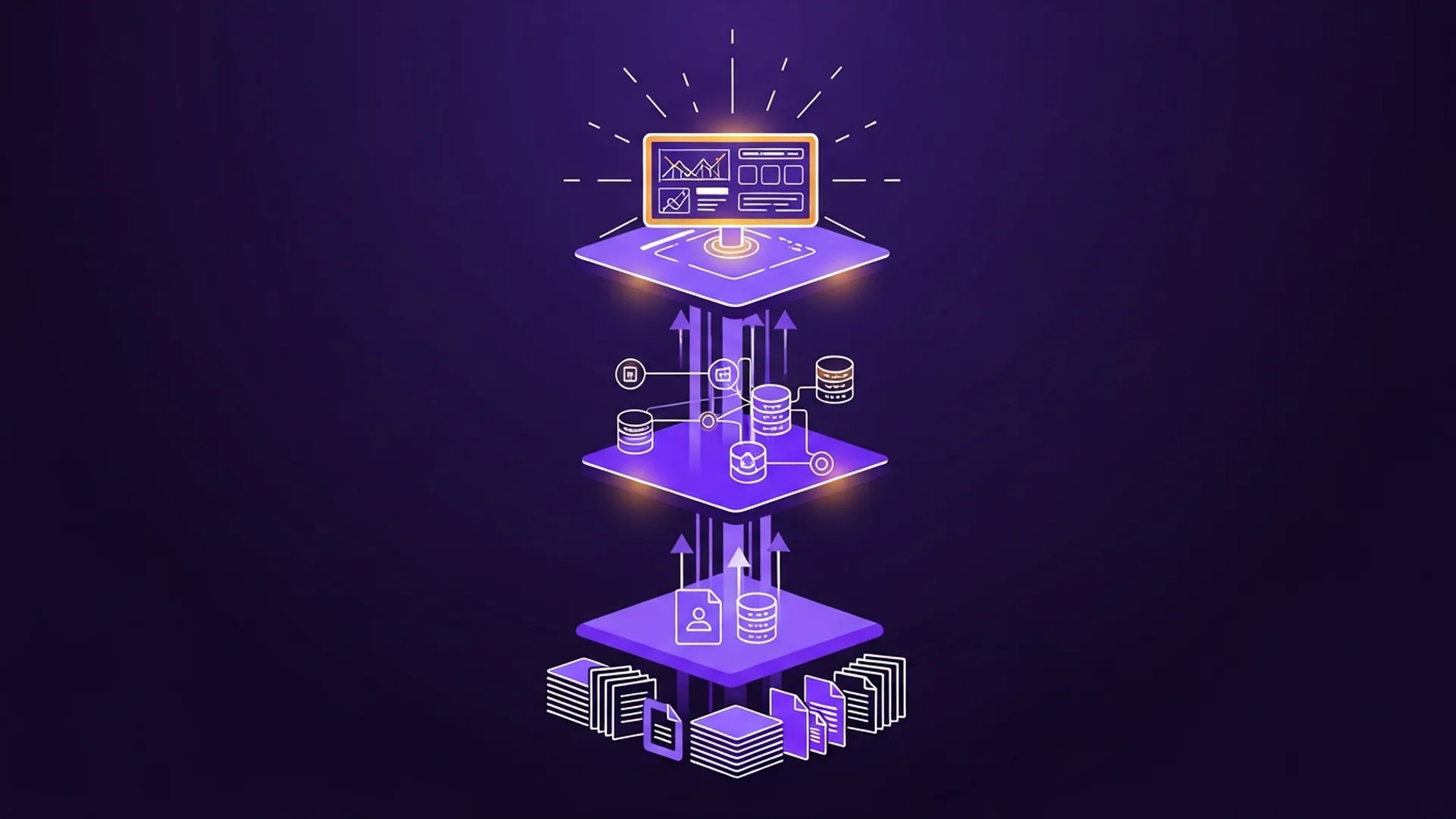 Output quality depends on input quality — AI won't remind you, so you have to build that habit yourself
These experiences taught us something: the quality of a tool's output depends heavily on the quality of the user's input. That's not unique to Claude, but Claude made us feel it especially sharply.
In a way, that was an unexpected bonus. To use Claude well, we built the habit of thinking the problem through before asking. That process alone is a shift in how we work.
Where we want to go next
Right now, the way we use Claude is still essentially "we ask, it answers." Next, we want it to move from reacting to acting.
Much of Operations work is cyclical and rule-based: recurring reports, expense reconciliation, HR process milestones, contract expiry tracking. None of this needs someone to "think" — it needs to be done correctly at the right time. By building automated workflows and intelligent agents, we want these routine tasks to keep running in the background, so we can put all our energy into exceptions and decisions that call for judgment.
The ideal state: an automated system quietly runs Operations' routine work behind the scenes, and our time goes entirely to the things that truly need a human to decide. We're not there yet, but the direction is clear.
The tools are evolving, but the essence of Operations hasn't changed
One last thing.
When AI tools arrive, some people worry: "So what's left of our jobs?" But anyone who has worked in Operations knows the truly valuable work was never the part that can be turned into rules. It's making judgment calls when information is incomplete, finding a way through when a process gets stuck, and handing the right task to the right person at the right time.
Claude can't replace that.
But it clears away some of the busywork, giving us more time and energy for what matters. That's enough.
Curious how OakMega works? We're looking for people who care about doing things well, just like we do. 👉 See our open positions
FAQ
Q: How exactly does OakMega's Operation Team use Claude?
A: On three layers: document processing (tender analysis, employee survey summaries), information integration (connecting Google Drive and Notion for instant lookups), and decision support (generating interactive data reports before meetings).
Q: What's the first step for a company bringing AI into its workflows?
A: Start from a real pain point, not from the tool itself. OakMega's starting point was "calculating average headcount by hand is too complex and too error-prone." Only after pinning down a concrete problem did we work backward to which tools could solve it.
Q: How do Claude-generated reports stay both interactive and secure?
A: Deploy the code Claude generates on your own authorized pages instead of publishing it publicly. Only authorized users can open it, and you keep both interactivity and access tracking.
Q: What's the most common problem when using Claude for work?
A: Input quality determines output quality. If the background is incomplete or the question hasn't been thought through, the results will skew. You have to build this habit deliberately — the tool won't remind you.
Q: Will Claude replace Operations staff?
A: No — at least not the core of the job. Making judgment calls with incomplete information, finding a way out when a process stalls, handing work to the right person at the right time: AI can't replace these. Claude's role is to clear away busywork so people have more energy for the things that truly need judgment.