Connect Your LINE Official Account to a Third-Party API Platform and Grow Your Prospect Pool with the LINE API
What should you weigh when choosing between the native LINE Official Account dashboard and a third-party API platform, and what does a third-party API service actually add? We use OakMega Social CRM as our example.
 Howard HuangMarketing Specialist
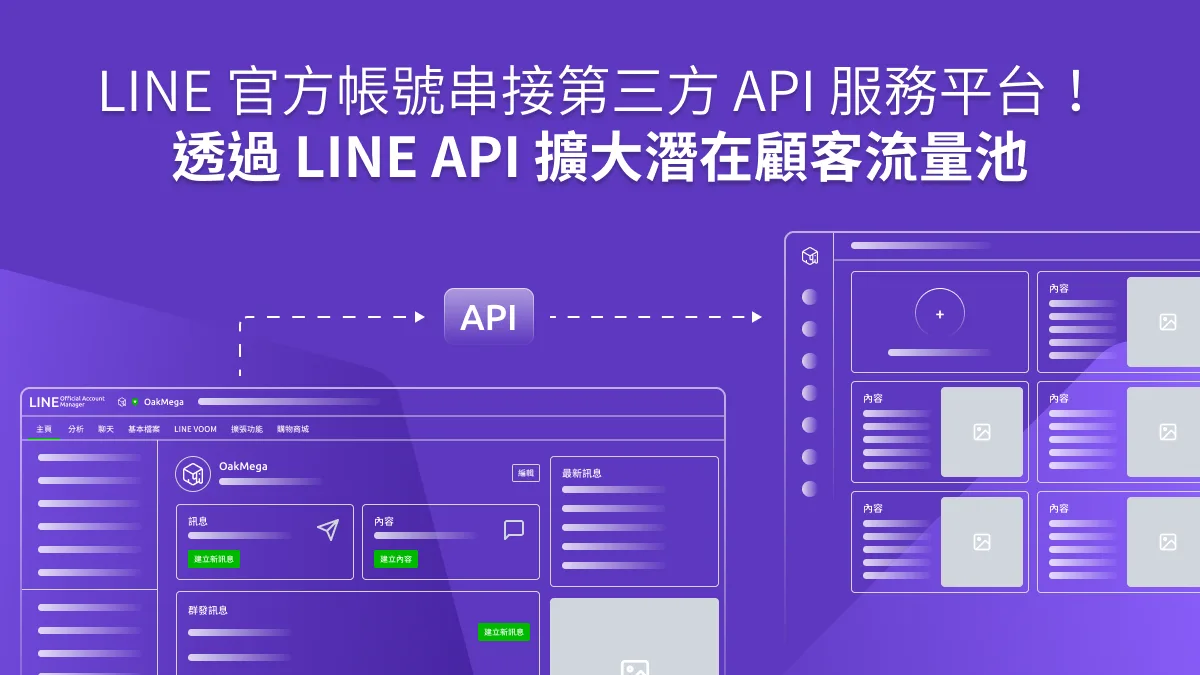
For many brands, the LINE Official Account dashboard is the first step into LINE marketing. But as business needs grow more complex, and as brands race to secure first-party data before the post-cookie era arrives, some are adopting third-party API platforms through the LINE API. Their goal: combine the strengths of social channels like Messenger and WhatsApp and connect them to their existing customer databases.
So what should you consider when choosing between the LINE Official Account dashboard and a third-party API platform? And what advantages does a third-party API service offer? Below, we use OakMega Social CRM, built by OakMega, as our example.
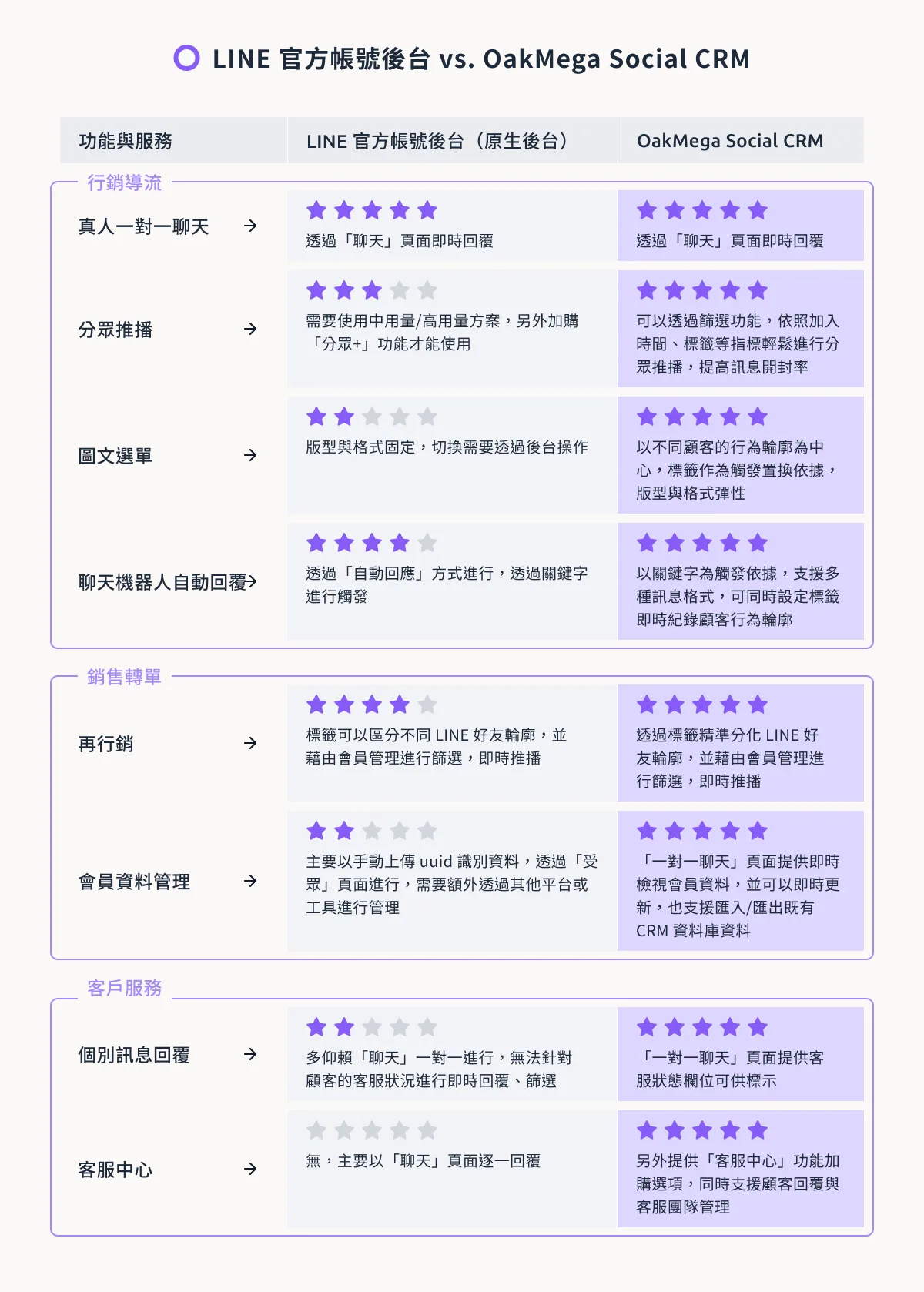
How Does the Native LINE Dashboard Differ from OakMega Social CRM?
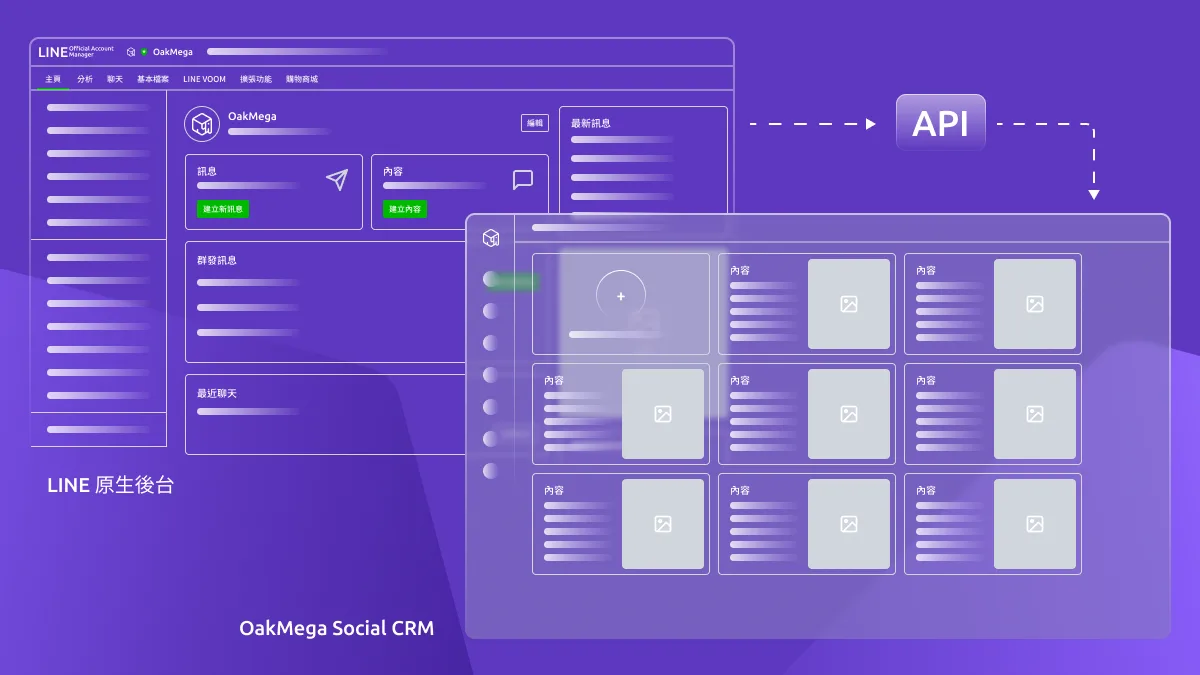
Since its launch in 2019, LINE Official Account 2.0 has made it much easier for brands to run their LINE presence. Combined with the LINE API, which LINE has opened to integrations since 2016, brands can use API technology to pick the third-party service that best fits their dashboard needs, or plug LINE into their own sales workflows so friends can browse, book, and get customer support right inside the LINE Official Account.
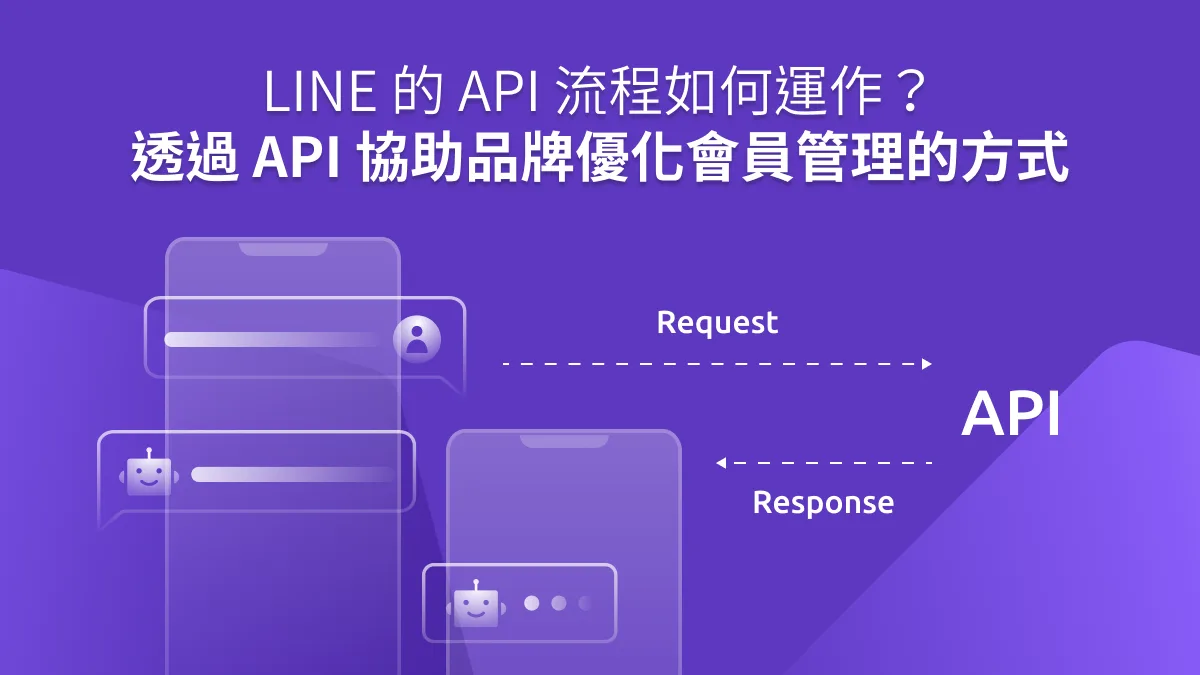
How Does the LINE API Work? How APIs Help Brands Improve Member ManagementFirst-party data is becoming ever more important to how brands engage customers. Larger brands may already have their own customer databases, but how do they put that data to work in their engagement strategy? In the membership economy, brands need customer-centric engagement and data-driven strategies on the front line, yet whether internal data can be activated and used in real time is what really decides if a data-driven strategy succeeds. APIs are the bridge that brings that data to life.https://oakmega.com/blog/how-line-api-helps-member-management
For LINE marketing, OakMega Social CRM gives brands a full-featured Social CRM that seamlessly bridges messaging apps and customer management. Built around customer needs, it fills the gap left by the LINE Official Account dashboard, which leans toward one-off campaign setups. Once connected through the LINE API, brands can use their LINE Official Account to drive traffic, convert sales, and serve customers, for both prospects and existing customers at the same time.
How Can I Get the Most Out of My Prospect Pool?
With the Tags feature in OakMega Social CRM, brands can automatically tag friends based on the journeys triggered by broadcasts and chatbots, building a picture of how friends with different interests behave. For example, tracking clicks on a “Post-Reopening Destination Survey” message reveals each friend’s travel preferences once pandemic restrictions lift. You can also update and edit tags from both the tag management page and the member profile page. Here’s how to put this to work:
-
Set up a complete welcome message and follow each friend’s full journey: tag friends at the very first touchpoint to capture who they are and which channel they joined from, then use that for retargeting and more precise broadcasts.
-
Optimize touchpoints: pair campaigns with different touchpoints to capture prospect data in real time and get the most out of your prospect pool.
-
OMO campaigns: build event sign-ups and interactive flows in LINE, and let LINE’s real-time voting module power a game-like experience.

How Can a LINE Official Account Help Sales Teams Track Deals and Close More?
Sales teams can now streamline their existing sales process with a single brand LINE Official Account. Member data on the one-on-one chat page shows where each friend is in their lifecycle, such as just after a cold call or a completed meeting, so reps can choose the right sales approach and work more efficiently.
Each rep can also use multi-page messages to create a personal digital business card. Combined with tags, this lets you assign a dedicated sales rep to each customer, with every interaction between them recorded in real time.
LINE Marketing in Practice: Create Your Own Digital Business Card on LINE with TemplatesAfter connecting your LINE Official Account to OakMega Social CRM, growing your friend count isn’t the only thing on your plate. OakMega can also build a custom LINE digital business card that you can forward and share instantly on LINE to grab attention. So how do you quickly create your own LINE digital business card?https://oakmega.com/blog/e-biz-cards-on-line
How Can Social CRM Handle Customer Service Requests in Real Time?
OakMega Social CRM’s one-on-one chat lets your team handle requests directly and filter conversations by status (In Progress / Pending / Completed), helping your support team work more efficiently.
You can also build customer service forms to collect friends’ questions more efficiently. Submissions appear instantly in the one-on-one chat window, so agents don’t waste time digging through form responses. They can reply right away and help customers succeed.
Conclusion
In a post-pandemic era of high inflation, businesses can use LINE API integration to unify every customer touchpoint and sales process, creating richer, more immediate ways to engage customers. The first-party data collected and organized through tags also shortens the time it takes brands to build that data, giving them a head start and a foundation for launching a customer loyalty program next.