LINE OA vs. OakMega Social CRM: Which One Wins?
LINE has become a channel almost every marketer wants a piece of. This article helps you weigh which interface and feature set fit your team best. OakMega Social CRM is a third-party platform that connects to your LINE Official Account, wraps it in a redesigned interface, and taps the extra APIs LINE provides to build more powerful LINE features.
 ILING WuProduct Marketing Manager
The LINE messaging app has become a channel almost every marketer wants to break into, and marketers already have a lot on their plates every day. This article helps you figure out which interface and feature set fit your team best.
LINE Official Account Manager
LINE ships a full-featured dashboard of its own. From posts and step messages to auto-replies, the official dashboard covers the core features and has helped plenty of users run their LINE Official Accounts.
OakMega Social CRM
A third-party platform that connects to your LINE Official Account. Through an interface redesigned by OakMega, it brings everything LINE currently offers into one place. LINE also provides additional APIs, which let third-party platforms build even more powerful LINE features.
LINE OA Manager vs. OakMega Social CRM
Interface design
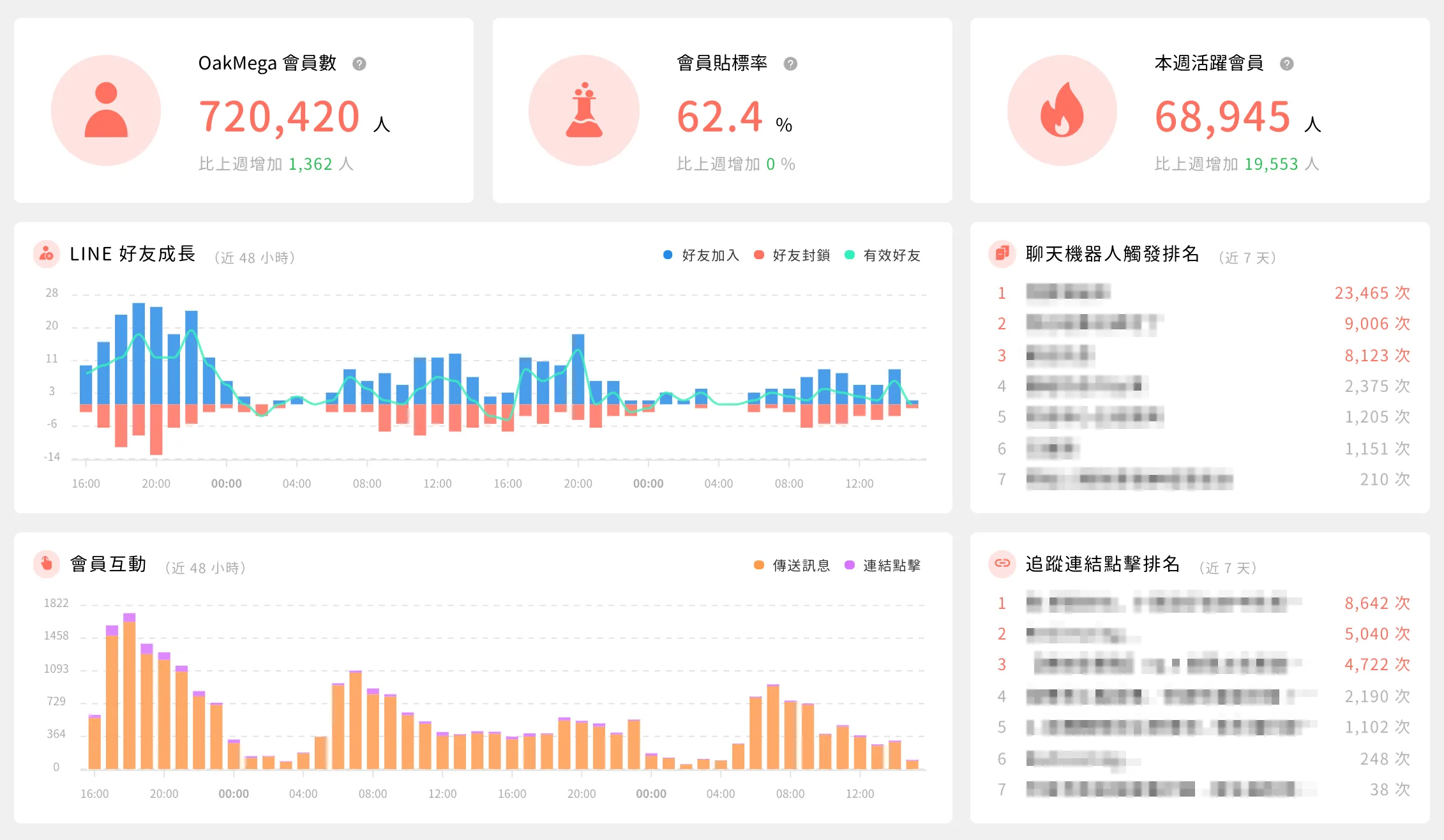
OakMega Social CRM features a redesigned interface that is easy to understand. You can edit multi-page, multi-image and card messages right inside the post editor, with no need to build them first and post later. The left-hand tabs lay out every feature clearly, and the landing screen gives you a full account overview, so you can quickly check your number of friends, member tagging rate, weekly active members and more.
Message formats
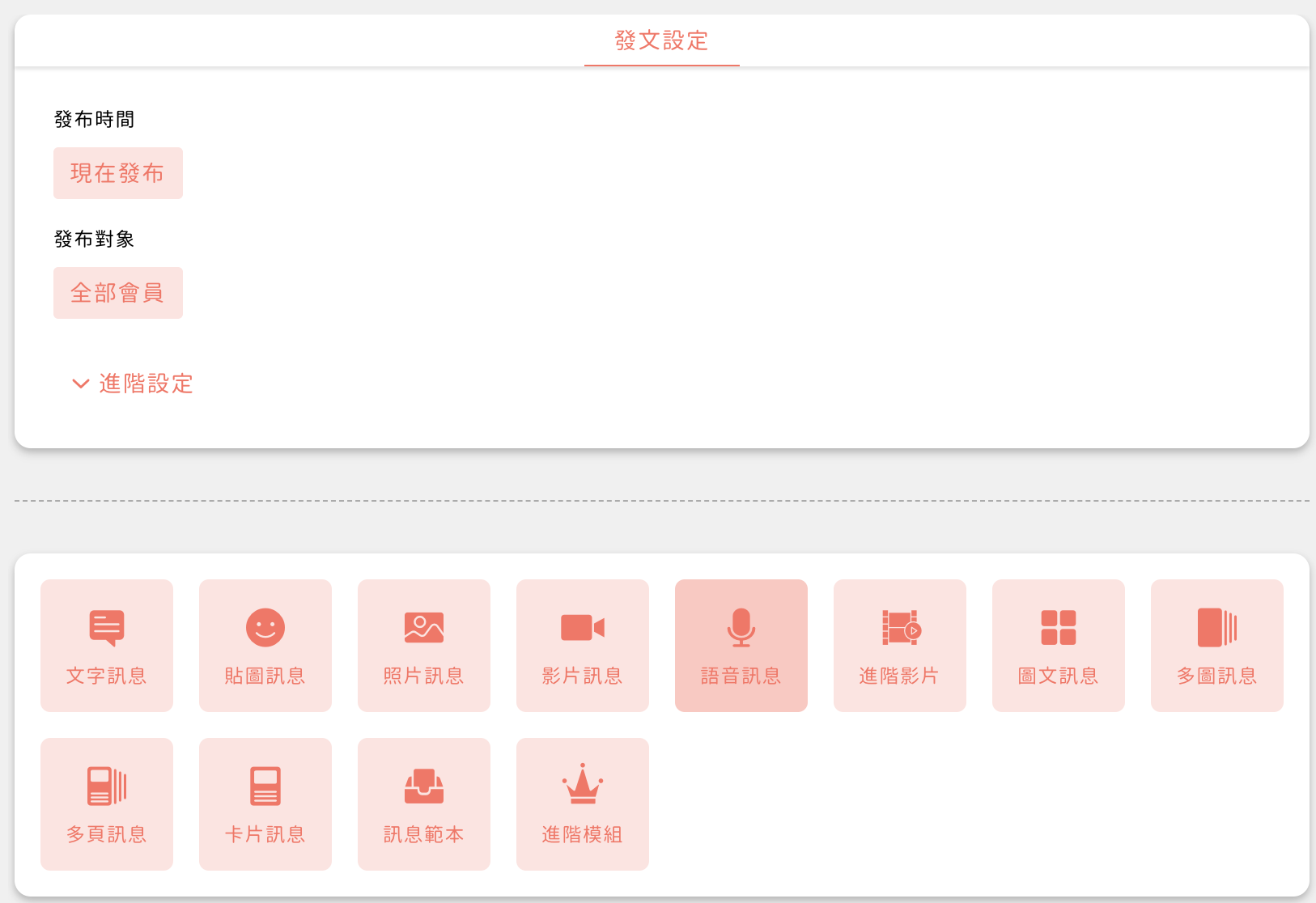
Beyond supporting every message format built into LINE OA, multi-image, multi-page and card messages come with tens of millions of color combinations, so you can design a message style that is unmistakably your brand's.
More advanced features are supported too. Rich messages can use full-bleed images split into whatever layout you want, and with add-on modules you can go even further with advanced rich messages, drawing tap areas exactly where you want them.
Tagging
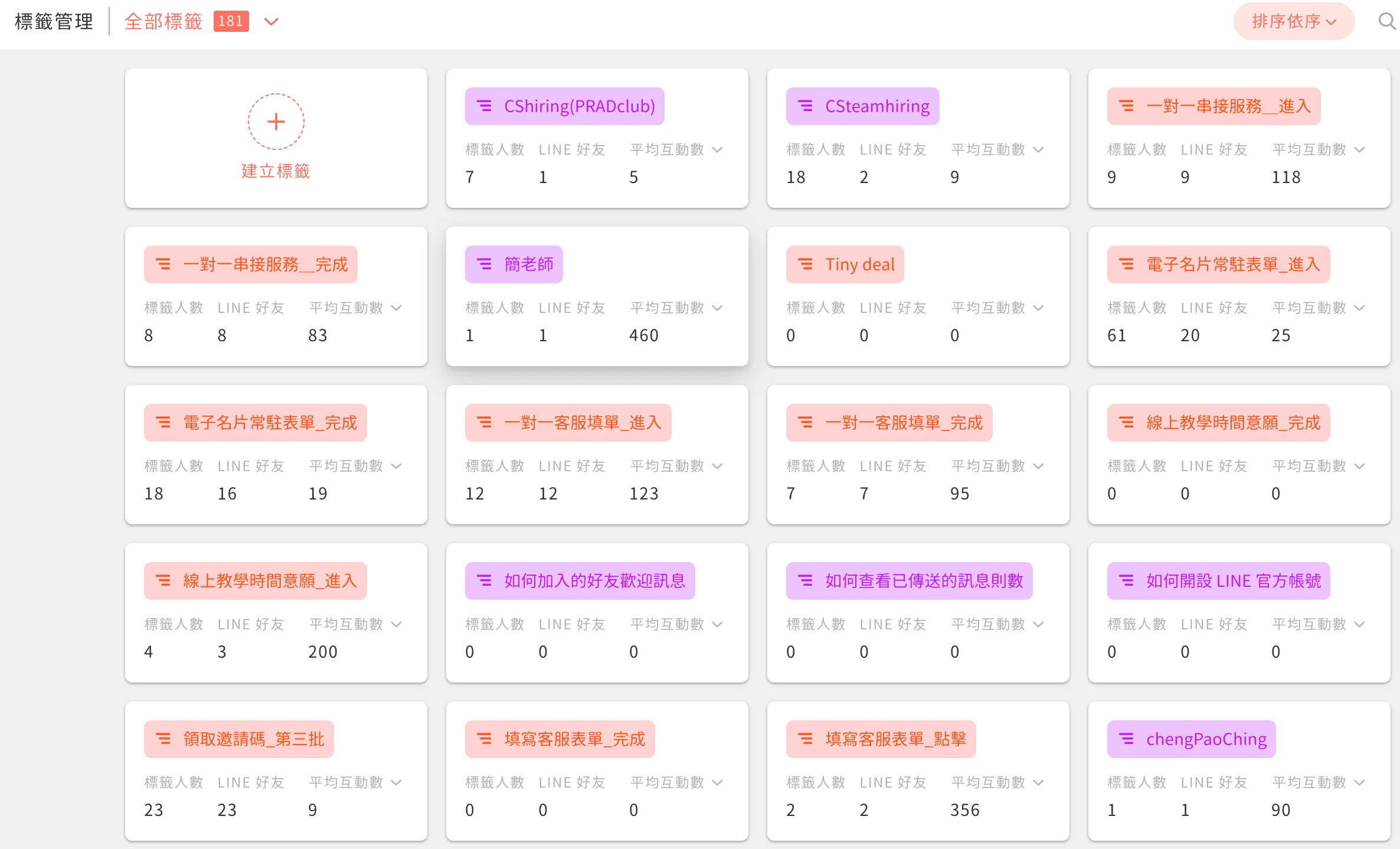
A complete tagging system lets you tag users on every tap and every action they take. Tags represent each person's interests and behavior in your account. With tags, you can clearly analyze individual preferences and send posts to precisely targeted audiences, lowering your budget while raising conversion rates.
One-on-one chat
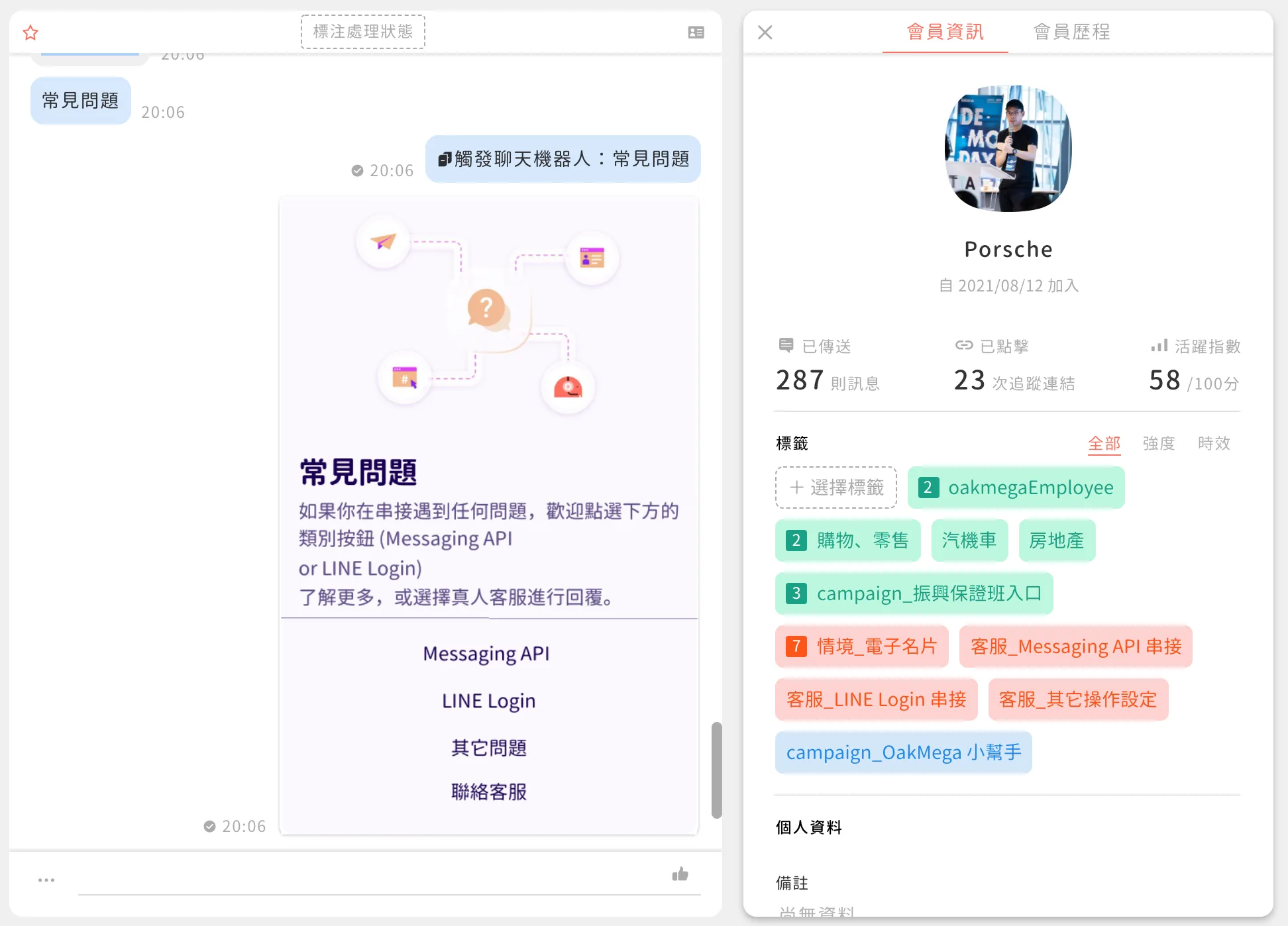
One-on-one chat lets you talk with friends and handle customer service messages directly, without switching between the chatbot and live agents. Agents can also review each friend's history to understand their situation and resolve issues quickly.
Chatbot
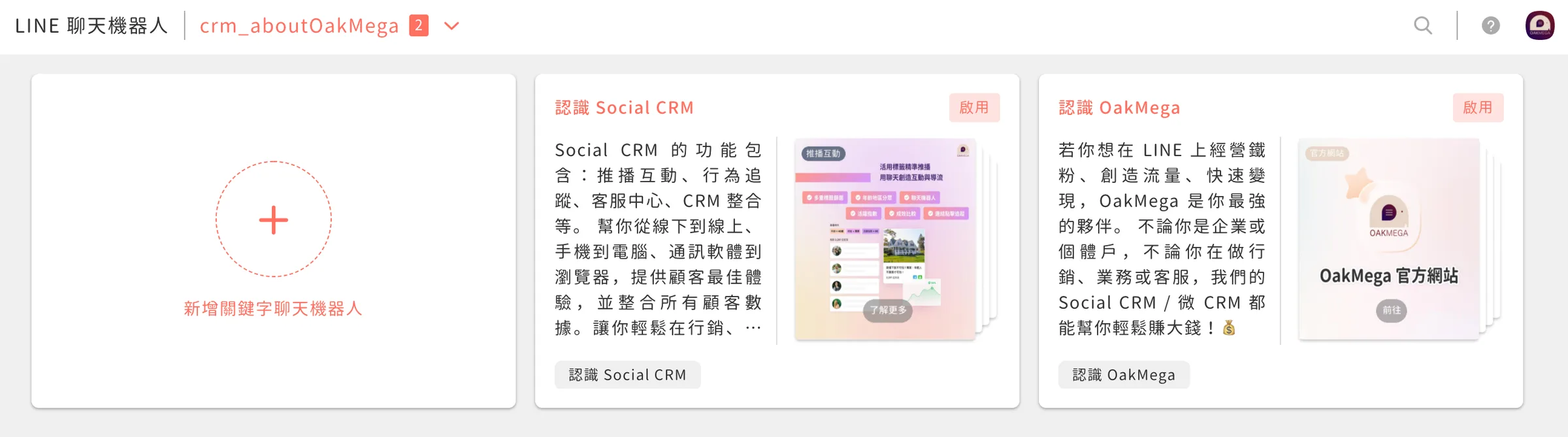
A chatbot does more than deliver instant replies. You can use it to build out an entire conversation flow, which cuts customer service volume and keeps users in your LINE Official Account longer.
Gamified conversation flows and instant keyword replies make users like your LINE Official Account more and lower your block rate.
Data
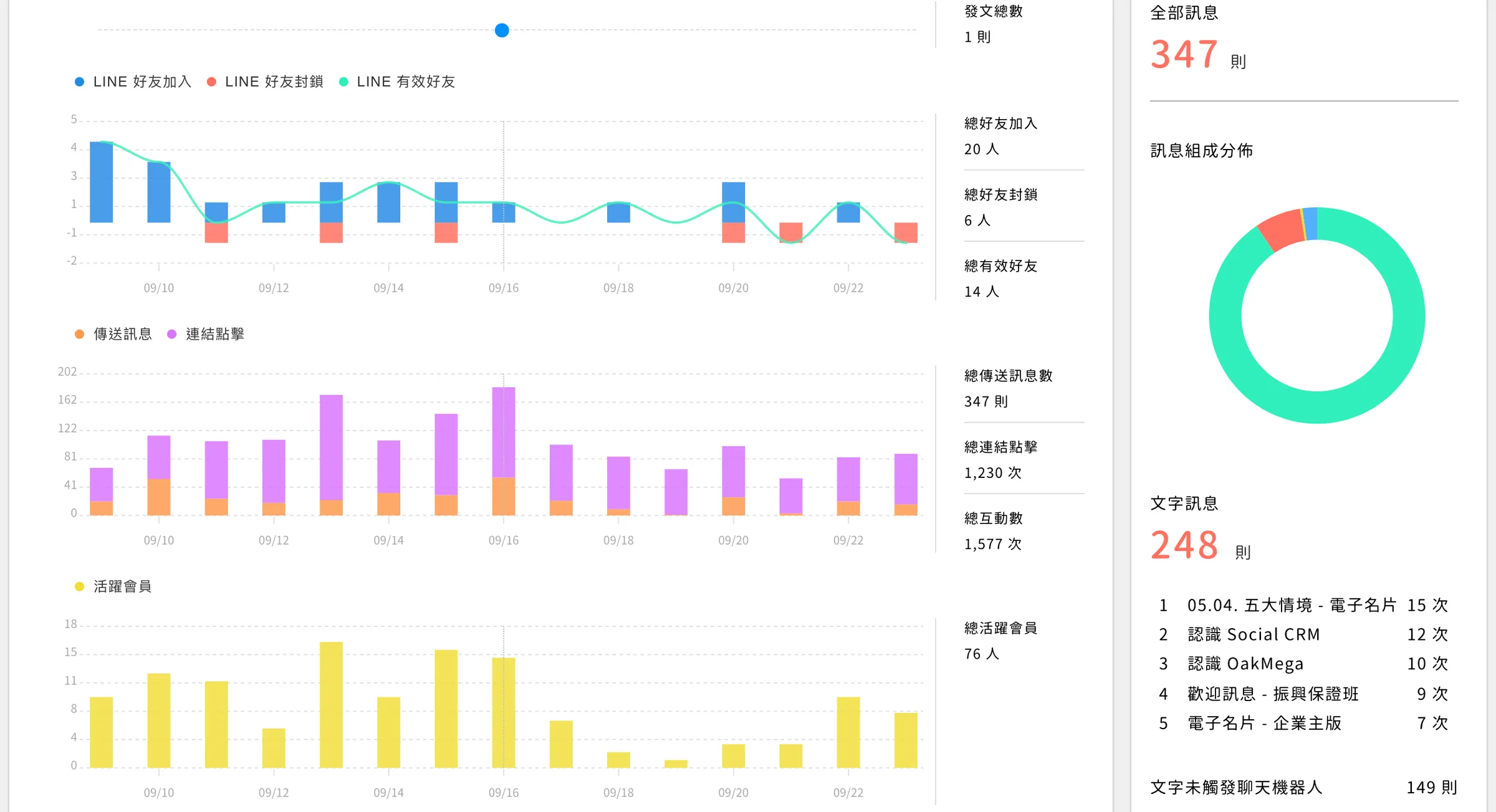
The LINE OA dashboard offers basic data. OakMega Social CRM gives you a fuller picture of account engagement, including tagging rate, engagement rate, chatbot triggers and shares. Because the data is visualized in charts, you can see your account's growth and engagement at a glance and get a quick read on overall performance. You can also spot the topics your friends care about most and keep those conversations going.
Automated journeys
When friends add your account, the first thing they see is always the welcome message. But how do you keep the conversation going after that? Normally, marketers have to keep tracking when each friend joined, or guess the best moment to message them again.
Automated journeys start the moment a friend joins, giving every new friend the best possible experience. Just as every service touchpoint is carefully designed, your LINE friends can enjoy a great user experience too. For example, send a service survey the day after a friend completes a purchase, then reward them with a coupon once they fill it out. Or automatically check in with friends midway through using a product, so everyone feels continuously cared for.
For the full story on automated journeys, see the OakMega website:
OakMega Social CRM Member JourneysOakMega Member Journeys are the ultimate tool for LINE marketing automation. Deeply integrated with LINE, they make the most of LINE's exclusive formats and interactive strengths. You can branch on conditions using member tags and profile data, run A/B tests and more, giving you maximum freedom with the simplest setup for flawless automated marketing!https://oakmega.com/journey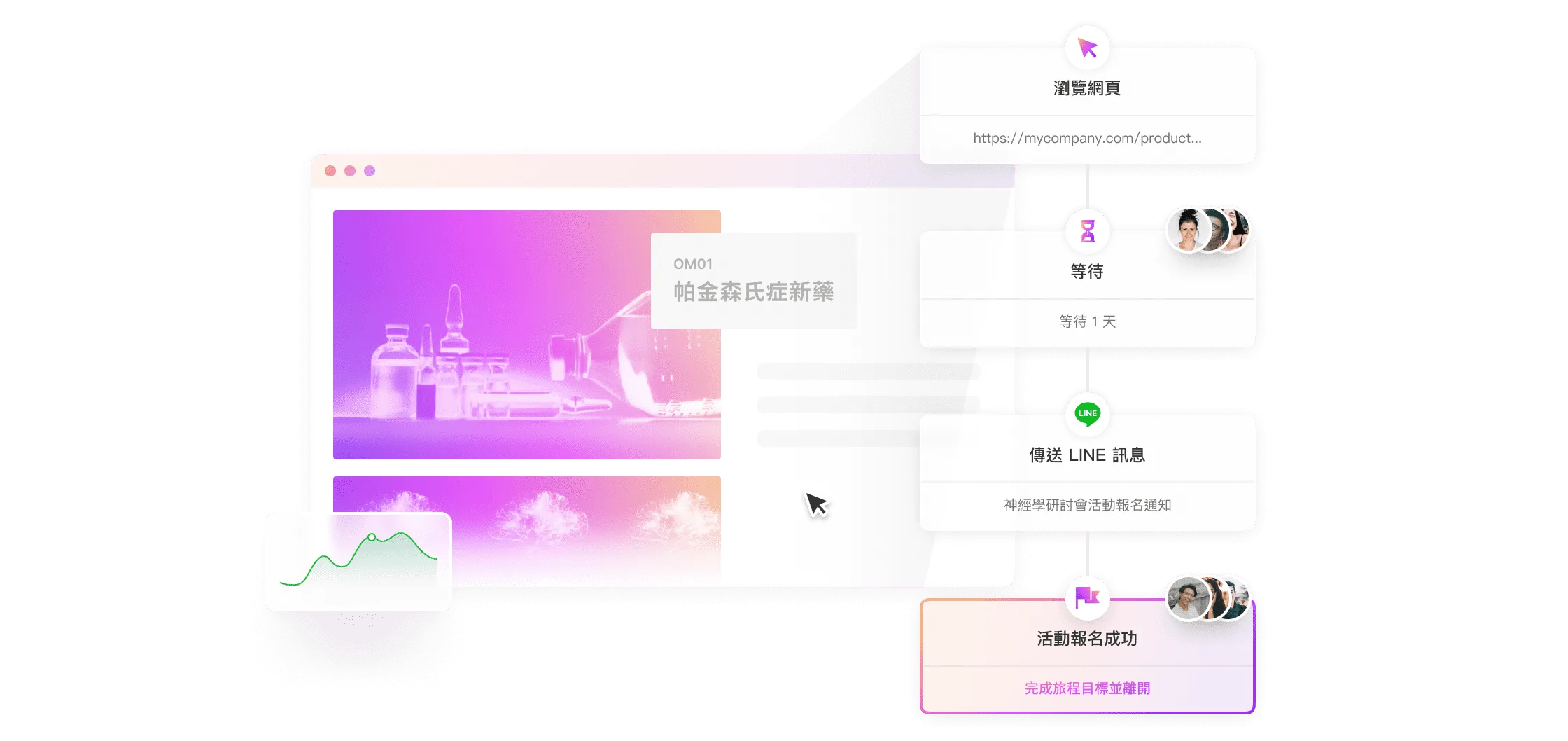
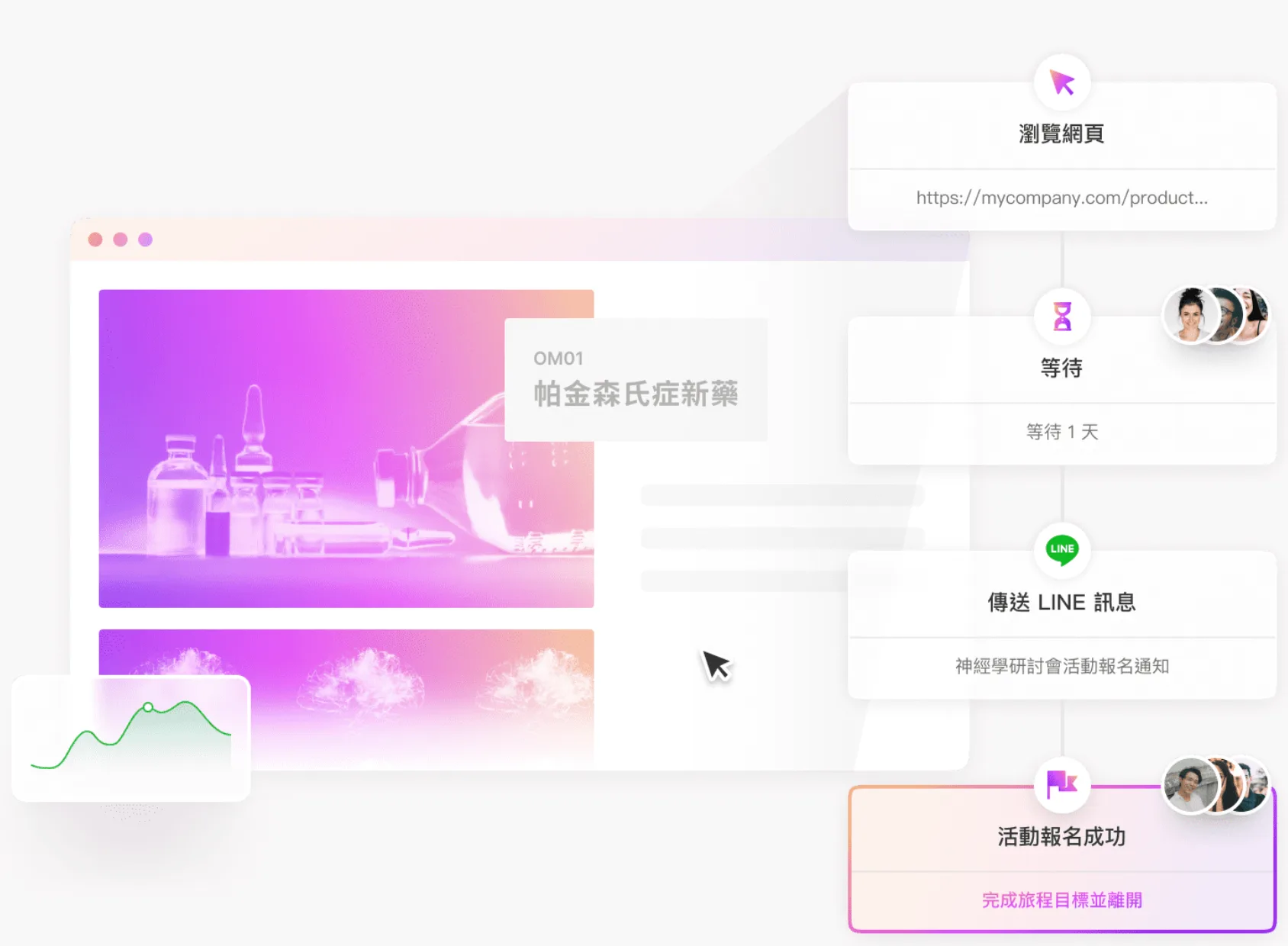 Automated journeys run every step after a friend joins on autopilot.
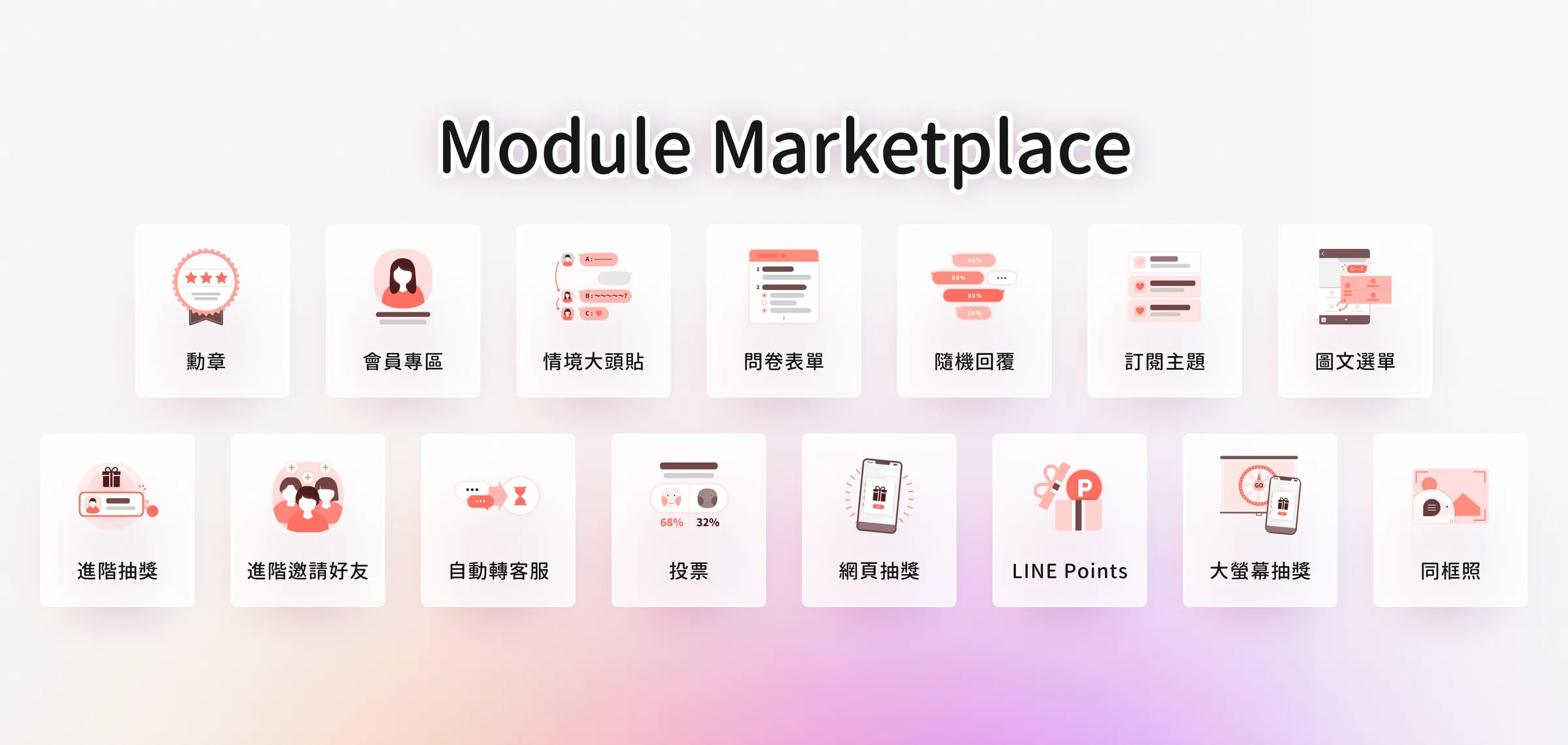
Module Store
A wide range of modules is available, including lucky draws, surveys, friend referrals and coupon code distribution, covering every kind of campaign a marketer needs. No engineering work required: buy a module and start using it right away.
Want to learn more about OakMega Social CRM? Contact us and we'll guide you through setting up your brand's LINE Official Account from the ground up, with full tutorials and consulting.