How Are LINE 2.0 Message Plans Priced? (2022 Update) Maximize Broadcast Efficiency with One-to-One Engagement
Since LINE upgraded its official accounts from LINE@ to LINE 2.0 in 2019, account tiers and messaging fees have changed significantly. The goal: lower the barrier for brands on LINE by making more features free, giving brands more flexibility and encouraging them to grow their LINE presence.
 Howard HuangMarketing Specialist

Since LINE upgraded its official accounts from LINE@ to LINE 2.0 in 2019, it has overhauled both account tiers and messaging fees. The main goal is to lower the barrier for brands on LINE: by opening up more features for free, brands get more flexibility in how they run their accounts, which encourages them to invest in LINE and grow its ecosystem.
That flexibility in account types and usage plans also means brands need a clear picture of where they stand today so they can pick the plan that fits best.
How Are LINE 2.0 Message Plans Priced?
 Source: LINE message plan pricing
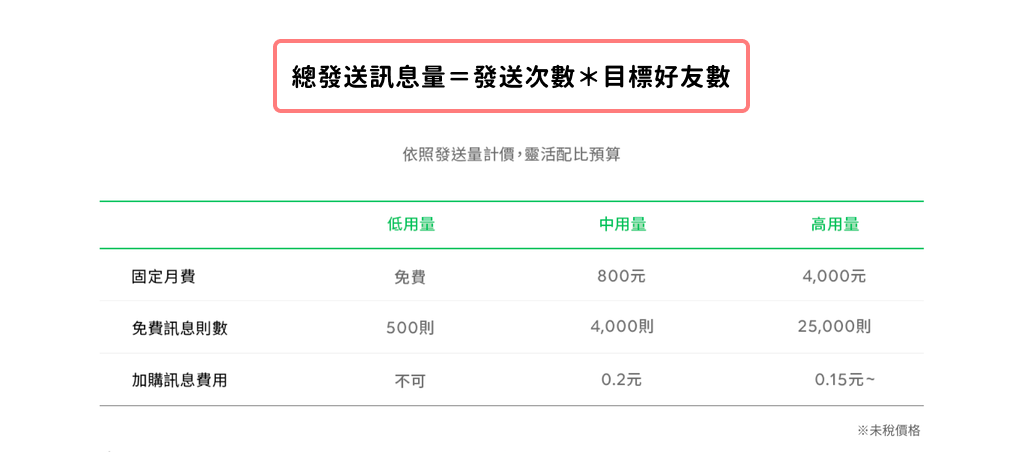
LINE 2.0 offers brands three usage plans—light, medium, and heavy—each priced differently, so brands can choose based on their own strategy. To estimate your message volume, use this formula:
Total messages sent = number of sends × number of target friends
- Light: NT$0 monthly fee (up to 500 free messages); additional messages cannot be purchased
- Medium: NT$800 monthly fee (up to 4,000 free messages) + NT$0.2 per additional message
- Heavy: NT$4,000 monthly fee (up to 25,000 free messages) + from NT$0.15 per additional message
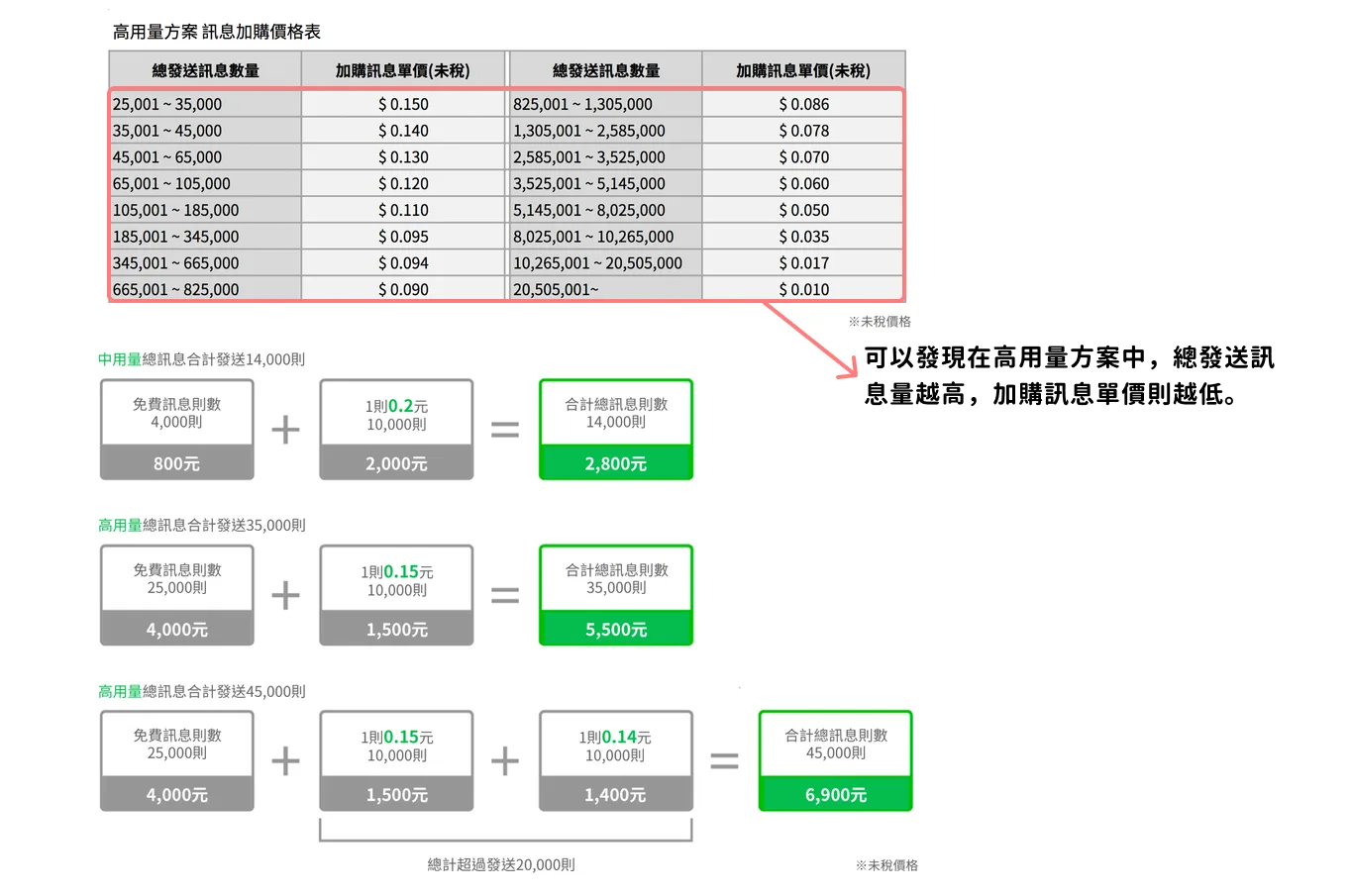
Note that while the light plan has no monthly fee and includes 500 free messages a month, you can't buy more once you hit the cap. The medium and heavy plans differ not only in monthly fee and free quota but also in the price of additional messages—and on the heavy plan, the per-message rate drops as your total volume grows (from NT$0.15). Before choosing a plan, get clear on how many messages you actually send.
Notes:
- Fees are based on messages actually delivered; friends who have blocked you are not counted.
- Each message send can include up to 3 speech bubbles, or up to 5 when sent via the Push API.
 Source: LINE message plan pricing
My Account Isn't Verified or Premium—Am I Limited to the Light Plan?
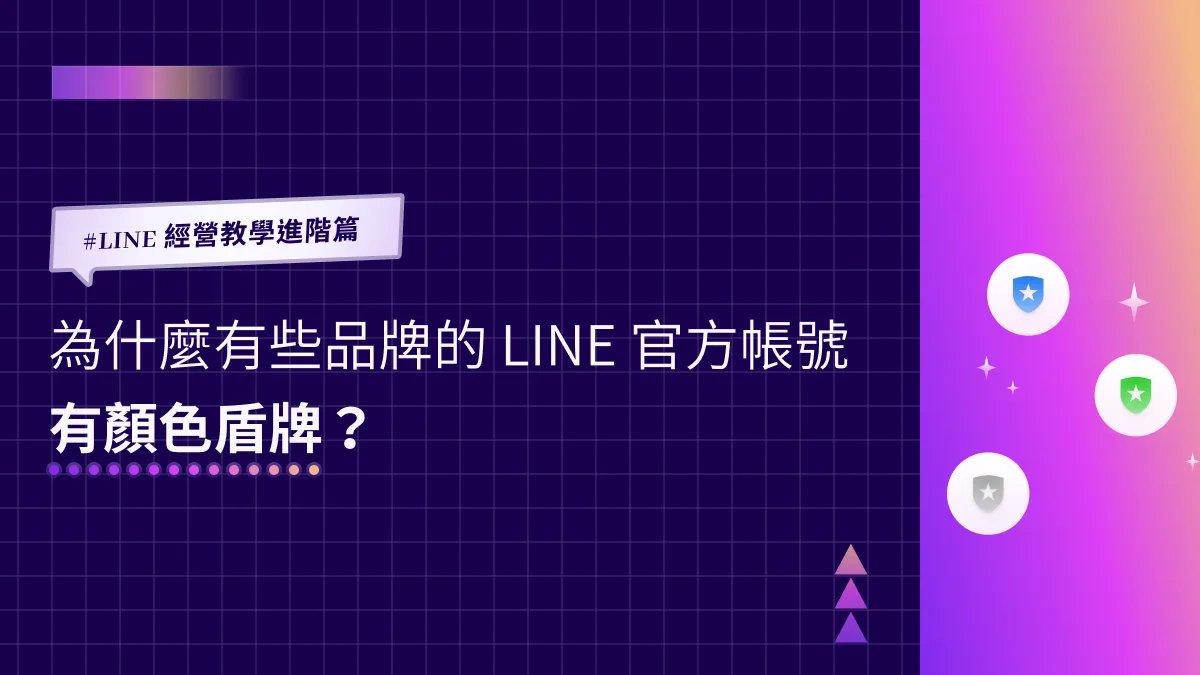
As we covered last time, LINE Official Accounts come in three tiers, from highest to lowest:
- Premium account (green badge)
- Verified account (blue badge)
- Unverified account (gray badge)
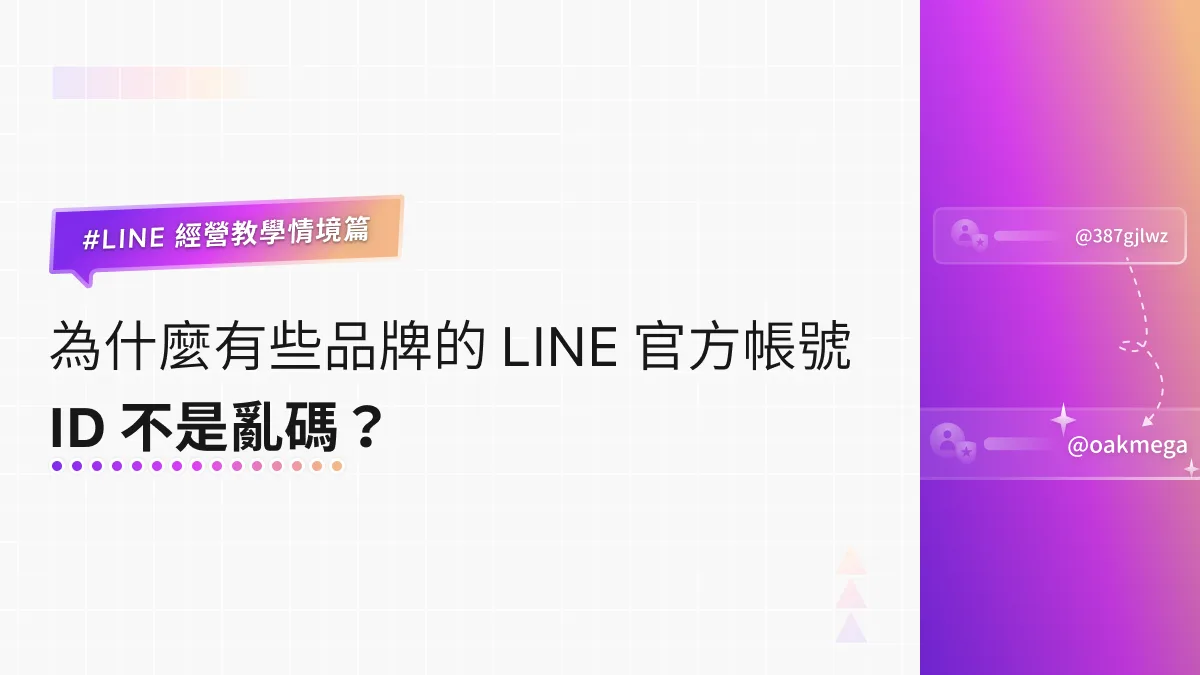
Gray-badge unverified accounts can also choose the medium or even heavy plan. Brands can pick whichever pricing model suits them, regardless of verification status. The only difference is that users can't find an unverified account by searching its name—they have to search by LINE ID.
What Is a Verified LINE Official Account?During the pandemic, the government-led SMS contact-tracing system used the Taiwan CDC LINE Official Account to let people scan a QR code and jump straight to an SMS. The account gained a flood of friends in a single day—but fake accounts soon appeared, and people started asking: what is a verified LINE Official Account?https://oakmega.com/blog/line-verifiede-account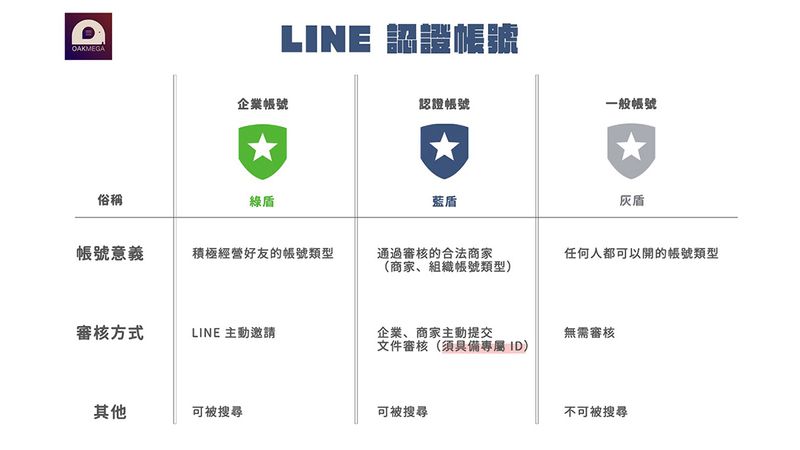
Make the Most of Your Broadcasts with the Messaging API
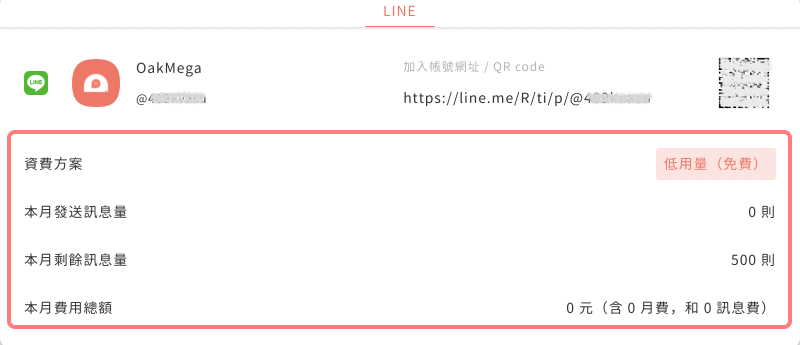 Message fees are charged directly by LINE. OakMega only helps calculate usage and does not charge any message fees.
LINE 2.0 also lets brands complete API integrations on their own, through official LINE extensions on LINE Marketplace, or with third-party providers. That enables tagging and segmentation and finer-grained chatbot setups across the LINE journey. Brands can push fewer outbound messages and let friends trigger messages themselves—spending more efficiently—while spreading their reach in more diverse, flexible ways.
Build a Brand-Specific LINE Official Account with the Messaging APIMore and more brands are setting up official accounts on social platforms, all hoping to use social interaction to connect more directly with their friends. With the Messaging API from LINE Developers, brands can on LINE…https://oakmega.com/blog/what-is-line-messaging-api
With OakMega Social CRM, you select the usage plan that matches your official account. LINE's dashboard updates its data daily at 1 a.m. (2 a.m. Japan time), and OakMega calculates your sent message volume and displays it in the interface. Paired with OakMega SCRM, you can run more precisely segmented broadcasts than the LINE 2.0 dashboard allows—and get the most out of every message.
Connect Your LINE Official Account to a Third-Party API Platform and Grow Your Prospect Pool with the LINE APIThe LINE Official Account dashboard is where many brands take their first step on LINE. But with complex, varied business needs—and the push to secure first-party data ahead of the cookieless era—some brands adopt a third-party API platform via the LINE API, combining the strengths of Messenger, WhatsApp, and other social platforms and connecting their existing customer databases. So what should you weigh when choosing between the LINE Official Account dashboard and a third-party API platform, and what are the advantages of the latter? We use OakMega Social CRM, developed by OakMega, as an example.https://oakmega.com/blog/bring-more-customers-by-line-api-and-social-crm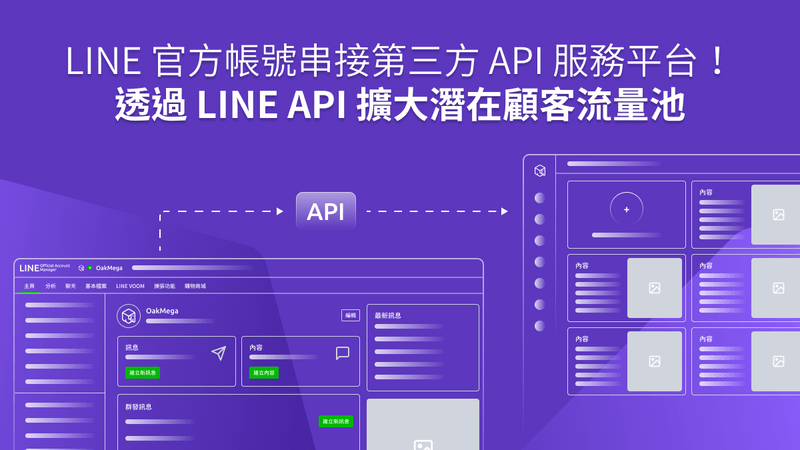
Get Closer to Your Friends' Daily Lives on LINE and Extend Engagement
With several major LINE updates, and brands increasingly focused on engaging friends directly and owning first-party data, choosing the right message plan is the first step in investing in LINE. OakMega helps brands build a complete Social CRM system on LINE and other messaging apps, using segmented engagement to build a first-party database and gain a full view of customer behavior.